Logo reveal & brand overlays
Make a logo animation, YouTube intro, stamp, sale badge or coming-soon teaser in your browser: 33 free brand generators, no After Effects. Drop your logo, type your name, pick brand colours and export a green screen video or PNG still for CapCut, Premiere Pro, DaVinci Resolve, Final Cut or OBS. Free downloads (10 a day) are 1080p with a small dropmotion.io mark under the animation; clean HD comes with a $3 day pass or Unlimited.
33 generators · free to preview and download, 10 a day with a small mark · clean files from a $3 day pass · MP4, transparent WebM, green screen or PNG · 16:9, 9:16, 1:1 and strip.
Open the Studio →Which logo animation should I use?
Logo reveals and intros
- Logo reveal — upload your logo or type a name, then pick a light burst, glitch, mask wipe or elastic drop reveal with an optional tagline.
- YouTube intro — colour bars, a circle wipe or a split screen, then your channel name slams in; a quick YouTube intro.
- Logo stinger transition — bold shapes sweep the frame, your logo pops in the middle and the shapes clear; a branded transition between scenes.
Stamps, sales and offers
- Stamp slam — a rubber stamp with APPROVED, SOLD OUT or your own word slams down and settles crooked; the stamp green screen.
- Sale ribbon — a ribbon unfurls across a corner or the full width with your sale text and a shimmer; shop promos.
- Discount badge spin — a round “-50%” badge spins in while its rim text keeps turning; special offers and limited deals.
- Corner “NEW” ribbon — a folded NEW, HOT or BETA ribbon wraps the corner; thumbnails and product cards.
Launches and openings
- Coming soon teaser — a dark teaser where “COMING SOON” tracks in with a date and your brand below; product and channel launches.
- “Launching in” badge — a compact badge with your day count and what is launching; tease a launch date.
- “Now open” sign — a wood, neon or modern sign swings in on chains with your shop name; openings and sales.
Signatures, watermarks and outros
- Signature sign-off — your name writes itself as a handwritten signature with a line under it; the end-of-video sign-off.
- Corner watermark — a small @handle or logo bug fades into the corner you choose at the opacity you set; export once, use on every video.
- Logo + slogan lockup — your logo settles, a rule draws and your slogan types beside it; the classic brand lockup.
How to make a logo animation online for free
- Pick a generator from the list below, such as the logo reveal, YouTube intro, stamp or coming soon teaser. It opens in the Studio right in your browser, with nothing to install.
- Upload your logo (a PNG with a transparent background looks best) or just type your brand name, add a tagline, and set your brand colours and a size: Landscape 16:9 for YouTube, Vertical 9:16 for Shorts, Reels and TikTok, or Square 1:1. Pick a transparent, green screen or coloured background.
- Press “Download video”. Free downloads, up to 10 a day with no account, are 1080p MP4s with a small dropmotion.io mark under the animation and a “Made with dropmotion.io” banner along the bottom; a $3 day pass or Unlimited gives clean HD files. Put it at the start or end of your edit in CapCut, Premiere Pro or DaVinci Resolve; a green background keys out with chroma key.
All 33 brand generators
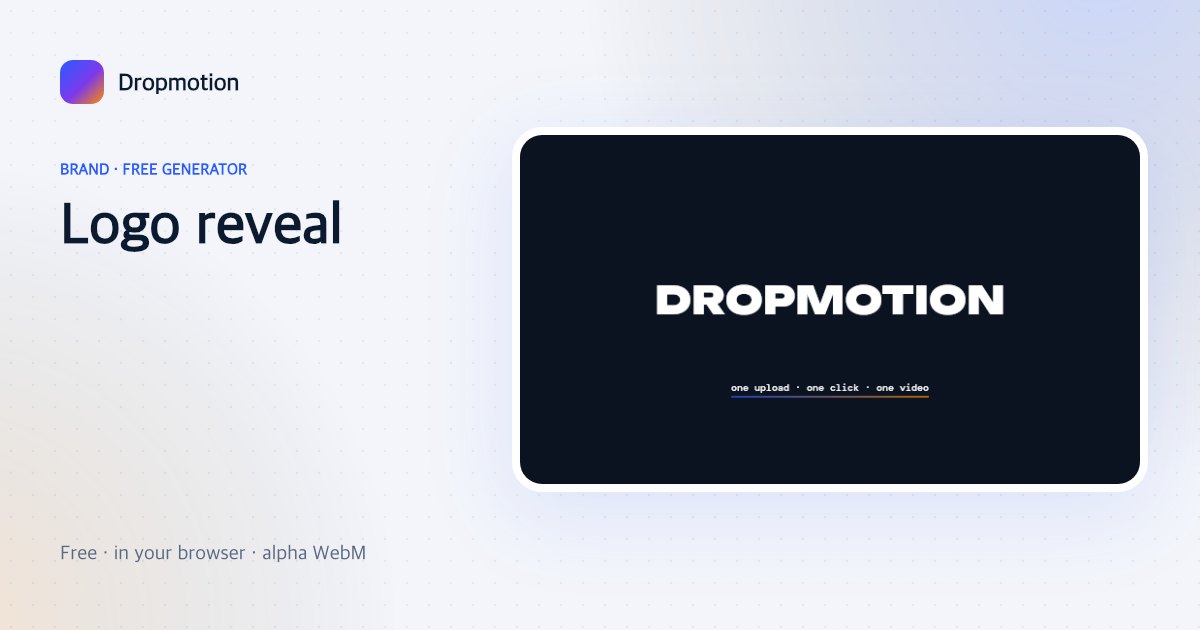
Logo reveal
Upload a logo (or type a name). Four reveal styles, tagline optional.
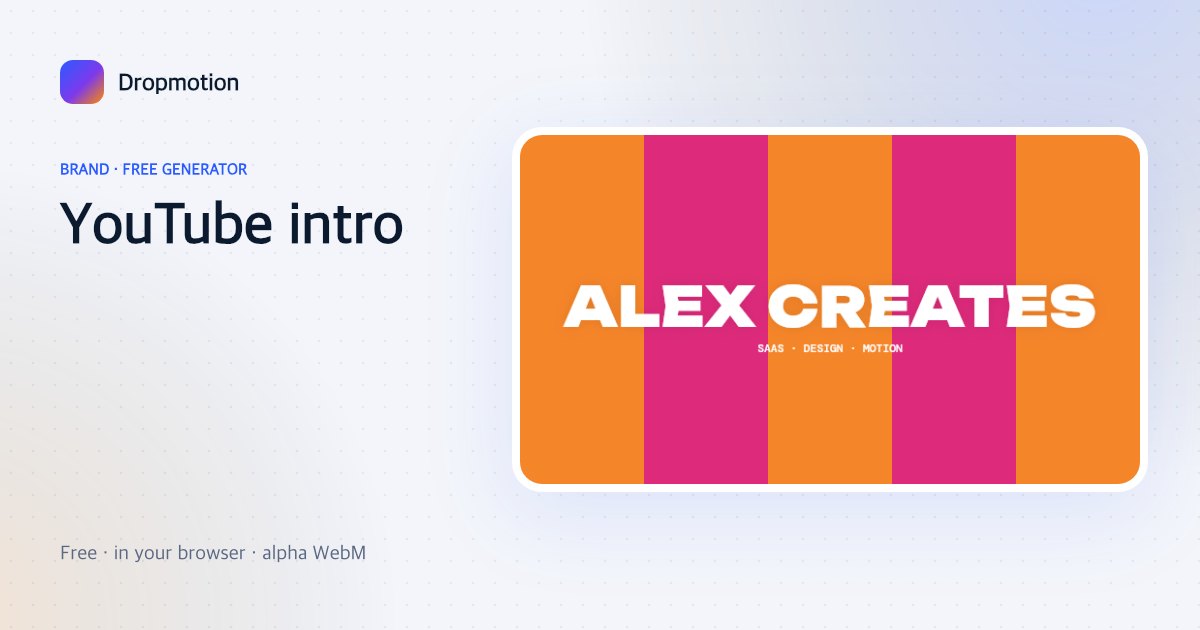
YouTube intro
Colour bars wipe, channel name slams in, logo sits in the corner — a 3-second intro.
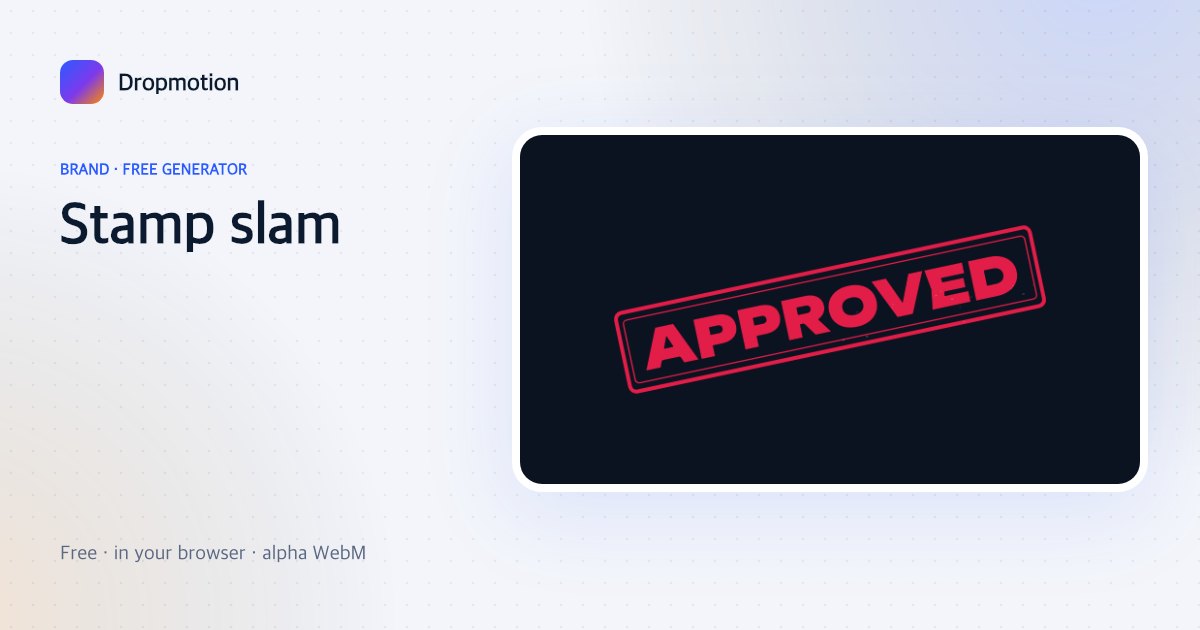
Stamp slam
“APPROVED”, “SOLD OUT”, “VERIFIED” — a rubber stamp slams down with a dust puff and settles crooked.
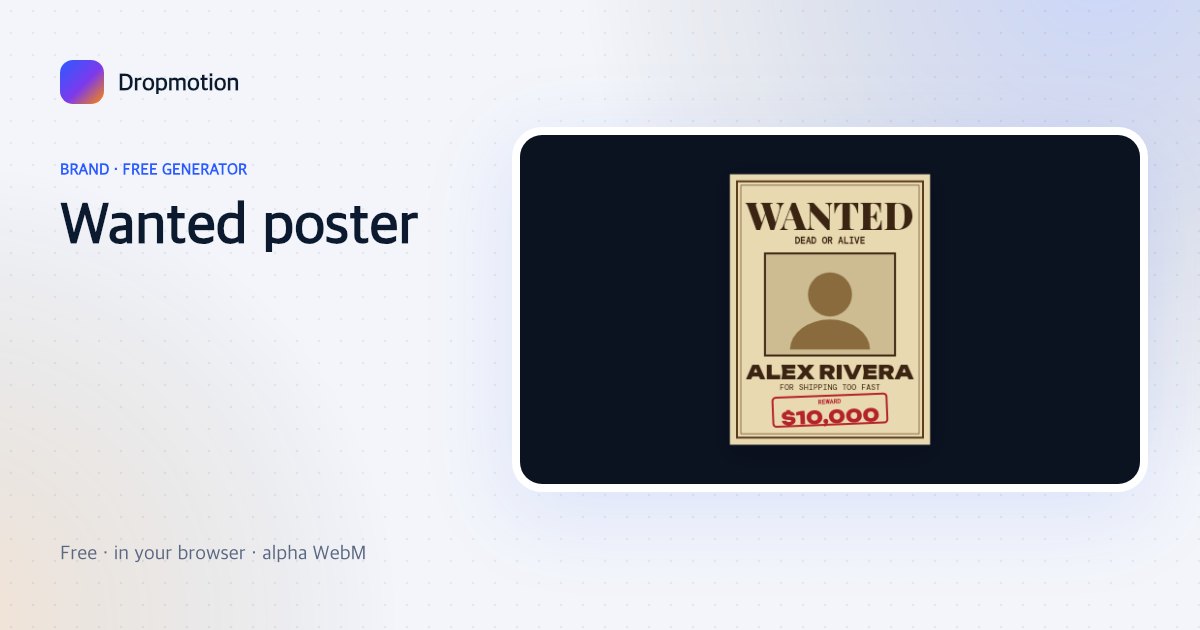
Wanted poster
Old-west poster unrolls with your photo, name and a reward line. Great for gaming and comedy channels.
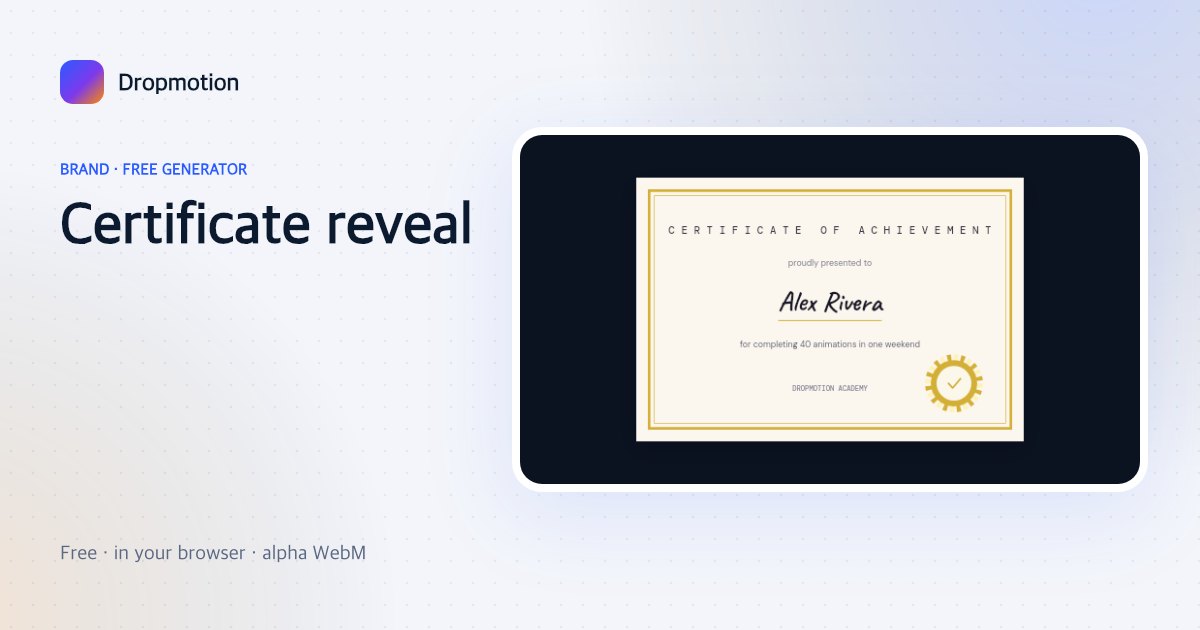
Certificate reveal
A framed certificate draws its border, writes the recipient name and seals with a gold rosette.
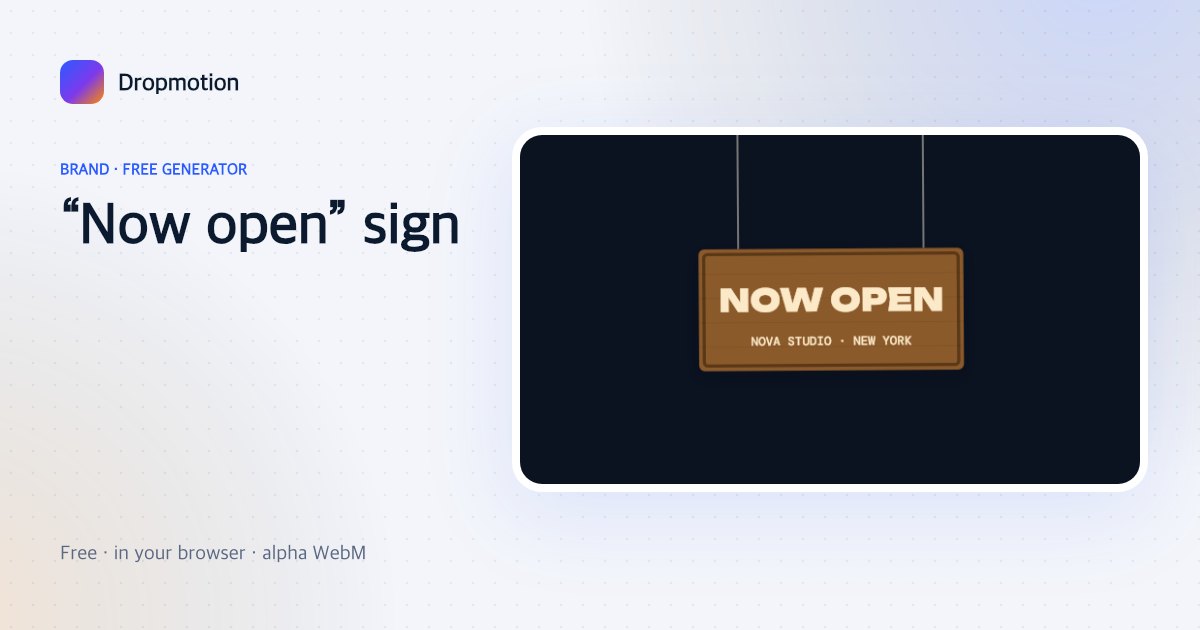
“Now open” sign
A hanging sign swings in on chains — NOW OPEN, SALE, COMING SOON — with your shop name.
Logo idle loop
A gentle float, pulse or orbit for your logo — a seamless loop for stream starting-soon screens.
Corner watermark
A small channel bug that fades in and sits in the corner with a subtle breathe — export once, use on every video.
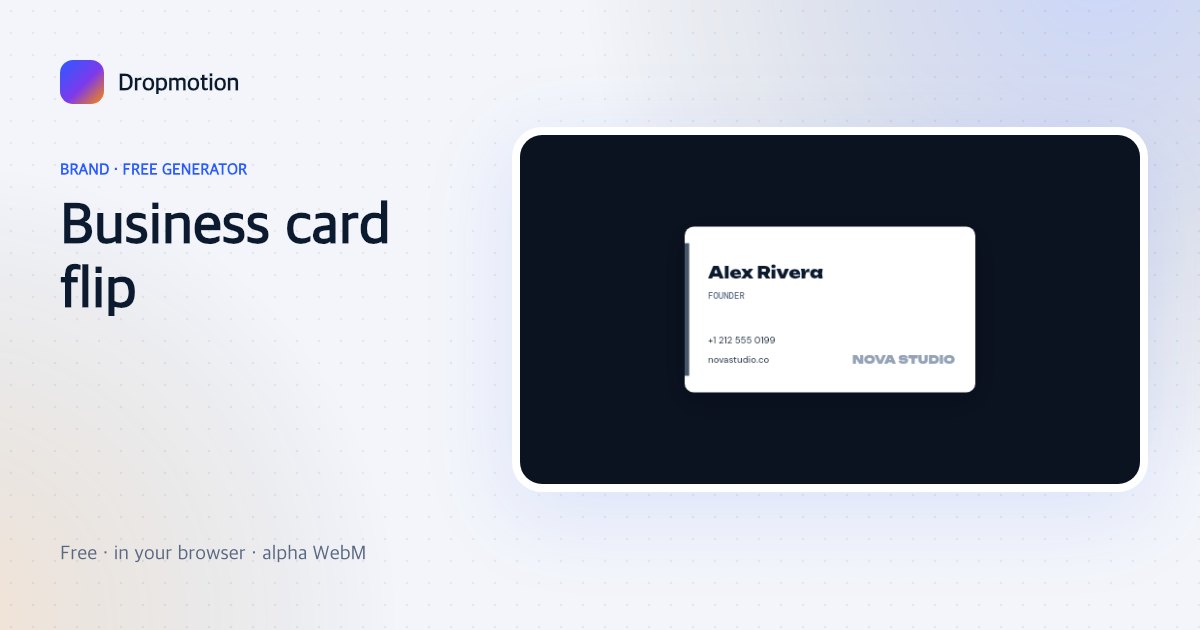
Business card flip
A card flips from logo side to details side — name, title, phone, site — and settles with a shadow.
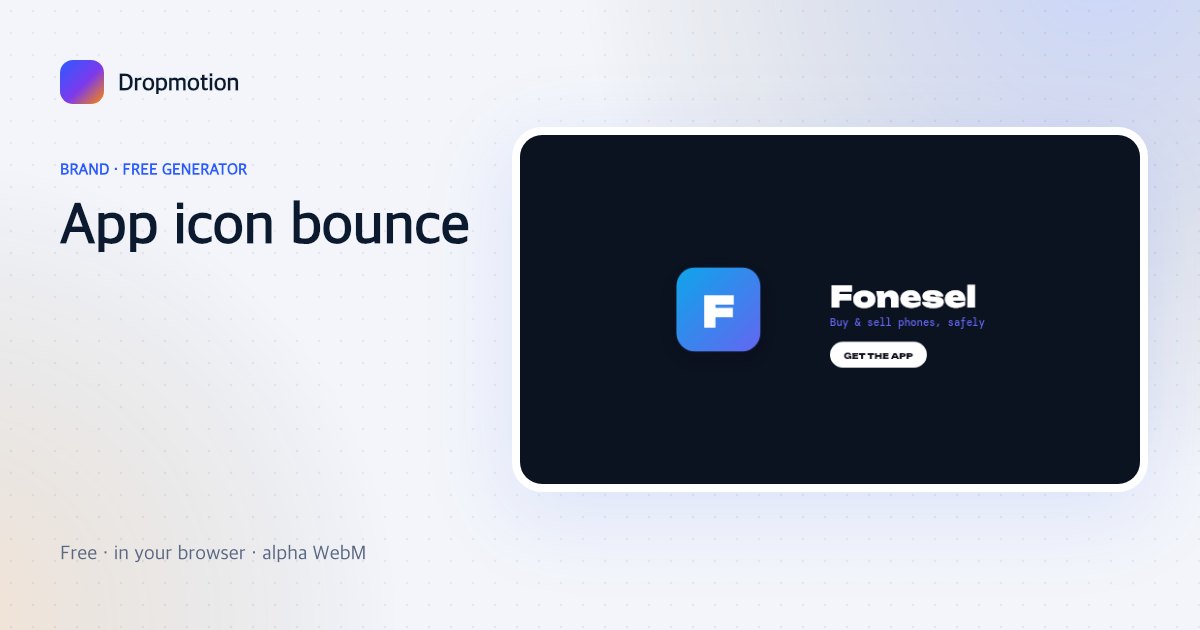
App icon bounce
An app icon bounces in, the name types next to it and a “Download” pill appears — app launch content.
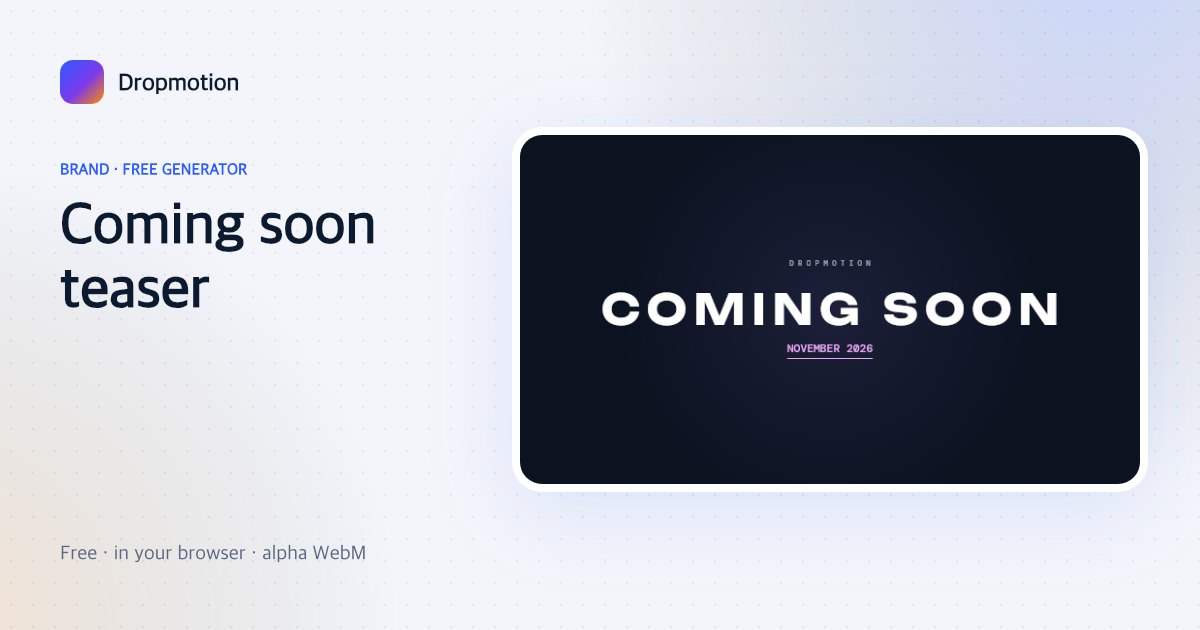
Coming soon teaser
A dark teaser: blurred glow, “COMING SOON” tracks in, a date stamps below. Product and launch posts.
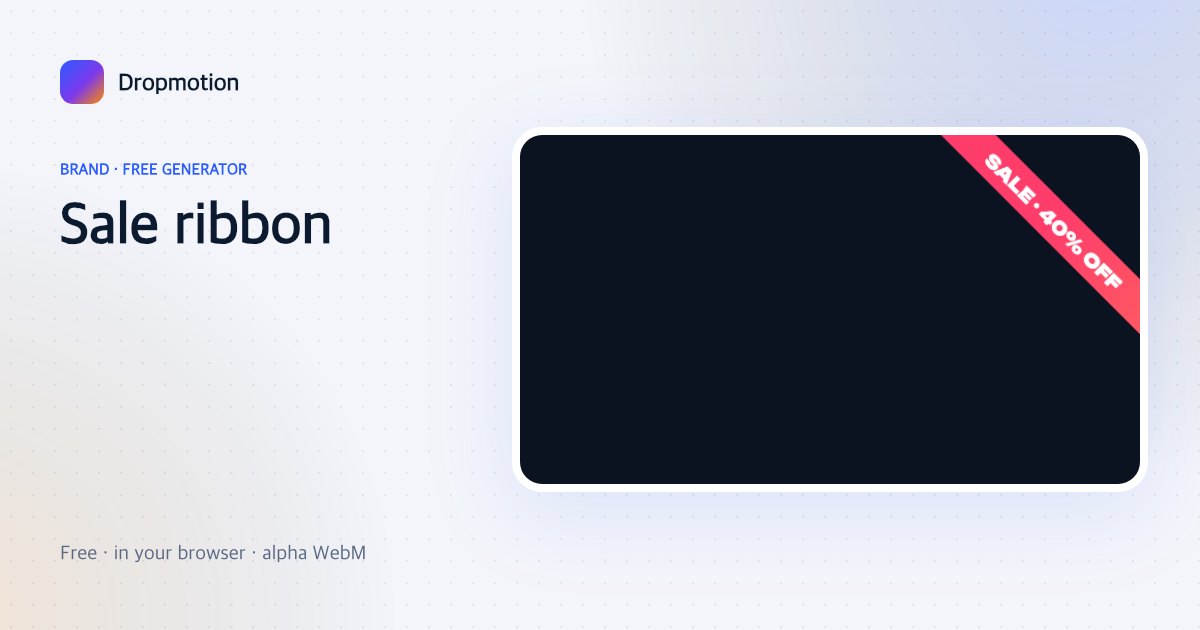
Sale ribbon
A diagonal ribbon unfurls across the corner with “SALE 40% OFF” and a shimmer — marketplace-ready.
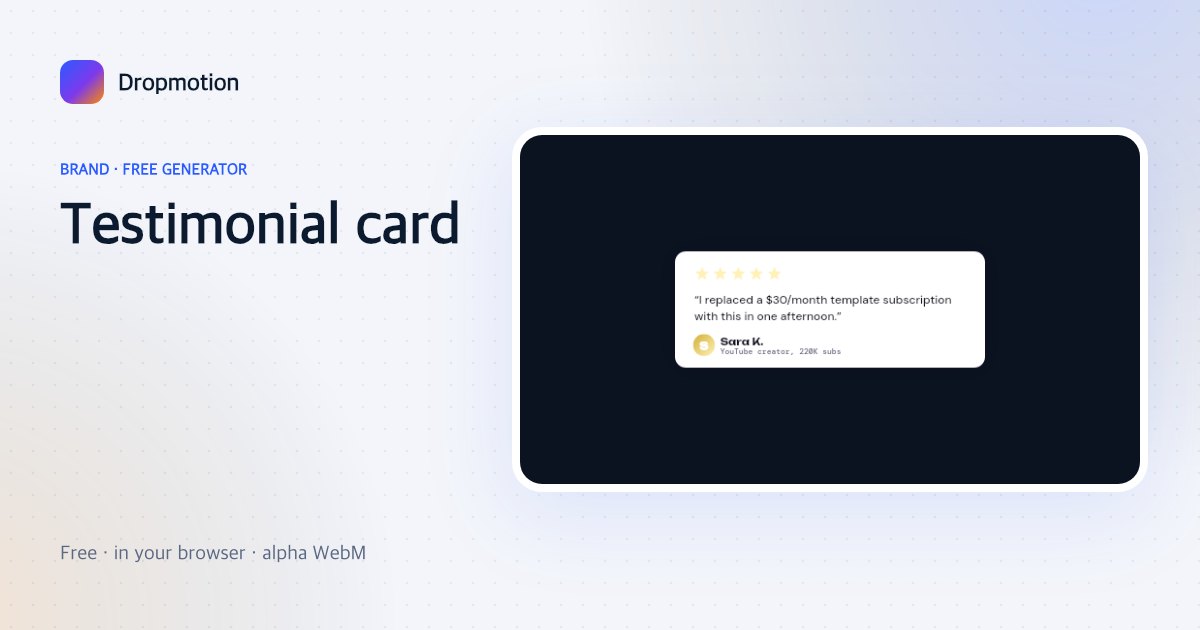
Testimonial card
Five stars fill one by one, the quote fades in, name and role at the bottom — social proof in motion.
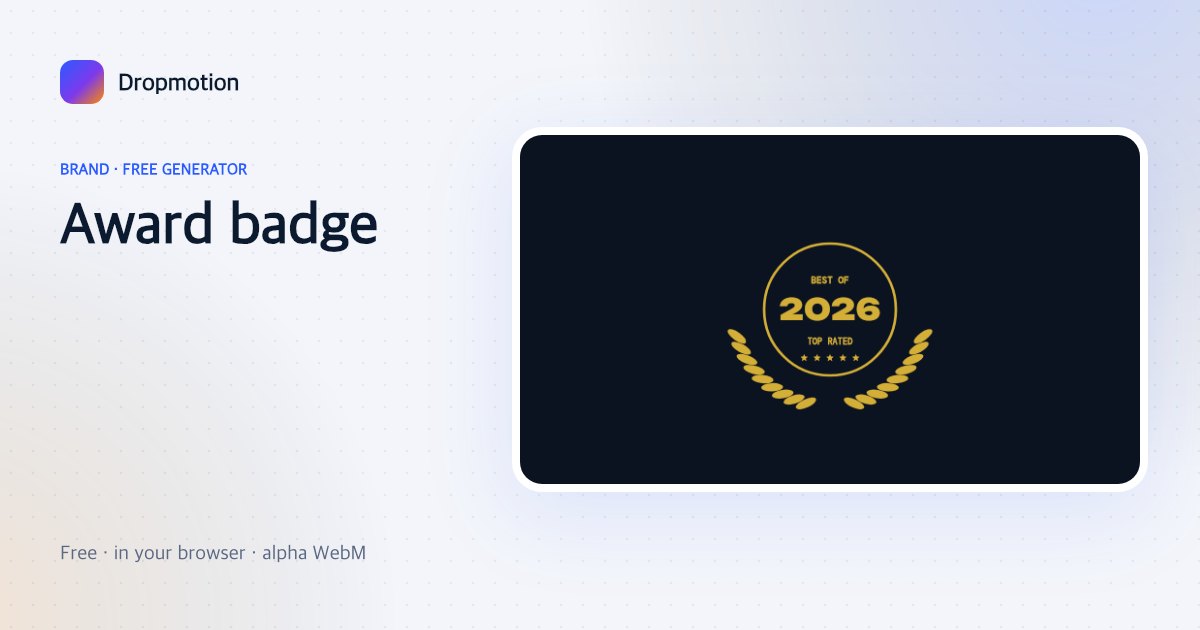
Award badge
A laurel-wreath badge spins in and stamps “#1 CHOICE”, “BEST OF 2026”, “TOP RATED”.
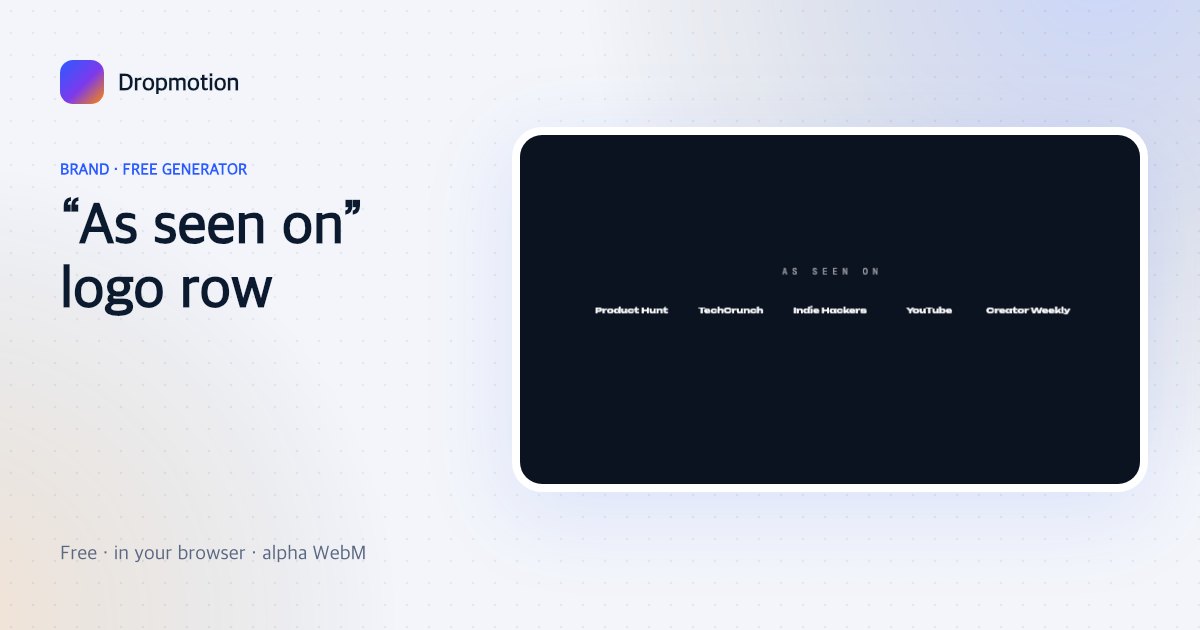
“As seen on” logo row
Up to six partner or press names fade in along a row with a title — trust bar for launch videos.
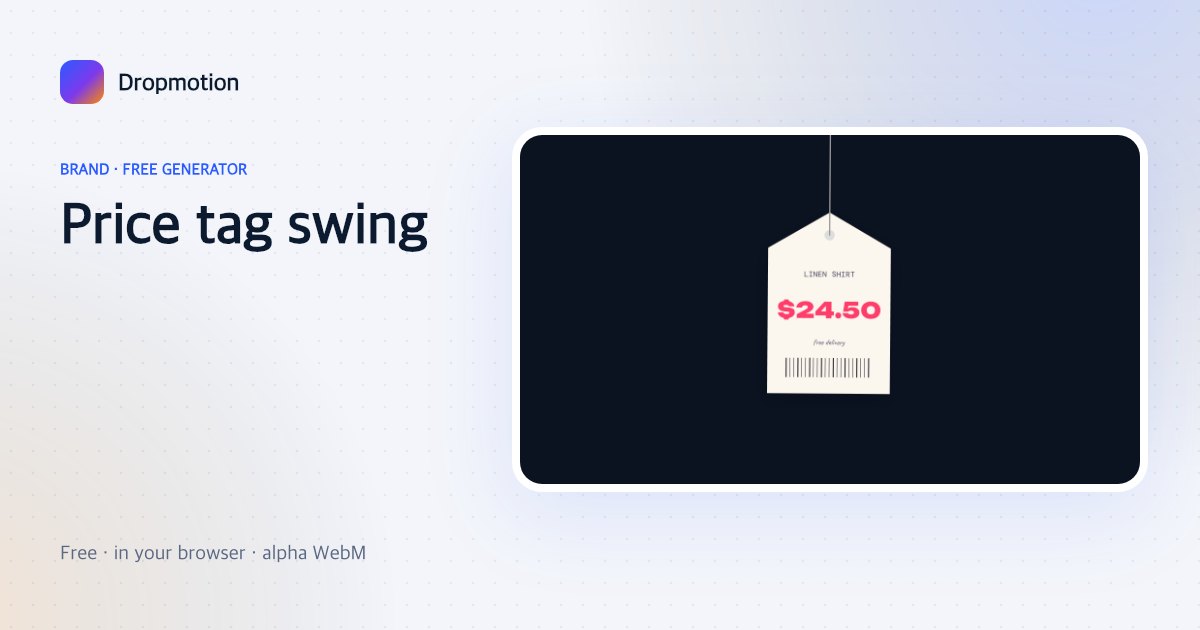
Price tag swing
A hang-tag swings in on a string with product name and price — listings and shop promos.
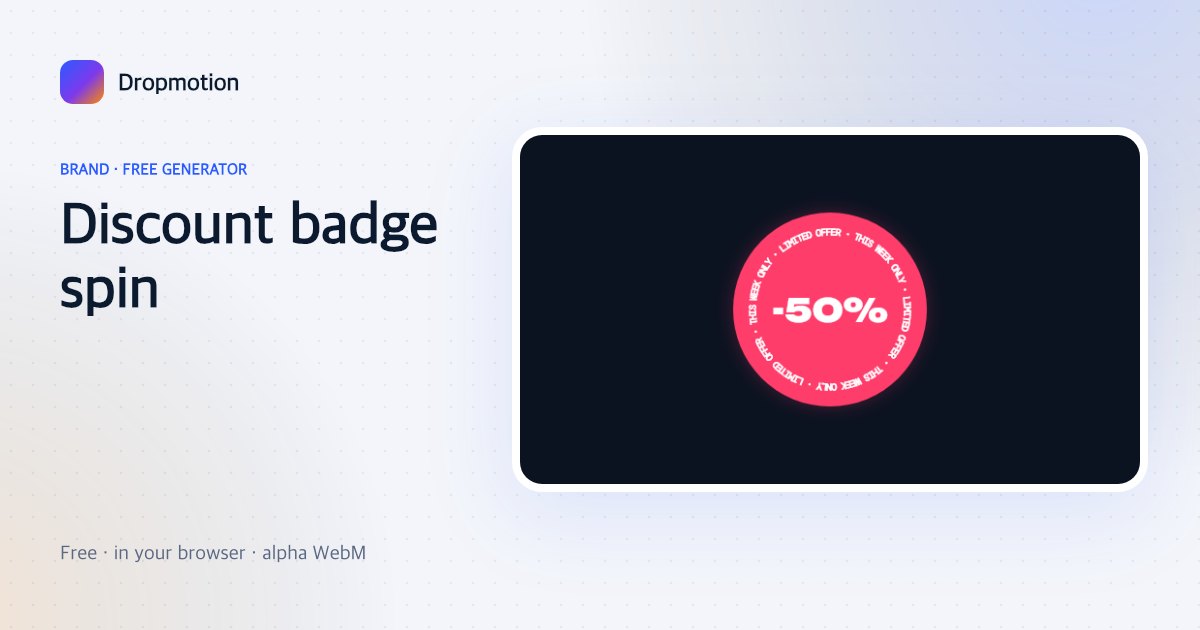
Discount badge spin
A circular “-50%” badge spins in and keeps a slow idle rotation on its rim text.
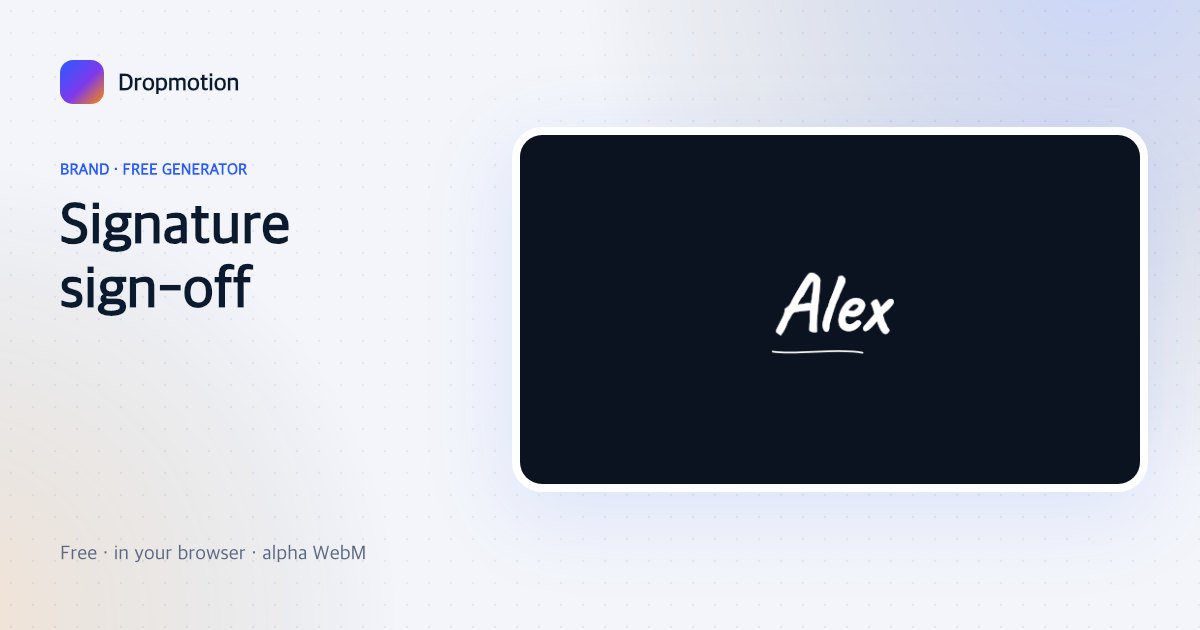
Signature sign-off
A handwritten signature draws on with a short line under — the end-of-video sign-off.
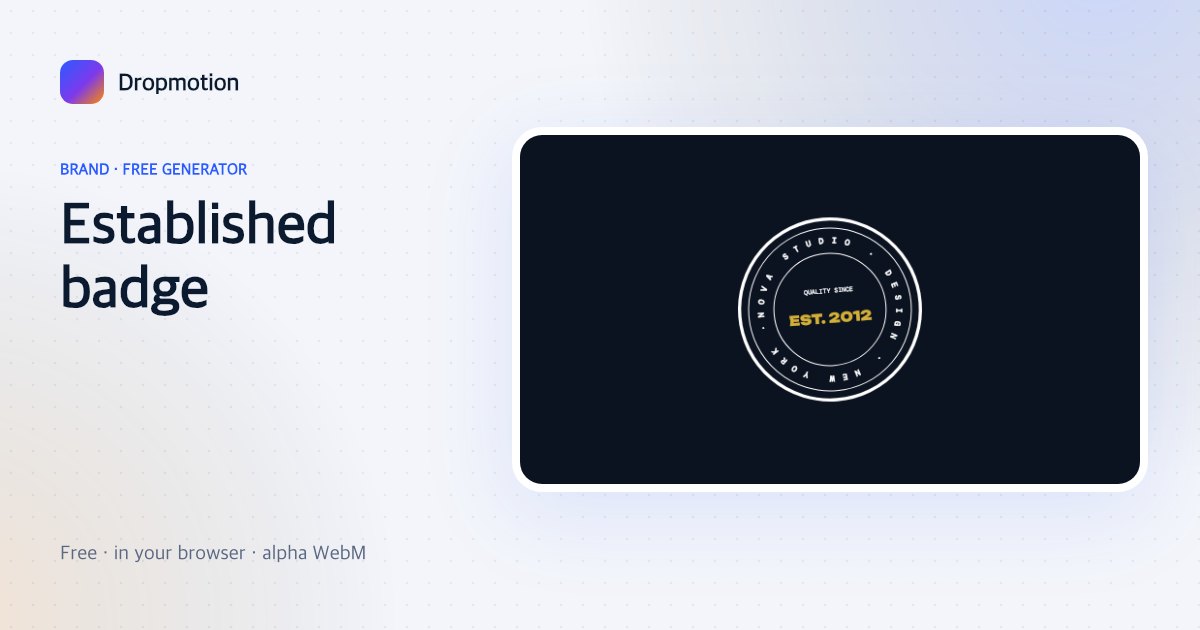
Established badge
A classic circular seal with the brand name around the rim and the founding year in the middle.
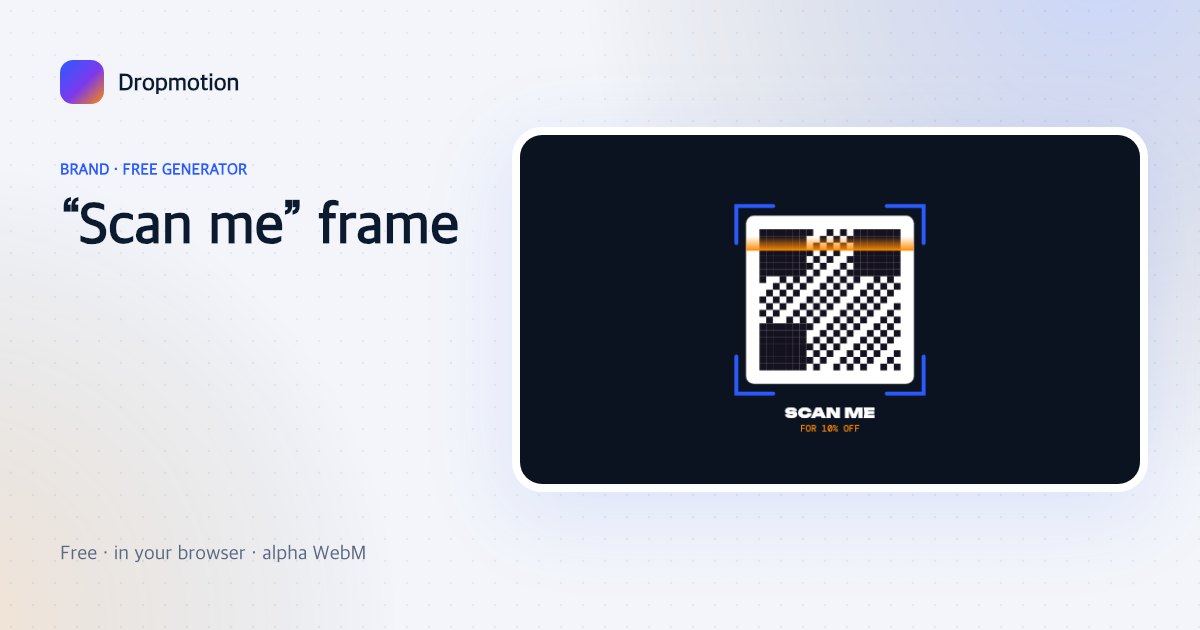
“Scan me” frame
A framed square with a scanning line and “SCAN ME” label — drop your real QR image in the middle.
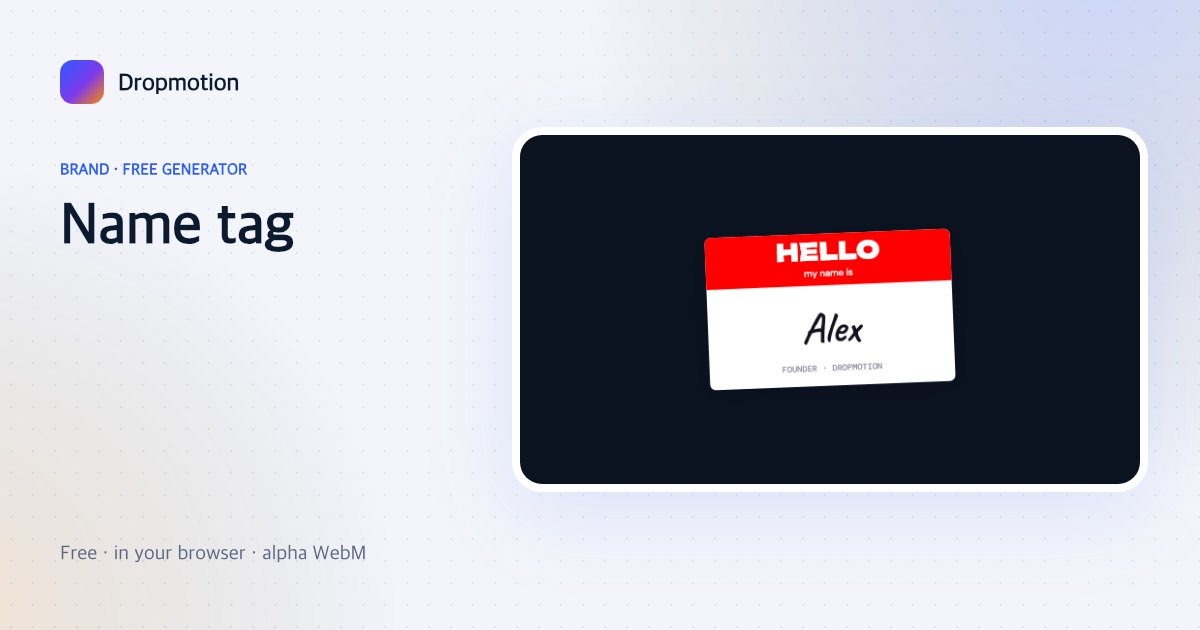
Name tag
A “HELLO my name is” sticker peels in with a name and a role — team intros and event videos.
Sponsor bar
A slim “This video is sponsored by …” bar with logo slot slides in from the side — sponsor disclosure.
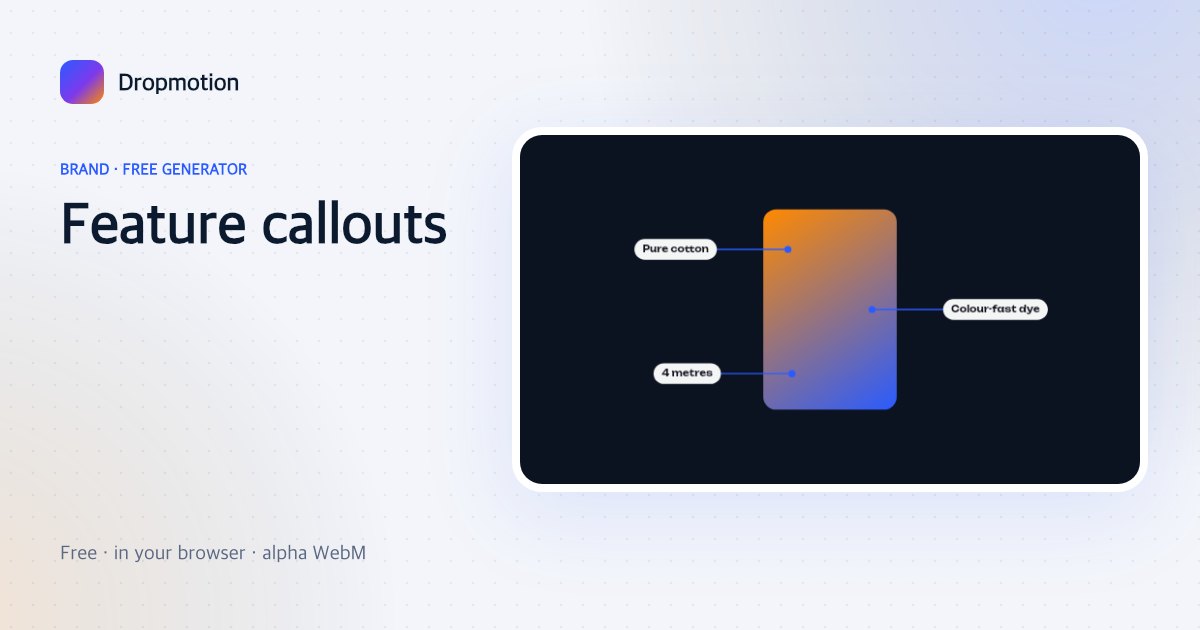
Feature callouts
Three callout pins pop around your product image with short labels — the “what’s in the box” shot.
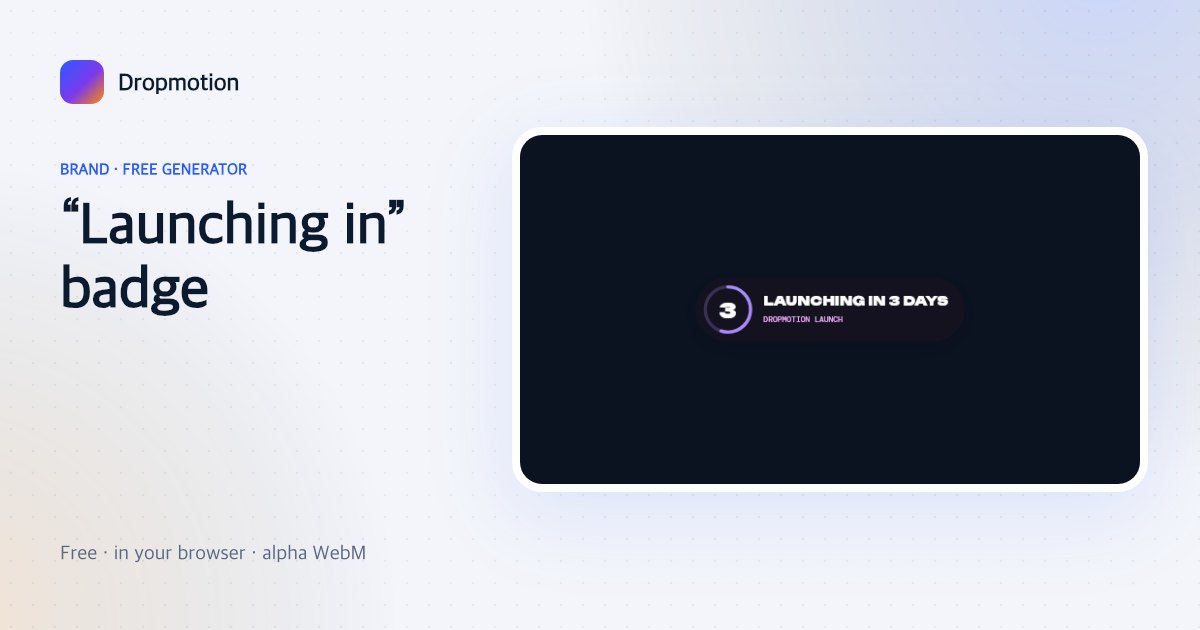
“Launching in” badge
A compact badge with a flipping day count and a progress ring — tease a launch date.
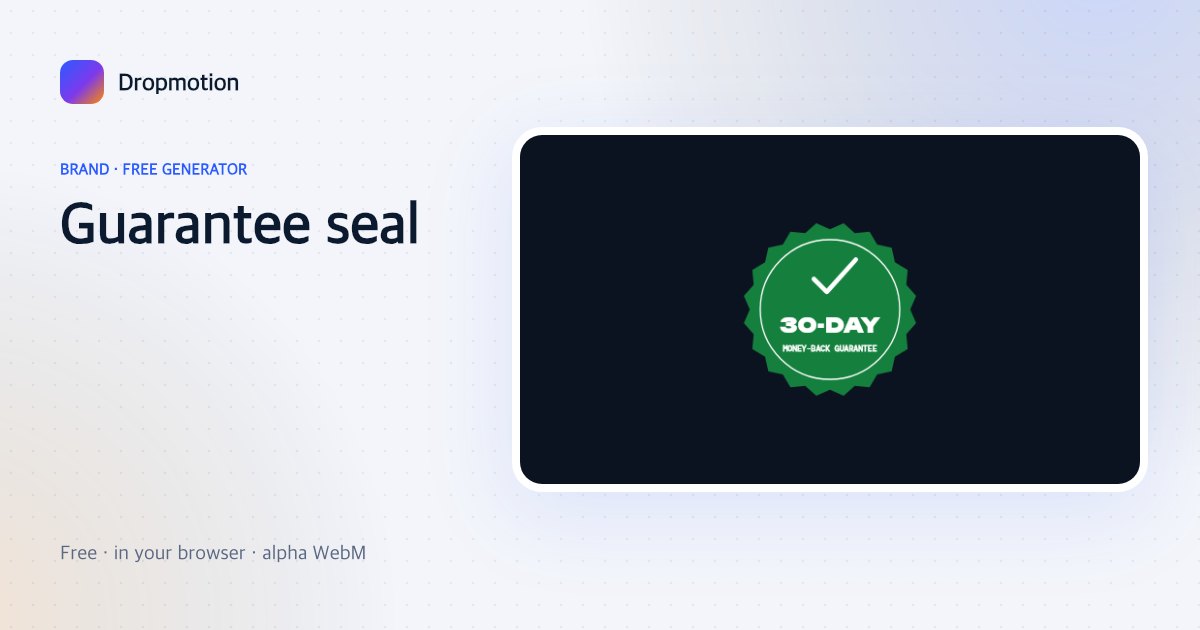
Guarantee seal
“30-day money-back guarantee” on a scalloped seal with a shield that checks itself.
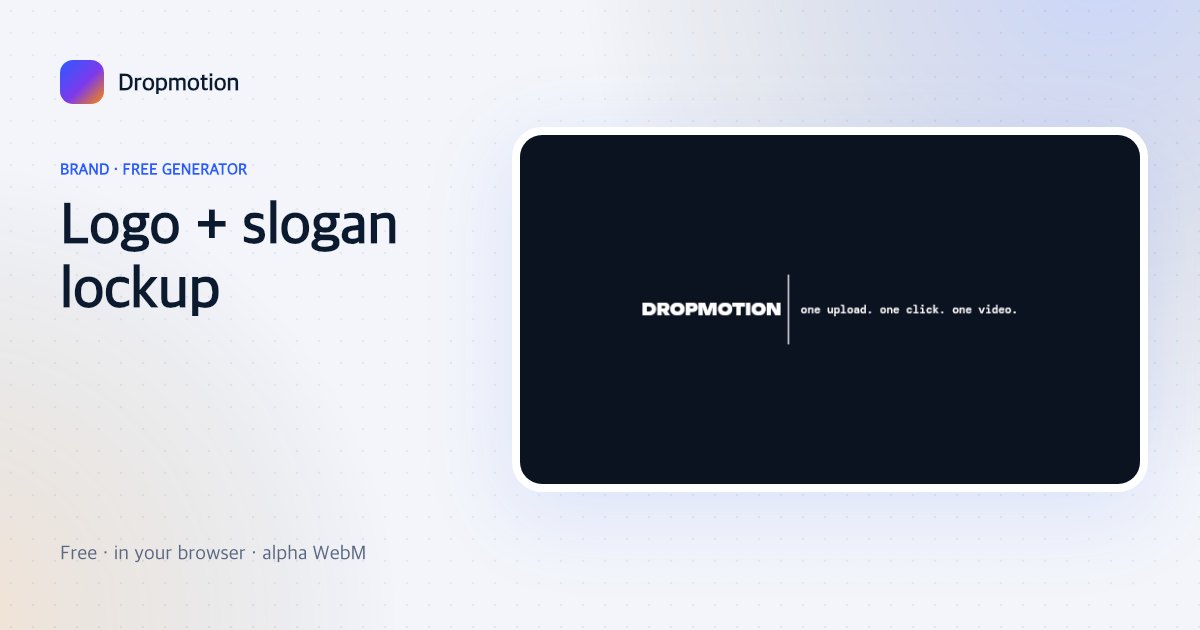
Logo + slogan lockup
Logo settles, a vertical rule draws, then the slogan types beside it — the classic brand lockup.
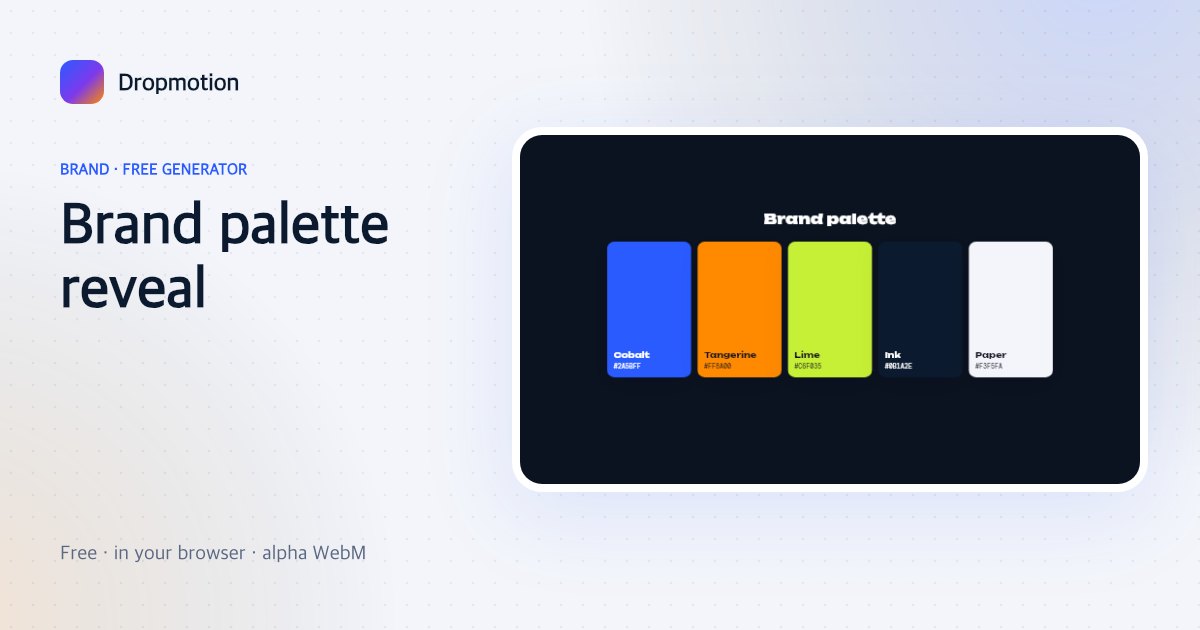
Brand palette reveal
Swatches slide in with hex codes and names — brand reveals, design case studies, mood boards.
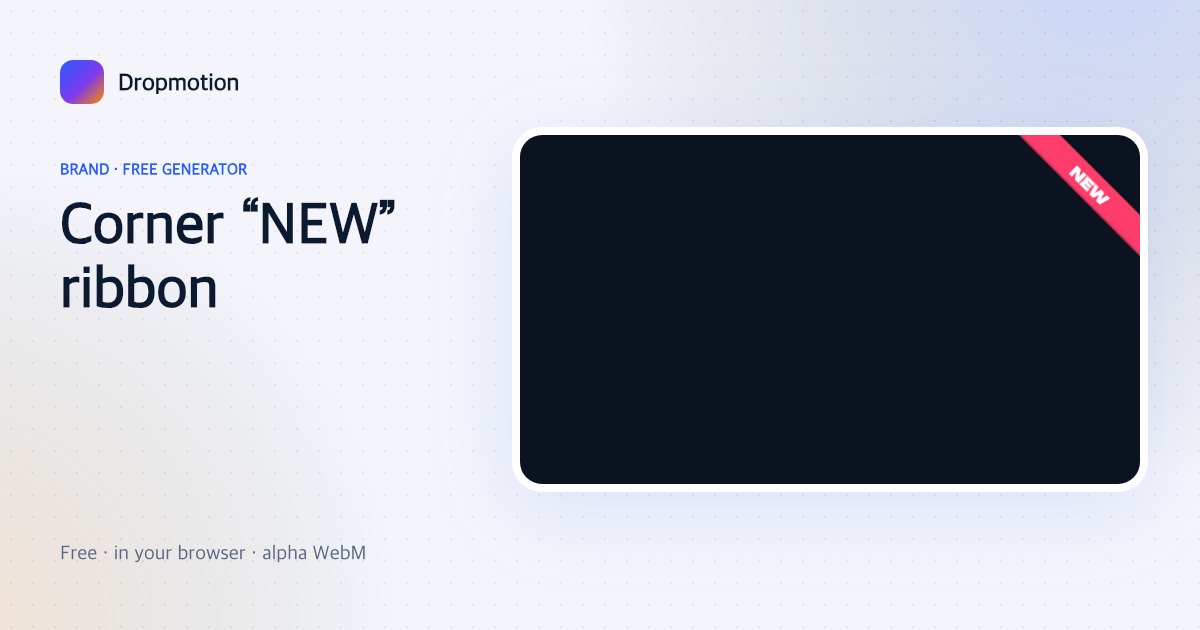
Corner “NEW” ribbon
A folded ribbon wraps the corner with NEW, HOT, BETA or your word — products, thumbnails, cards.
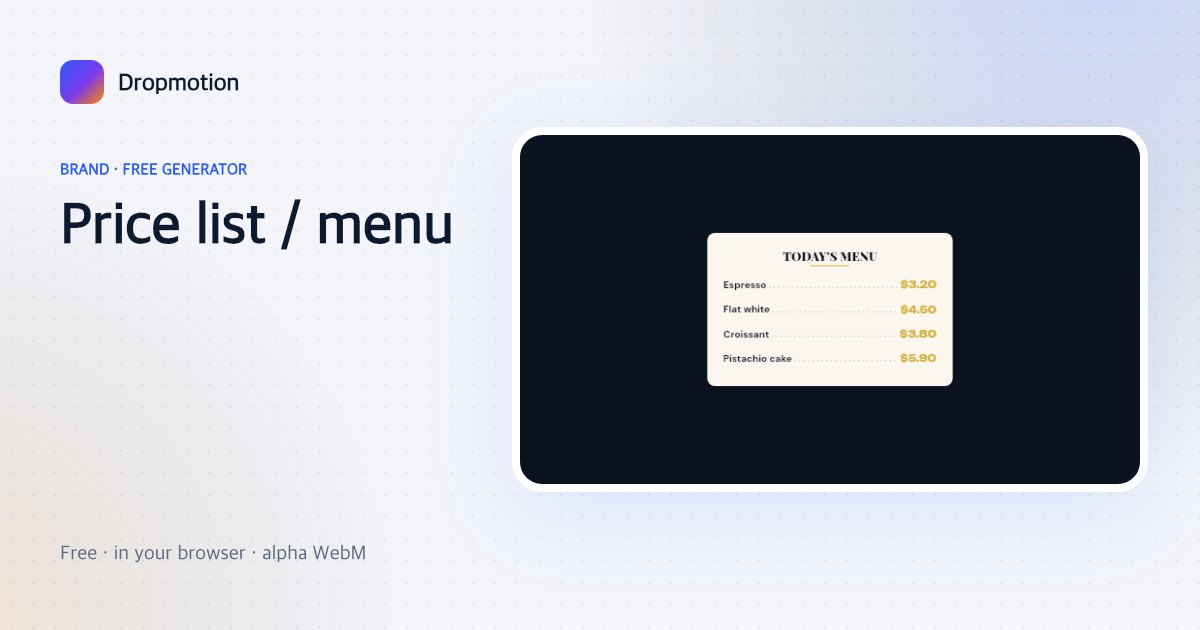
Price list / menu
Items and prices slide onto a menu card with dotted leaders — cafés, salons, service rates.
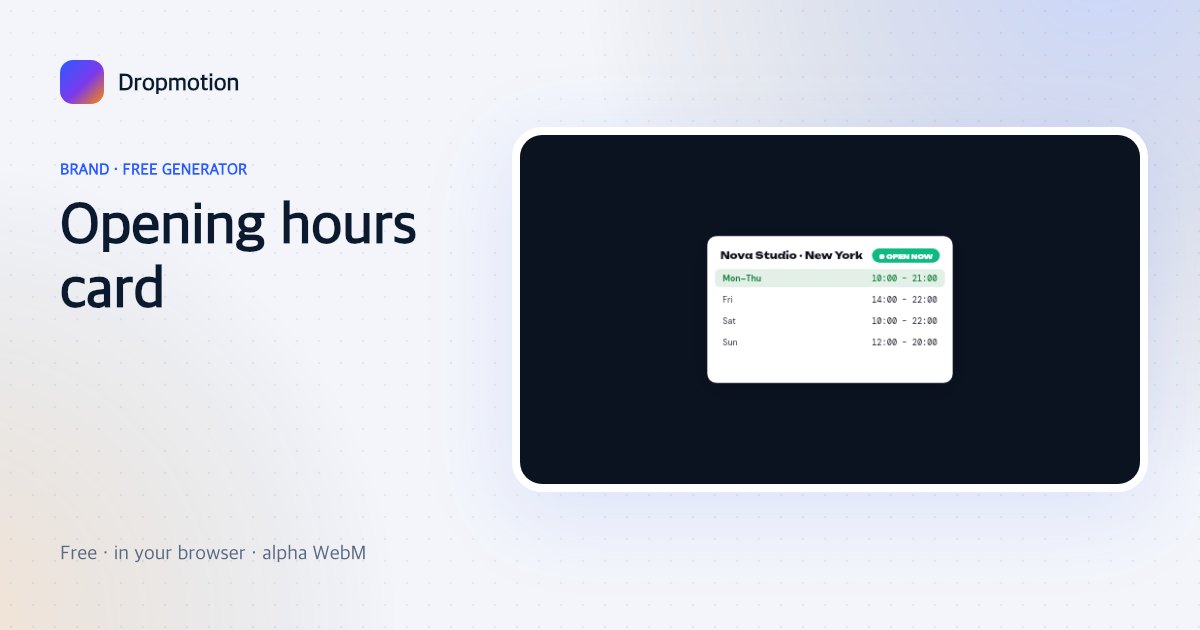
Opening hours card
A week of opening hours with today highlighted and an OPEN/CLOSED pill — shops, clinics, gyms.
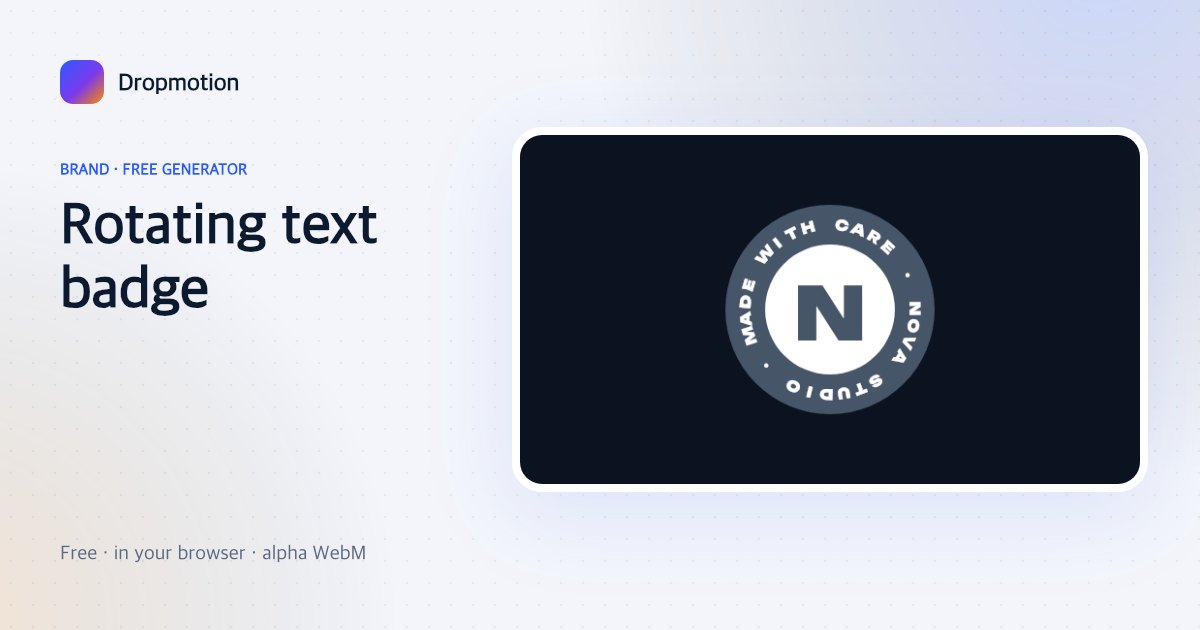
Rotating text badge
Your words run round the rim of a badge and keep spinning while the logo or letter in the middle stays still — website stickers, “est. 2026”, trust seals.
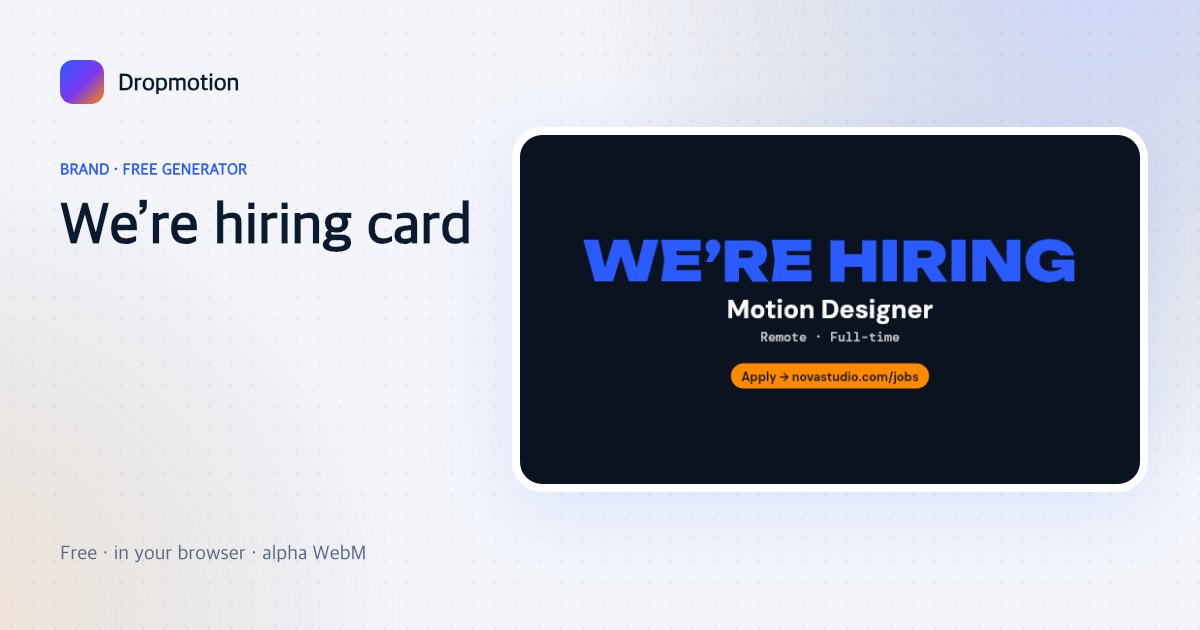
We’re hiring card
“WE’RE HIRING” slams in, the role and details slide up and an apply link pops — job posts for LinkedIn, Instagram and careers pages.
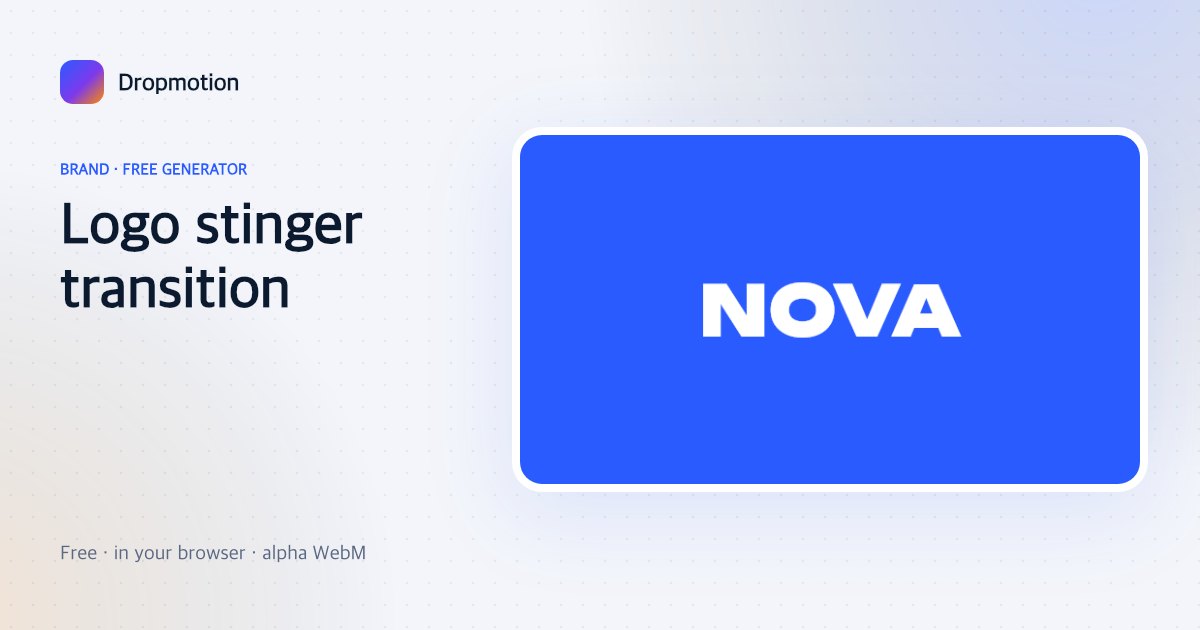
Logo stinger transition
Bold shapes sweep across the whole frame, your logo pops in the middle and the shapes clear away — a branded transition between scenes or for stream scene changes.
Logo animation questions
How do I make a logo animation for free?
Open the Logo reveal, upload your logo or type your brand name, pick a reveal style and your colours, and press “Download video”. It runs in your browser with nothing to install; downloads are free, up to 10 a day with no account (a 1080p MP4 with a small dropmotion.io mark under the animation and a “Made with dropmotion.io” banner along the bottom, plus a 2-second end card), and a $3 day pass gives clean HD files for 24 hours. Free PNG stills carry the same mark and count toward the 10 a day. The newest releases are for day pass and Unlimited members until the next release.
Can I make a YouTube intro or logo reveal without After Effects?
Yes. Every brand generator here is drawn in your browser from your logo and words, so you need no After Effects, intro template or plugin. Download the video and drop it into whichever editor you already use.
How do I add a stamp or sale green screen in CapCut?
Download it with a transparent background, or on green if your editor prefers it. In CapCut, tap Overlay, add the video, then Remove background and Chroma key, and pick the green. The stamp stays and the green disappears.
Do the logo animations have a transparent background?
Free downloads keep a transparent background (WebM in Chrome or Edge; other browsers get green to key out), and so do clean HD downloads with a $3 day pass or Unlimited; PNG stills always keep transparency.
Which brand animation works best for Shorts, Reels and TikTok?
Short, bold pieces such as the stamp, the coming soon teaser, the 3D logo spin and the sale ribbon. Set the size to Vertical 9:16 before you download so the layout is made for a tall screen rather than shrunk from a wide one.
What logo file should I upload, and does it leave my computer?
A PNG with a transparent background looks best, though a JPG works too; with no logo, the generators that take one use your typed brand name instead. Your logo stays on your device, because the animation is drawn in your browser.