YouTube overlays & social animations
Make a subscribe button green screen, like and follow buttons, comment pop-ups, chat animations and end screens in your browser with 33 free social generators. Type your channel name or @handle, drop in a logo, pick colours and export a green screen video, a PNG still or a transparent HD WebM for CapCut, Premiere Pro or DaVinci Resolve, or run any of them live in OBS. Free downloads (10 a day) are 1080p with a small dropmotion.io mark under the animation; clean HD comes with a $3 day pass or Unlimited.
33 generators · free to preview and download, 10 a day with a small mark · clean files from a $3 day pass · MP4, transparent WebM, green screen or PNG · 16:9, 9:16, 1:1 and strip.
Open the Studio →Which social media green screen should I use?
Subscribe, like and follow buttons
- Subscribe button — your channel card pops in, a cursor or finger clicks Subscribe and the bell rings; the classic subscribe button green screen.
- Like · Comment · Share — like, comment and share icons pop in one after another with counts that tick up; pair it with the subscribe button.
- Follow + handle — your @handle with a TikTok, Instagram, YouTube or X icon slides in and the Follow button fills; Reels and TikTok.
- Subscribe reminder bar — a slim bottom bar with your avatar, a short line and a pulsing Subscribe button; the mid-video nudge.
Notifications, comments and chats
- New video notification — a phone-style push notification drops in with your channel name and video title; new-upload teasers.
- Comment pop-up — a viewer comment with avatar and username pops in as a light, dark or YouTube-style bubble; reaction and Q&A videos.
- Creator reply bubble — a viewer's comment, then your reply with a creator badge pops in underneath; “replying to” videos.
- Chat conversation — iMessage or WhatsApp-style bubbles appear one by one with typing dots between them; text-story skits.
End screens and outros
- YouTube end screen — two video slots and a subscribe circle slide in under “Watch next”; line them up with YouTube's end-screen elements.
- End screen cards — two titled video cards with your thumbnails and a subscribe pill slide in; a ready-made outro.
- Social handles stack — your handles on every platform stack in with their icons; the “find me everywhere” card.
- Link tree card — a phone-sized bio card with your avatar and link buttons that pop in; send viewers to your links.
Live streams and milestones
- Subscriber counter — your count rolls up to the milestone and confetti bursts at the end; 10K and 100K celebrations.
How to make a subscribe button green screen online for free
- Pick an overlay from the list below, such as the subscribe button, like and share icons, a follow pop-up or a comment bubble. It opens in the Studio right in your browser, with nothing to install.
- Type your channel name, @handle or comment, upload a logo or avatar if you like, and choose a colour scheme and a size: Landscape 16:9 for YouTube, Vertical 9:16 for Shorts, Reels and TikTok, or Square 1:1. Pick a green screen, transparent or coloured background.
- Press “Download video”. Free downloads, up to 10 a day with no account, are 1080p MP4s with a small dropmotion.io mark under the animation and a “Made with dropmotion.io” banner along the bottom; a $3 day pass or Unlimited gives clean HD files. Put it on a layer above your clip in CapCut, Premiere Pro or DaVinci Resolve; a green background keys out with chroma key.
All 33 social generators
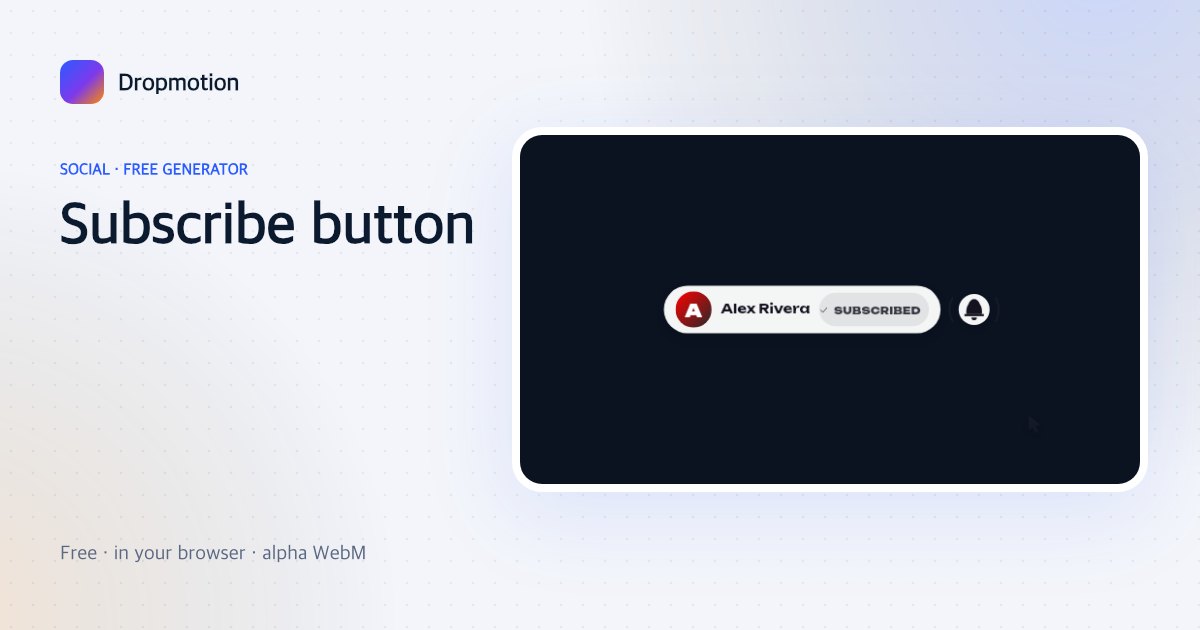
Subscribe button
Channel card pops in, a pointer clicks, the bell rings. The most-searched overlay on YouTube.
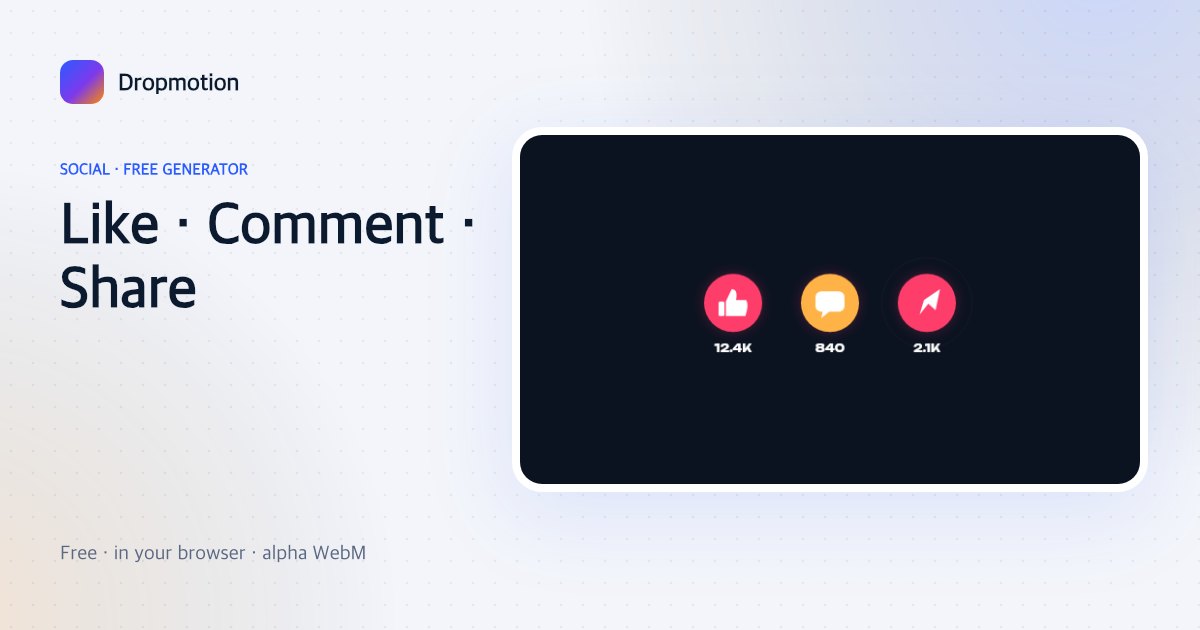
Like · Comment · Share
Three icons pop in one after another with a tap ripple and a count that ticks up.
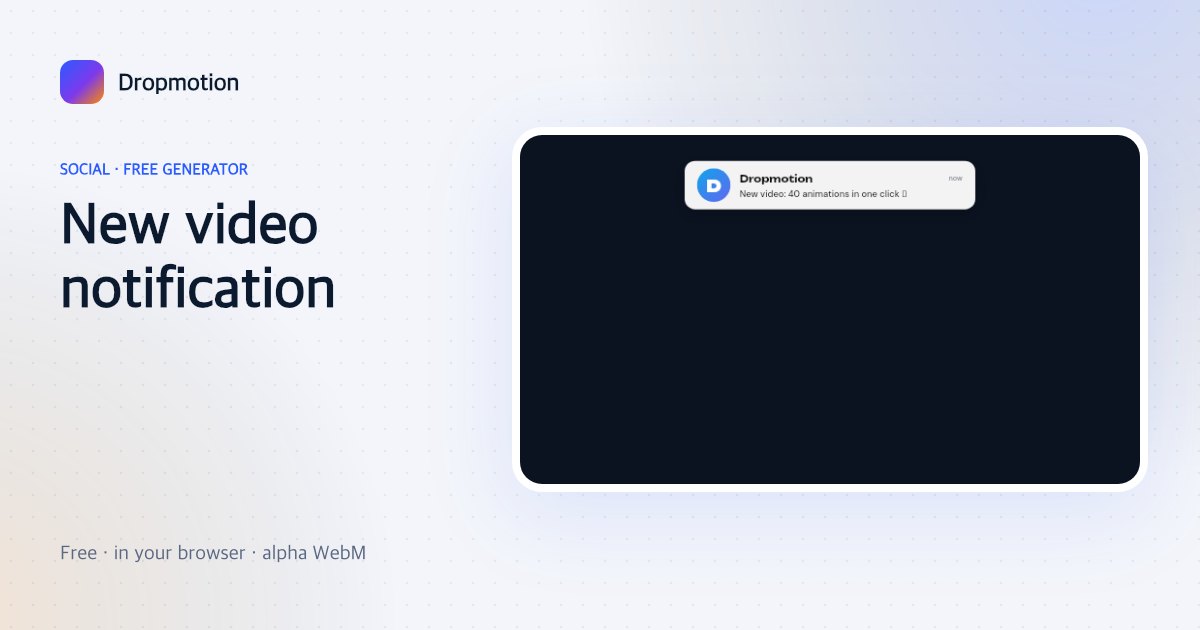
New video notification
A phone-style push notification slides down with your channel name and video title.
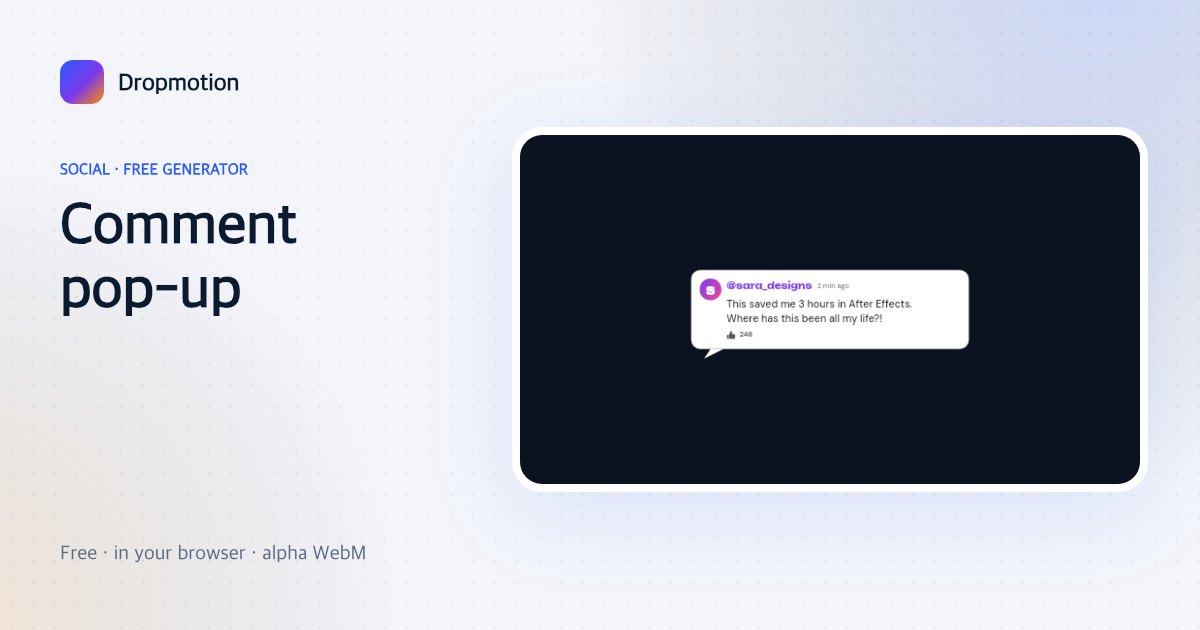
Comment pop-up
A viewer comment with avatar and username pops in as a bubble — for reaction videos and Q&A.
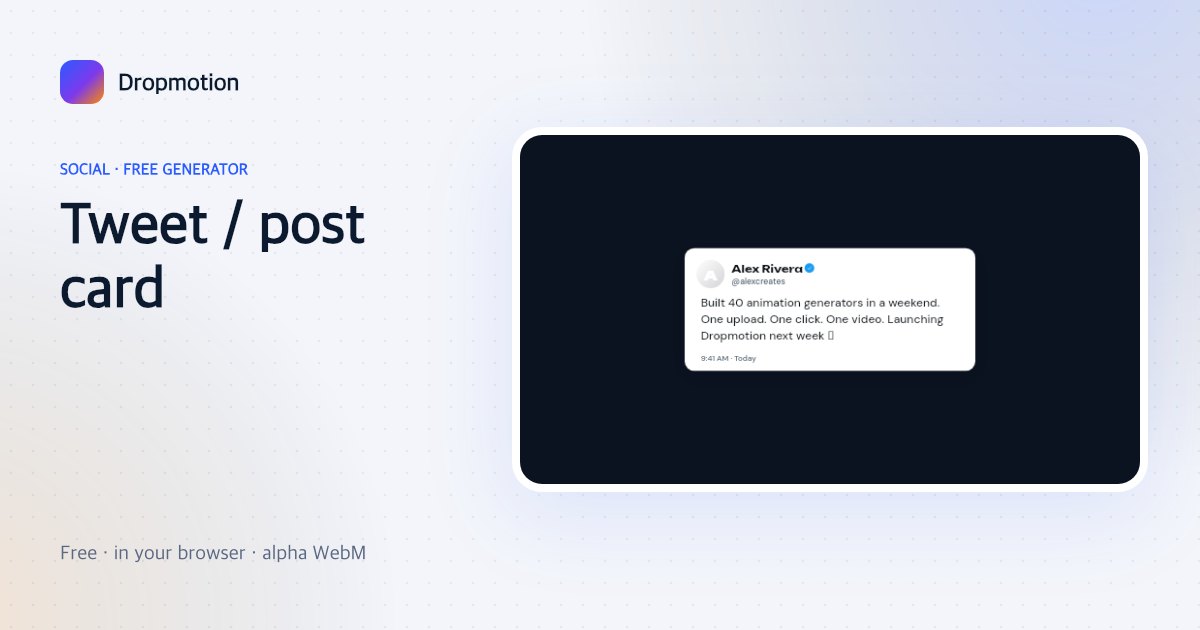
Tweet / post card
Paste a post; it lands as a clean social card with name, handle, verified tick and typing reveal.
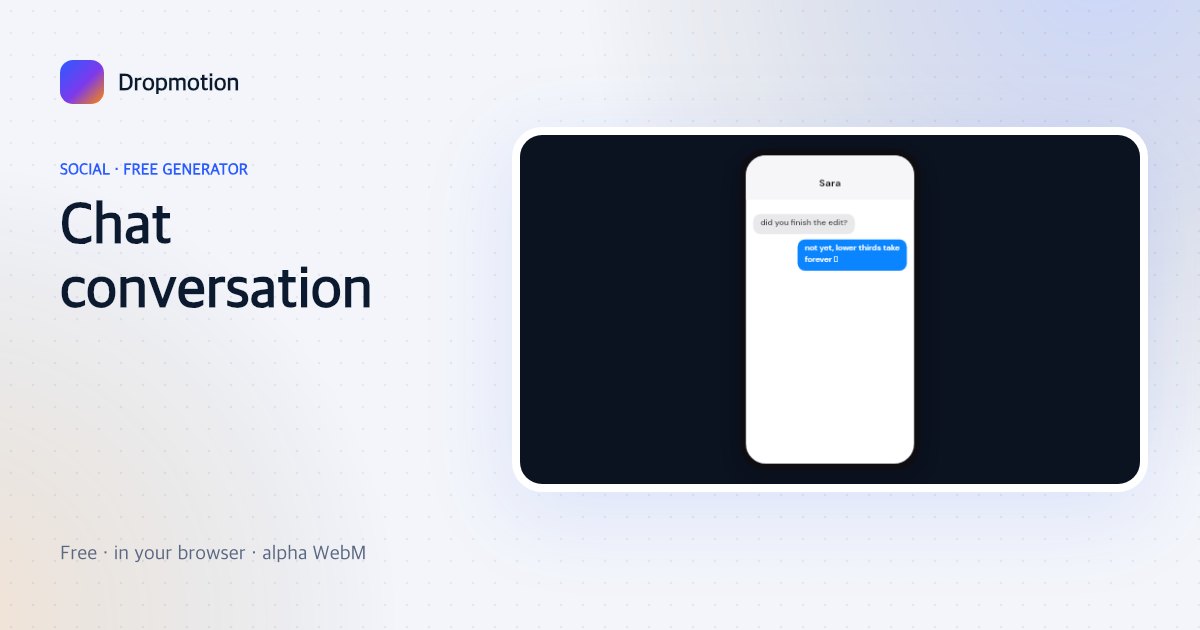
Chat conversation
iMessage / WhatsApp style bubbles appear one by one with a typing indicator between them.
Subscriber counter
A number rolls from your old count to the new milestone with a confetti burst at the end.
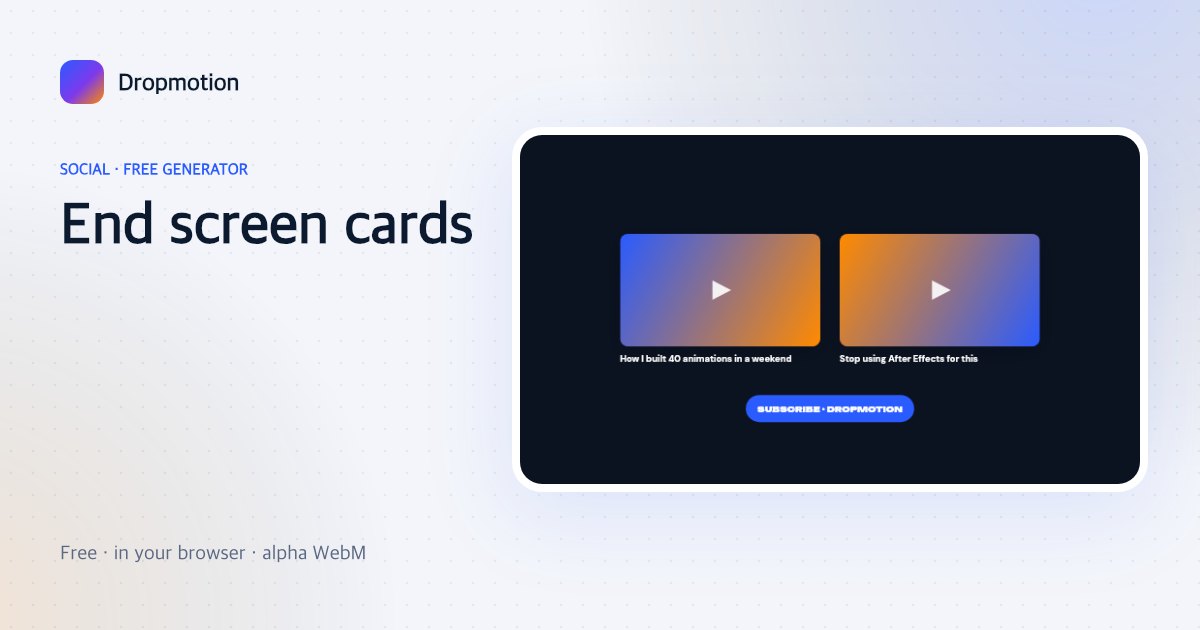
End screen cards
Two video cards slide in with titles, plus a subscribe pill — your outro in one click.
Swipe up / link CTA
An animated “swipe up” or “link in bio” prompt with a bouncing chevron and a pill button.
Follow + handle
Your @handle with the platform icon slides in and a “Follow” button fills — for Reels and TikTok.
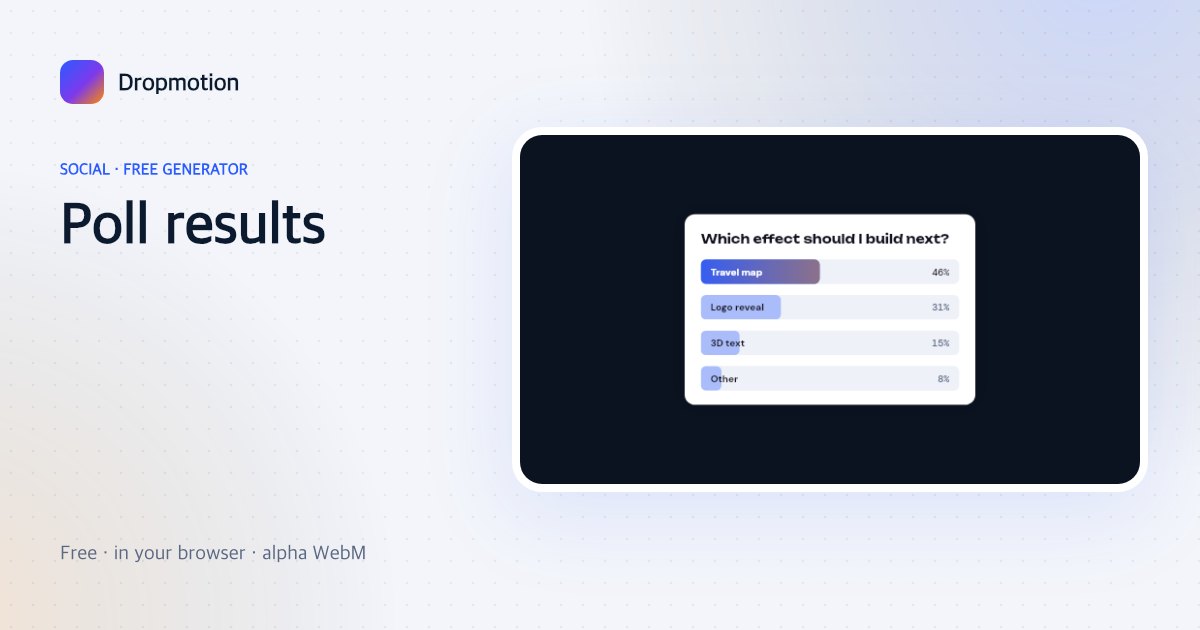
Poll results
Two to four options grow to their percentages with a winner highlight — community posts and Q&A.
Floating reactions
Hearts and reactions float up from the corner like a live stream — overlay for any clip.
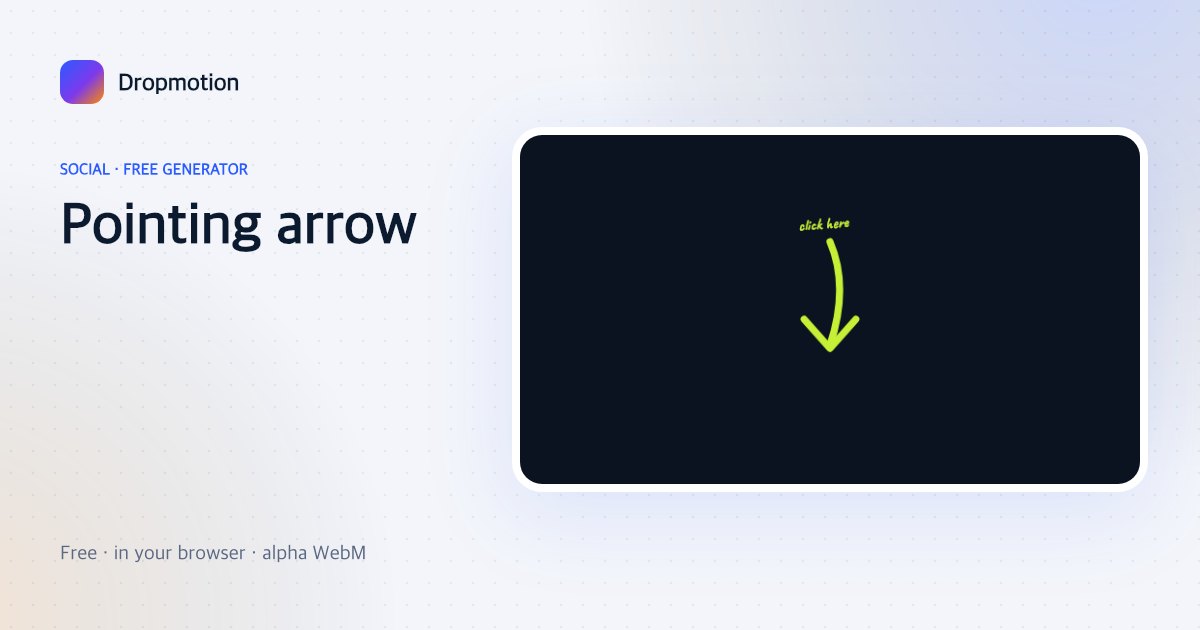
Pointing arrow
A bouncing hand-drawn arrow that points at something on screen — “look here”, “click this”.
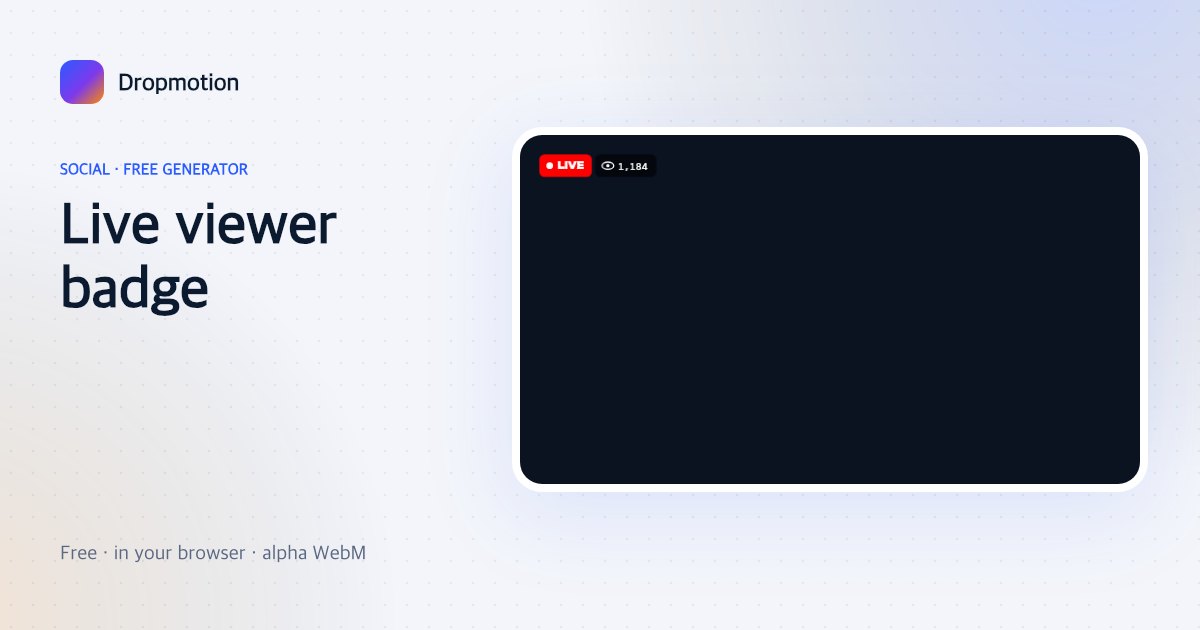
Live viewer badge
A pulsing LIVE pill with an eye icon and a viewer count that drifts up and down.
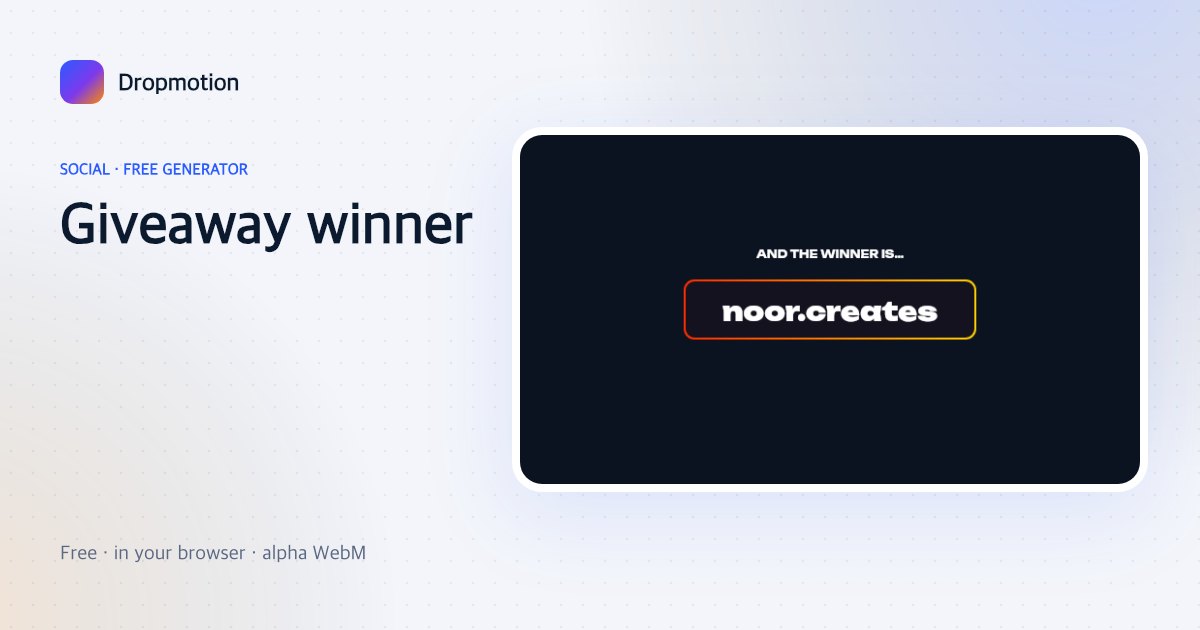
Giveaway winner
Names spin through a slot and land on the winner with a confetti burst.
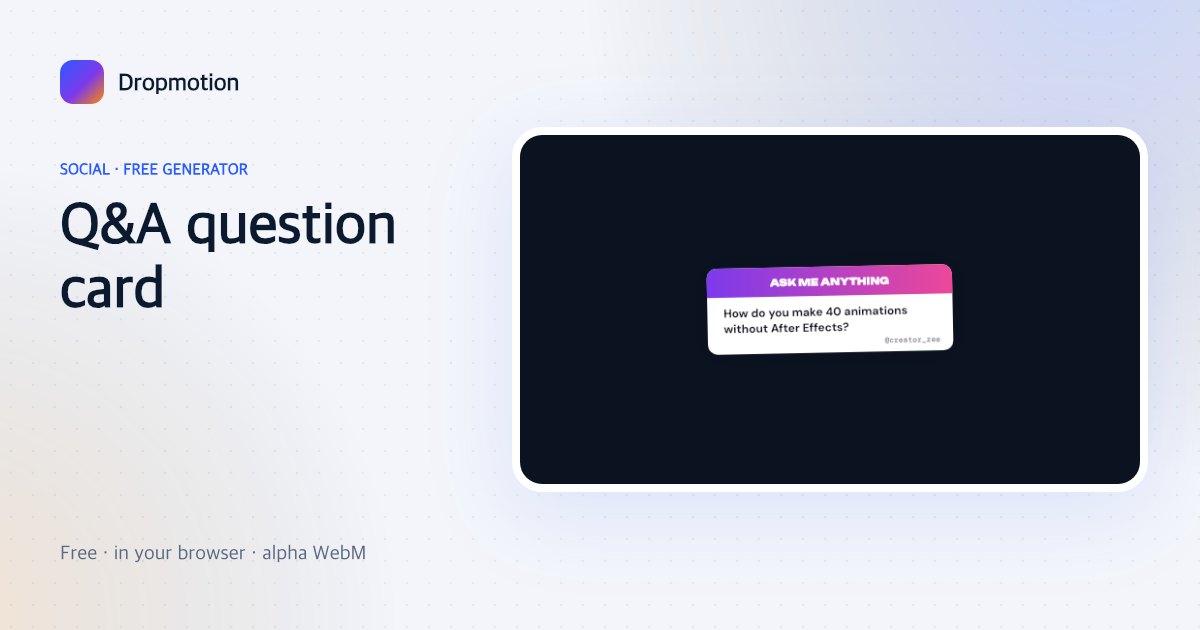
Q&A question card
A sticker-style question box like Instagram’s, with the asker’s handle — perfect for answer videos.
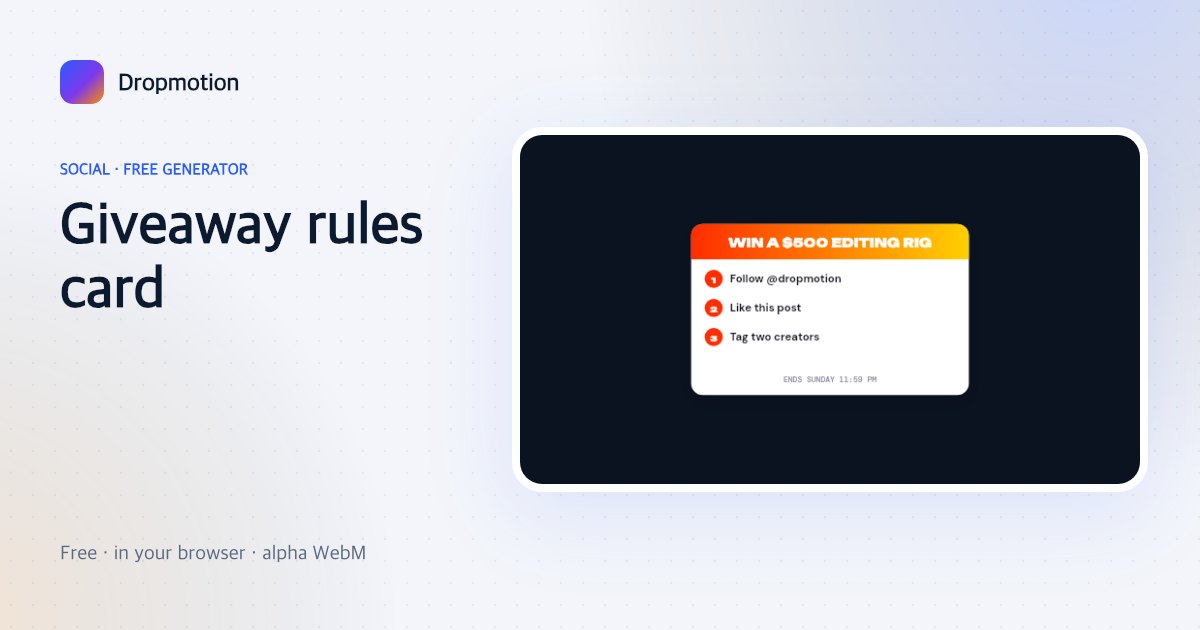
Giveaway rules card
Prize, three numbered rules and a deadline on a bold card — the giveaway announcement in one upload.
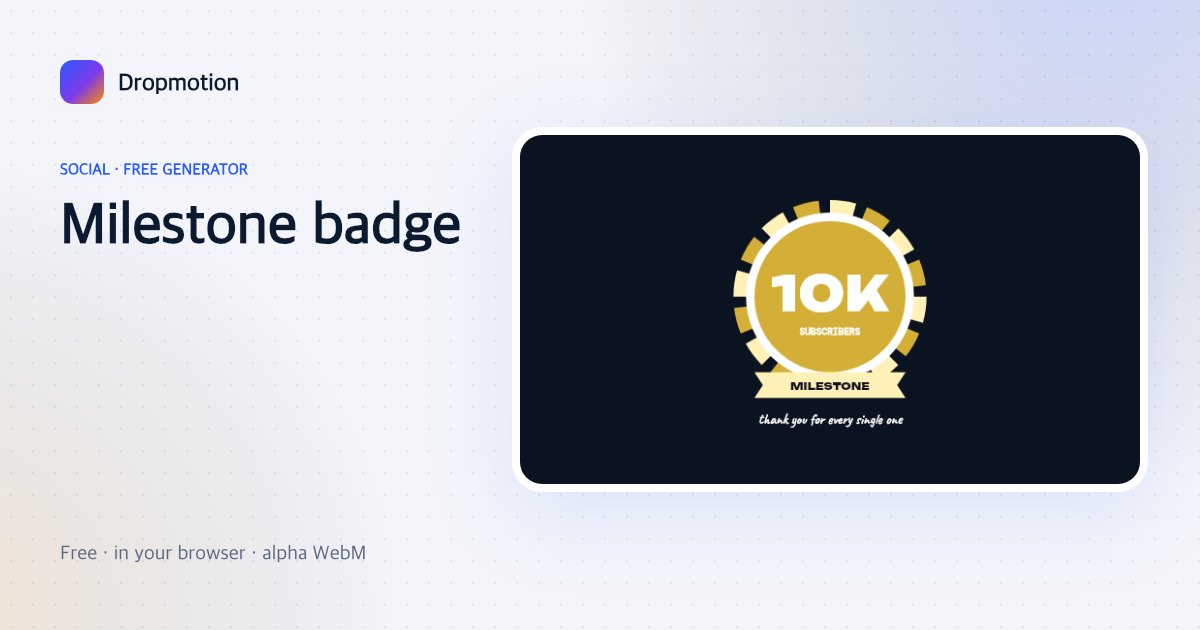
Milestone badge
“10K” on a ribboned badge that spins in with a thank-you line — follower and subscriber milestones.
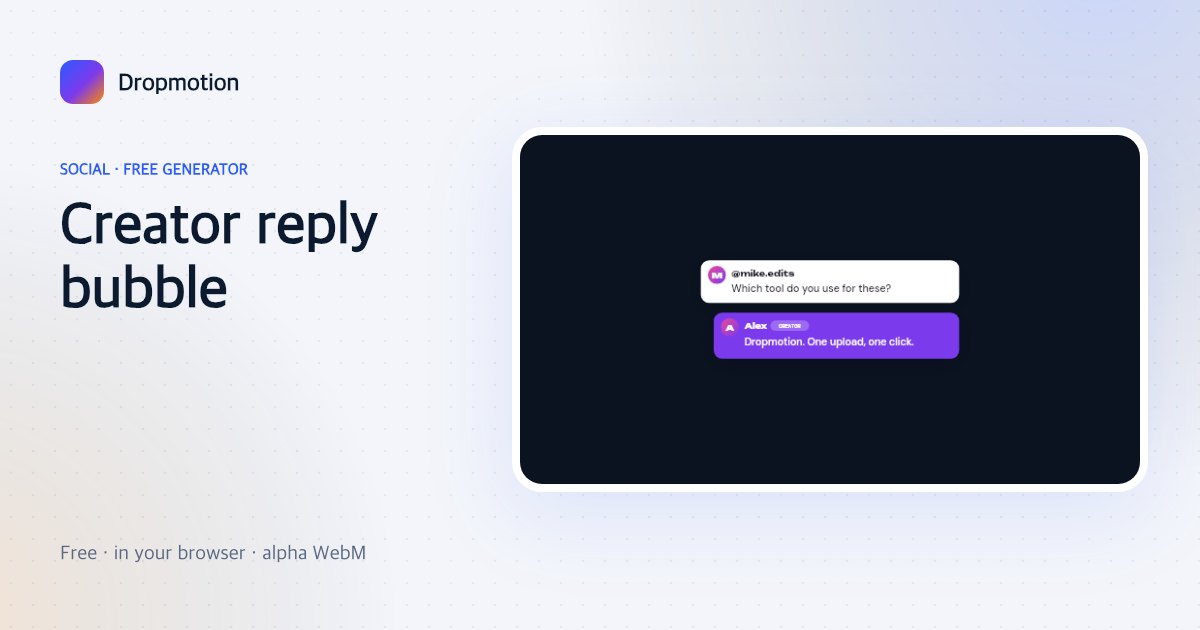
Creator reply bubble
A viewer comment, then your pinned reply with a creator badge pops under it — “replying to” videos.
Duet / reaction label
A “REACTING TO @creator” tag with the platform glyph slides down — reaction and duet videos.
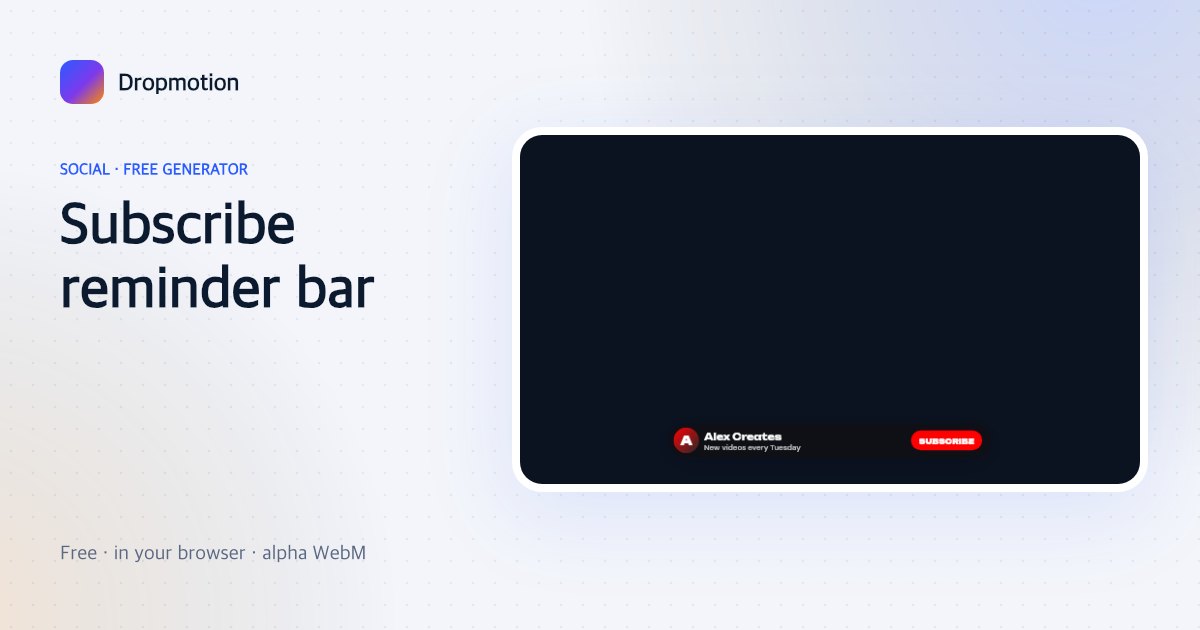
Subscribe reminder bar
A slim bottom bar with avatar, name and a Subscribe button that pulses — the mid-video nudge.
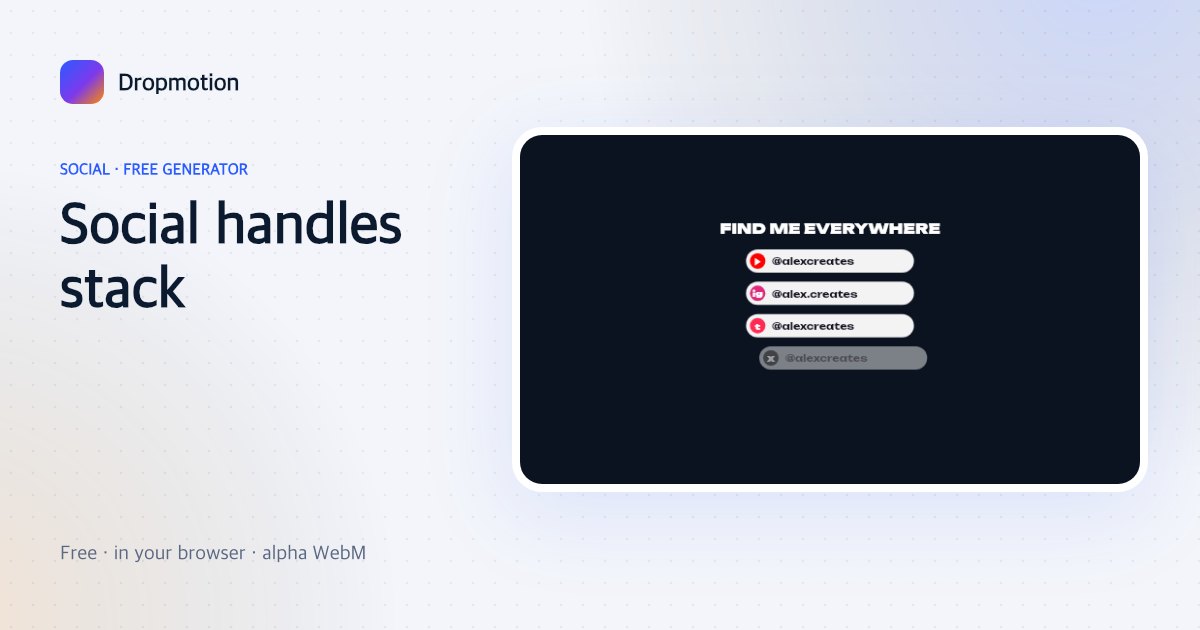
Social handles stack
Your handles on every platform stack in one by one with glyphs — the outro “follow me” card.
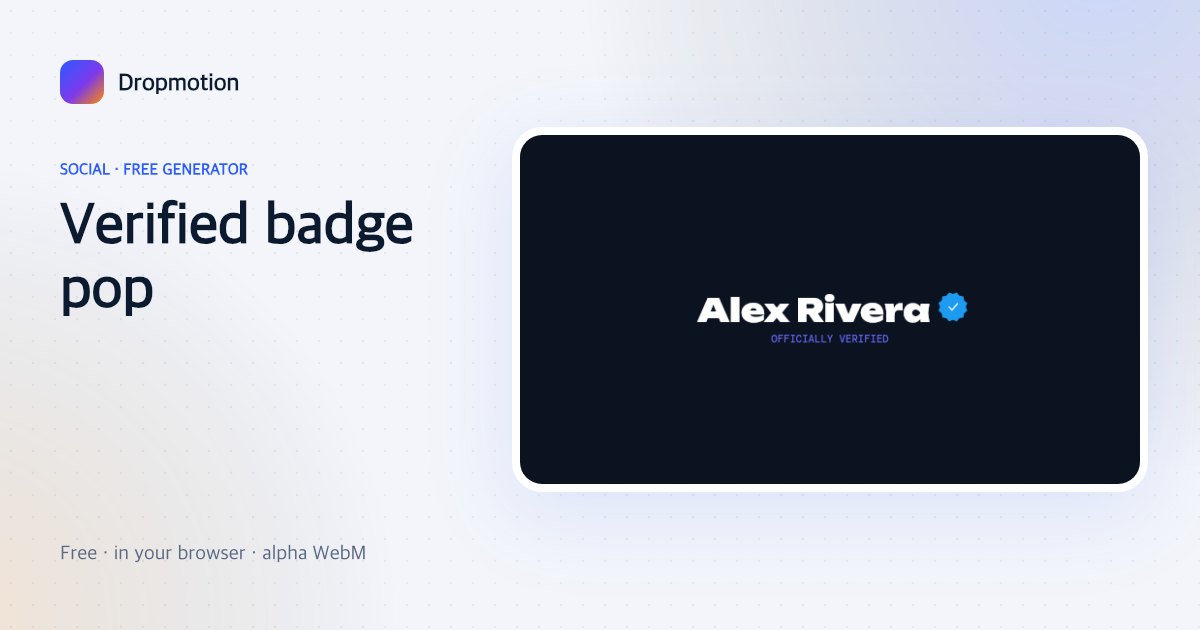
Verified badge pop
Name, then the blue tick slams in with a sparkle — “we got verified” posts.
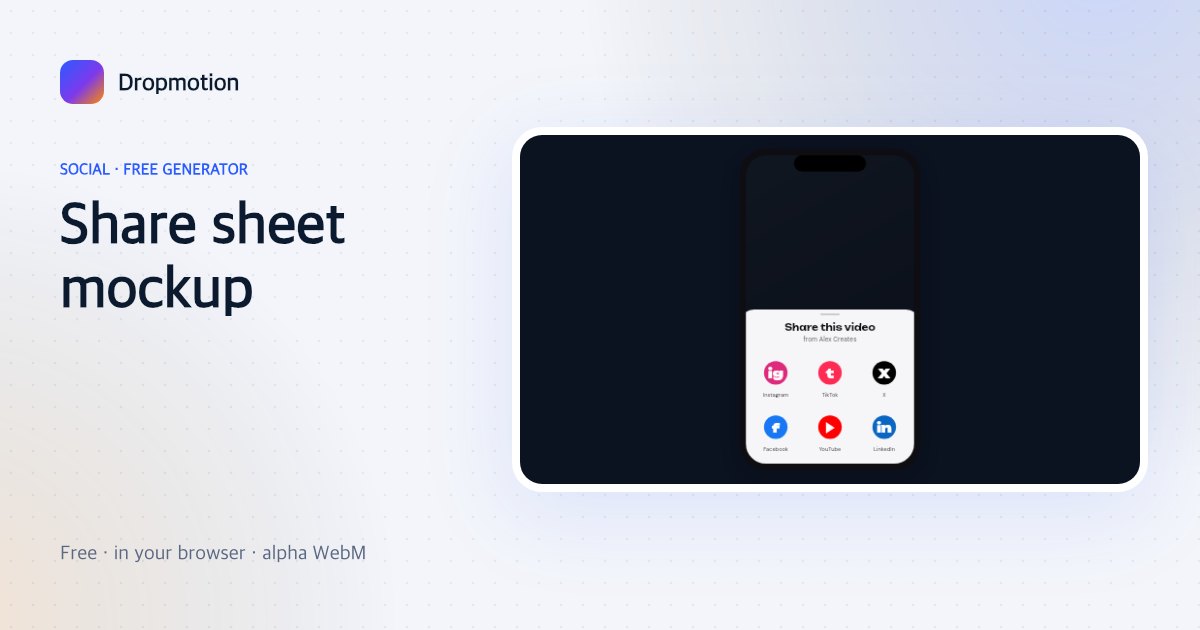
Share sheet mockup
A phone share sheet slides up with your post and big share icons — tell viewers to share the video.
Reaction picker
A row of reaction faces pops in and one gets picked with a bounce — Facebook-style, for reaction content.
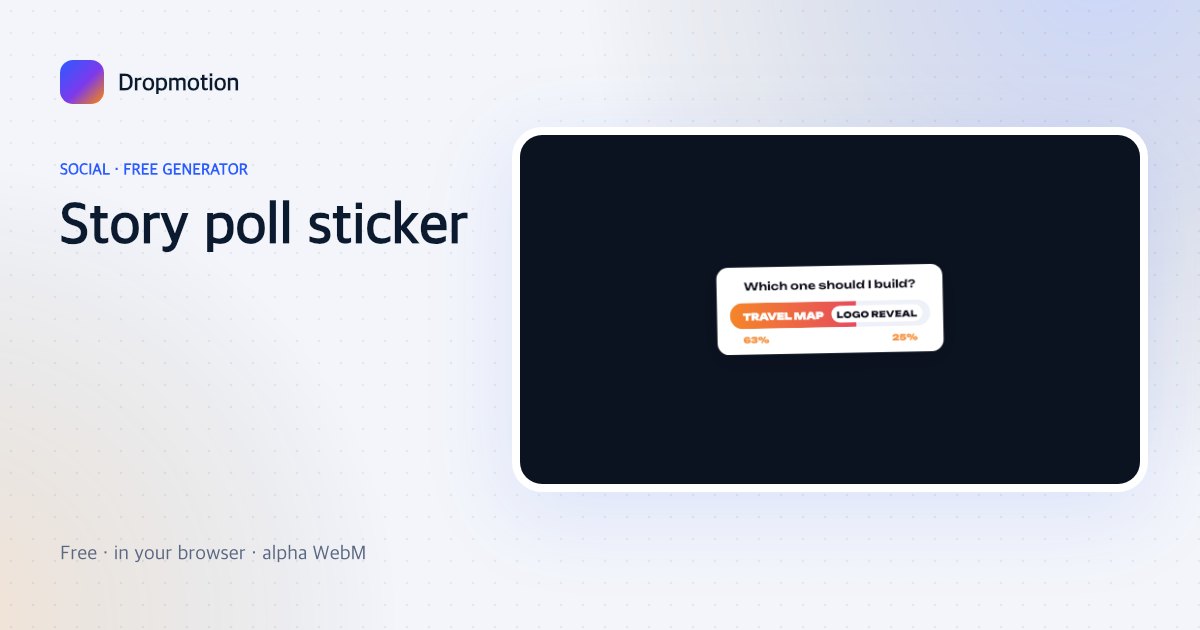
Story poll sticker
The two-button story poll: question, two answers, then the result bar fills — for Reels and Stories.
Swipe carousel hint
Page dots advance with a swiping hand and a “swipe →” label — multi-slide post hooks.
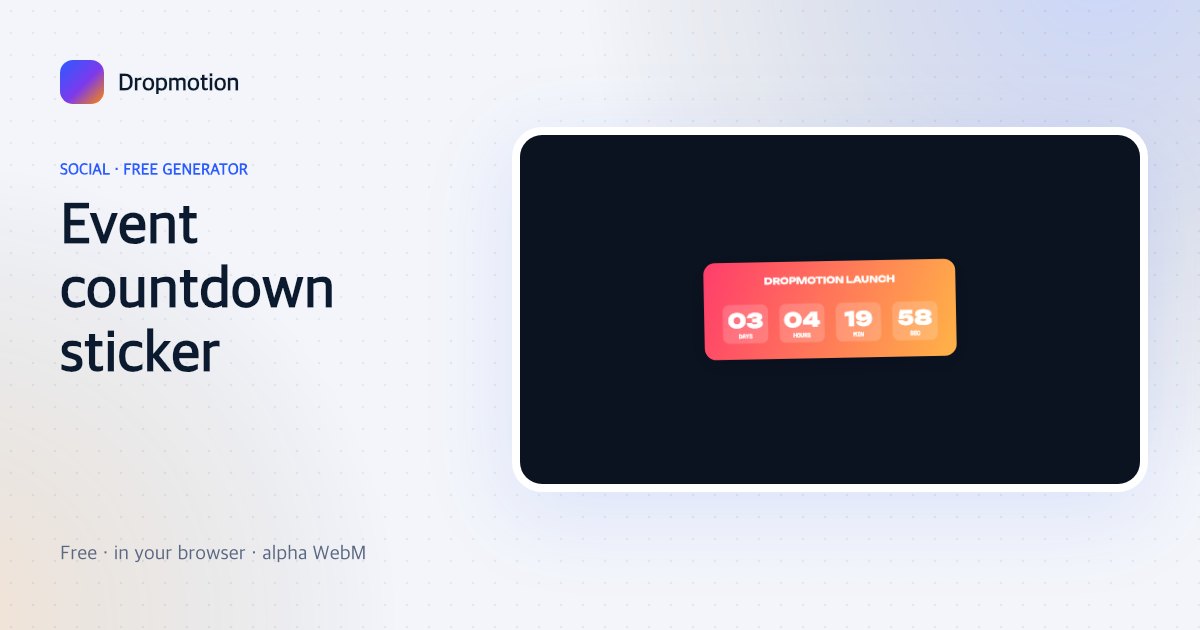
Event countdown sticker
The “3 days 4 hours” countdown sticker with an event name and a flipping clock — launches and drops.
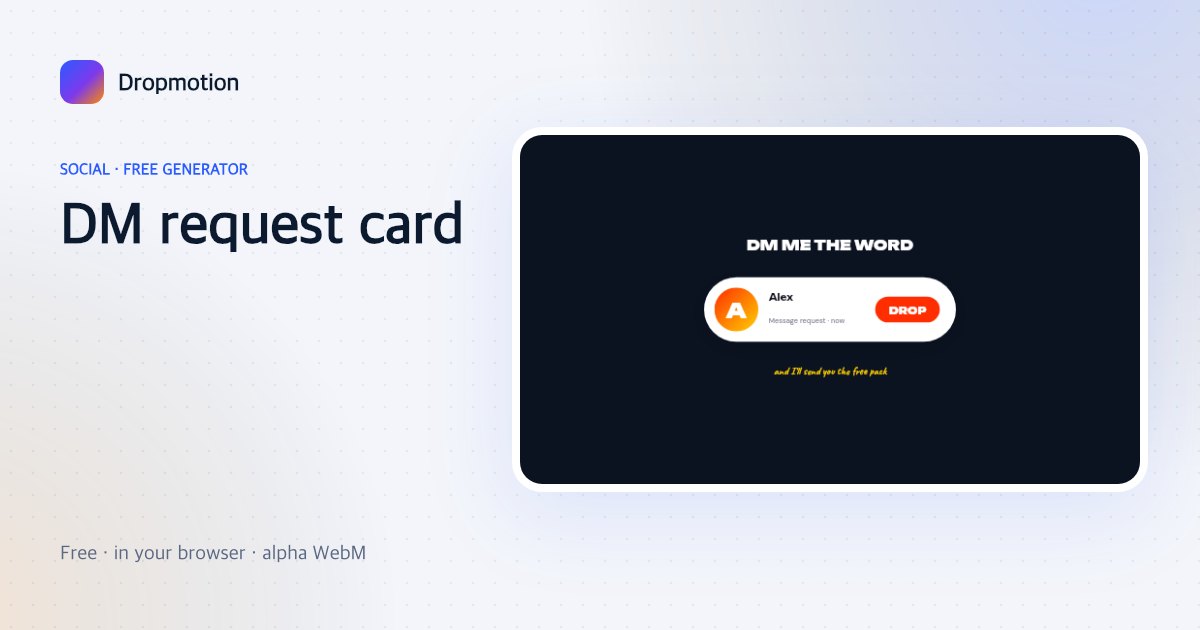
DM request card
A message-request preview with “DM me the word…” — lead magnets and comment-to-DM funnels.
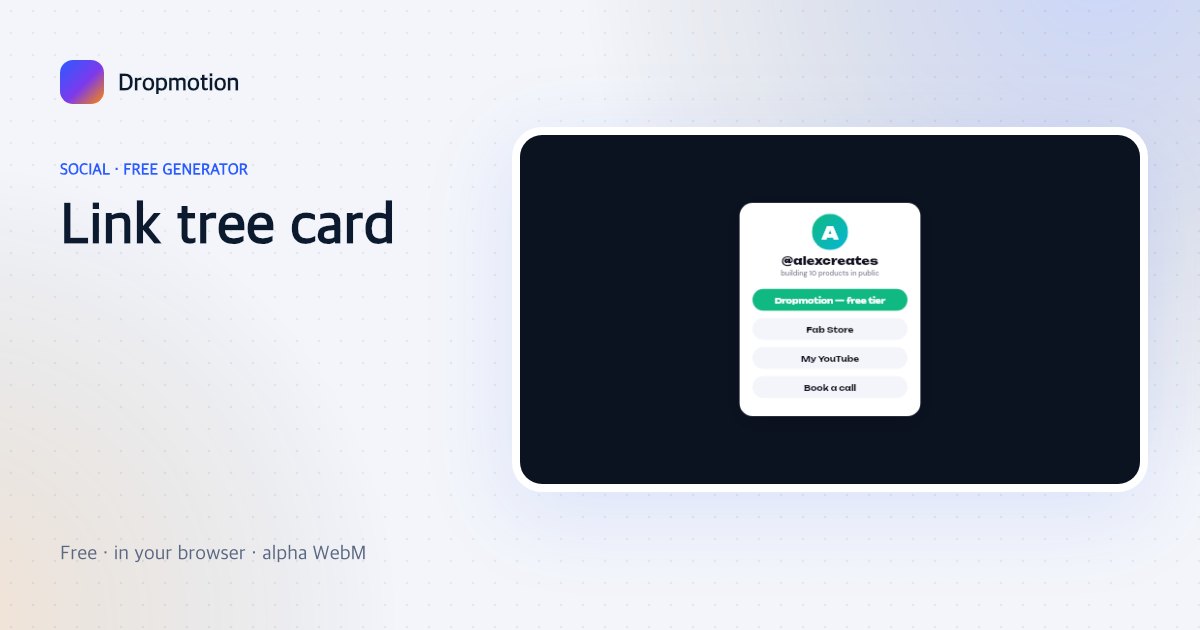
Link tree card
A phone-sized bio card with avatar, name and stacked link buttons that pop in — promote your links.
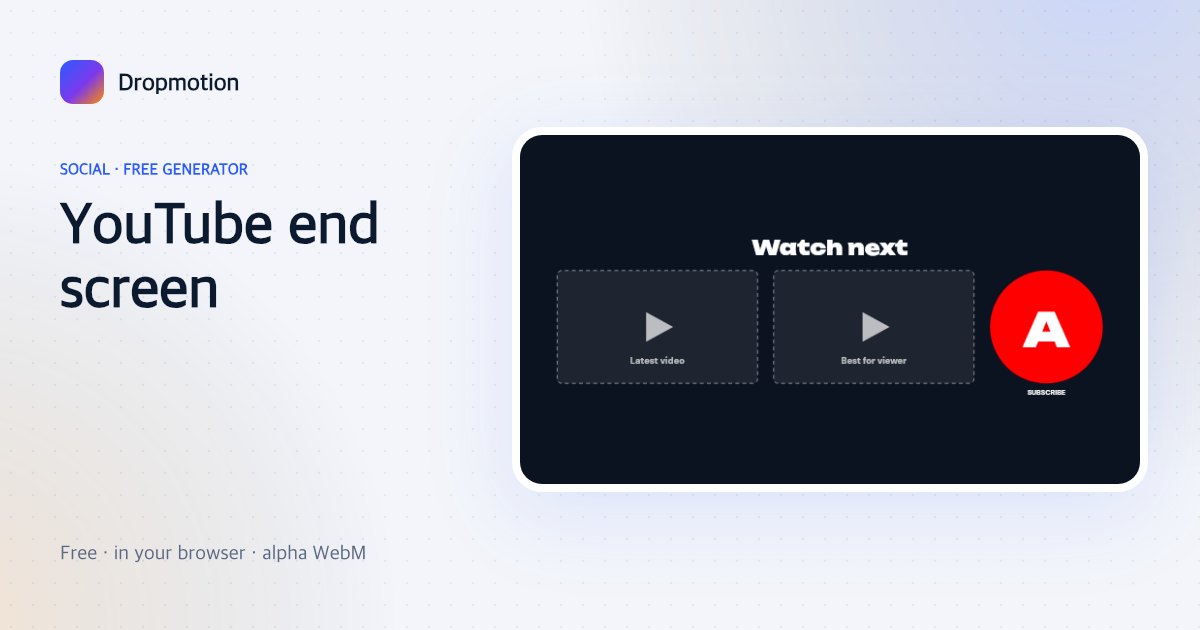
YouTube end screen
Two video slots and a subscribe circle slide in over a “Watch next” title — line them up with YouTube’s end-screen elements.
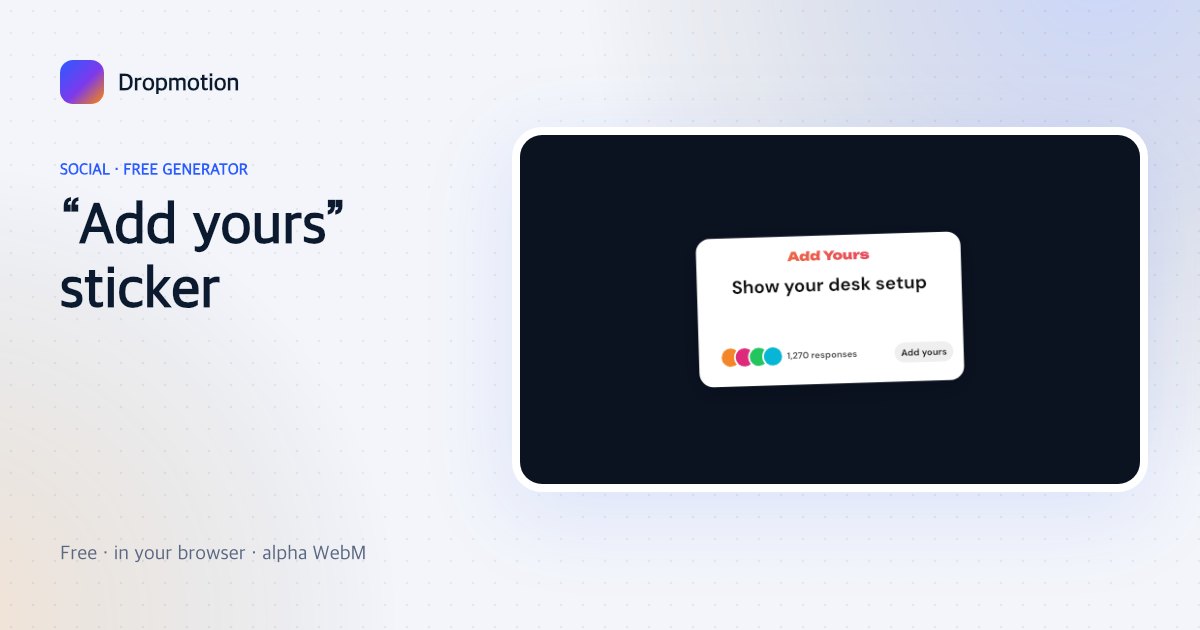
“Add yours” sticker
An Instagram-style “Add yours” sticker pops up with your prompt, faces stack in and the response count ticks up — challenges, trends, community posts.
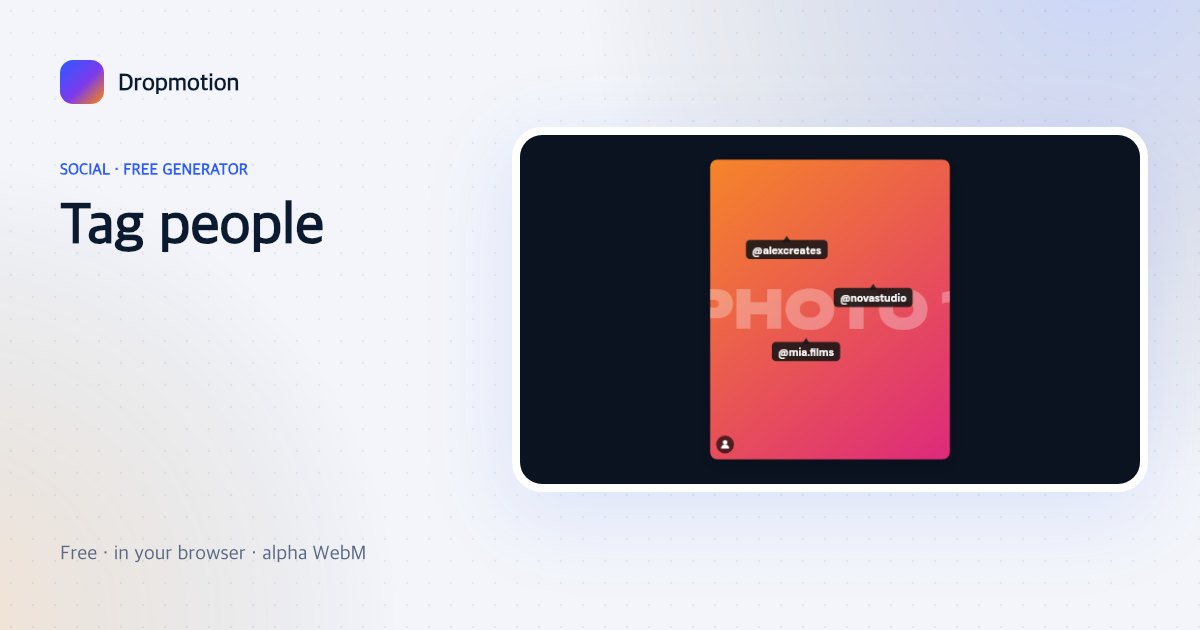
Tag people
Your photo appears, the tag icon is tapped and @handle tags pop up over it one by one — collabs, outfit credits, “shot by”, group photos.
Social media green screen questions
How do I make a subscribe button green screen for free?
Open the Subscribe button generator, type your channel name, add your logo if you want, choose the green background and press “Download video”. It runs in your browser with nothing to install; downloads are free, up to 10 a day with no account (a 1080p MP4 with a small dropmotion.io mark under the animation and a “Made with dropmotion.io” banner along the bottom, plus a 2-second end card), and a $3 day pass gives clean HD files for 24 hours. Free PNG stills carry the same mark and count toward the 10 a day. The newest releases are for day pass and Unlimited members until the next release.
Can I make a like, comment and subscribe animation without After Effects or Premiere Pro?
Yes. Every social overlay here is drawn in your browser from what you type, so you need no After Effects, plugin or template pack. Download the like and share icons and the subscribe button, then drop them into whichever editor you already use.
How do I add a subscribe button green screen in CapCut?
Download it with a transparent background, or on green if your editor prefers it. In CapCut, tap Overlay, add the video, then Remove background and Chroma key, and pick the green. The button stays and the green disappears.
Do the social media overlays have a transparent background?
Free downloads keep a transparent background (WebM in Chrome or Edge; other browsers get green to key out), and so do clean HD downloads with a $3 day pass or Unlimited; PNG stills always keep transparency.
Which social overlays work best for Shorts, Reels and TikTok?
The follow pop-up, comment bubble, Reddit story card and short video UI read well on a phone. Set the size to Vertical 9:16 before you download so the overlay is laid out for a tall screen rather than shrunk from a wide one.
Can I use these as live alerts in OBS or Streamlabs?
Yes. Every generator has an “OBS live link” under “More ways to use it”. Add it as a Browser Source in OBS or Streamlabs and it runs live with a transparent background, replaying on a loop. The stream alert, live chat feed and starting soon screen are made for this.