Infographics, timers & loading bars
Make countdown, timer, loading bar, confetti and mouse-click animations in your browser with 33 utility generators, no After Effects or install. Type your text or numbers, pick colours and export a green screen or solid-colour video, a PNG still, or a transparent WebM (Chrome/Edge), sized for YouTube, Shorts, Reels and TikTok. Every generator also runs live in OBS or Streamlabs as a browser source.
33 generators · free to preview and download, 10 a day with a small mark · clean files from a $3 day pass · MP4, transparent WebM, green screen or PNG · 16:9, 9:16, 1:1 and strip.
Open the Studio →Which countdown, timer or loading animation should I use?
Countdowns and timers
- Countdown — 3-2-1 or 10-to-GO with ring, zoom, flip-card or minimal numbers and your own final word.
- Running timer — a digital, ring or pill clock that counts up or down; challenges, cooking and “how long did this take”.
- Pomodoro ring — a big minute:second ring counts down with a session label and end text; study-with-me and focus videos.
- Calendar date flip — a tear-off calendar flips its pages to land on your date; save-the-date and launch countdowns.
Loading and progress bars
- Progress / loading — a rounded, striped, thin or circle bar fills to your percentage; goals, fundraisers and loading screens.
- Loading spinner — a ring, dots, sliding bar or buffering wheel with “Loading”; comedy cutaways and buffering jokes.
- Download complete — a file card fills its progress bar, then turns into a green check; tutorials and app demos.
- Battery charging — a battery charges to your percentage with a lightning bolt; “fully recharged” moments.
Confetti, clicks and tutorials
- Celebration card — big text bounces in under a confetti shower; clear both text boxes for confetti on its own.
- Cursor click ripple — an arrow, hand or dot pointer moves to your spot and clicks with a ripple; the mouse click green screen.
- Keyboard shortcut — keycaps press down one after another, like Ctrl + Shift + E, with a label; software tutorials.
- Focus rectangle — everything dims except a box you place around the thing to look at; tutorial focus.
Charts and graphs
- Pie / donut chart — donut slices sweep in one after another with labels and centre text; budgets and survey results.
- Speedometer gauge — a speedometer needle sweeps up to your number while the value counts; scores and ratings.
How to make a countdown timer green screen online for free
- Pick an animation from the list below, such as the countdown, a loading bar, confetti or a mouse click. It opens in the Studio right in your browser, with nothing to install.
- Set your numbers, percentage or words, choose a colour scheme and a size: Landscape 16:9 for YouTube, Vertical 9:16 for Shorts, Reels and TikTok, or Square 1:1. Pick a green screen, transparent or coloured background.
- Press “Download video”. Free downloads, up to 10 a day with no account, are 1080p MP4s with a small dropmotion.io mark under the animation and a “Made with dropmotion.io” banner along the bottom; a $3 day pass or Unlimited gives clean HD files. Put it on a layer above your clip in CapCut, Premiere Pro or DaVinci Resolve; a green background keys out with chroma key.
All 33 utility generators
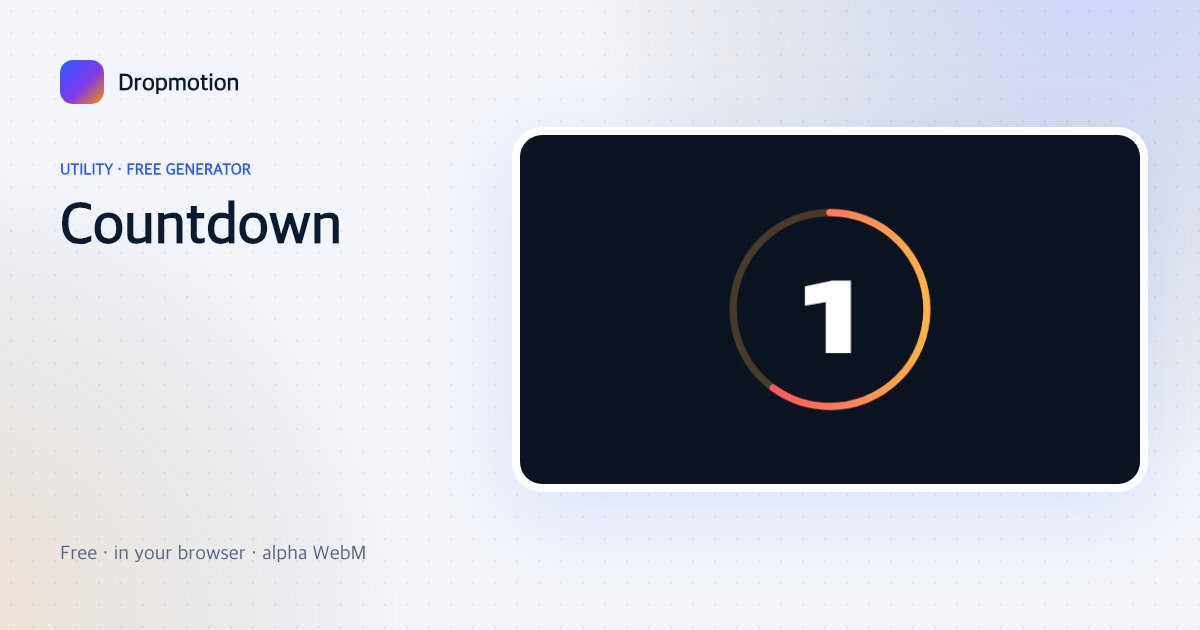
Countdown
3-2-1 or 10-to-GO. Ring, flip or zoom numbers.
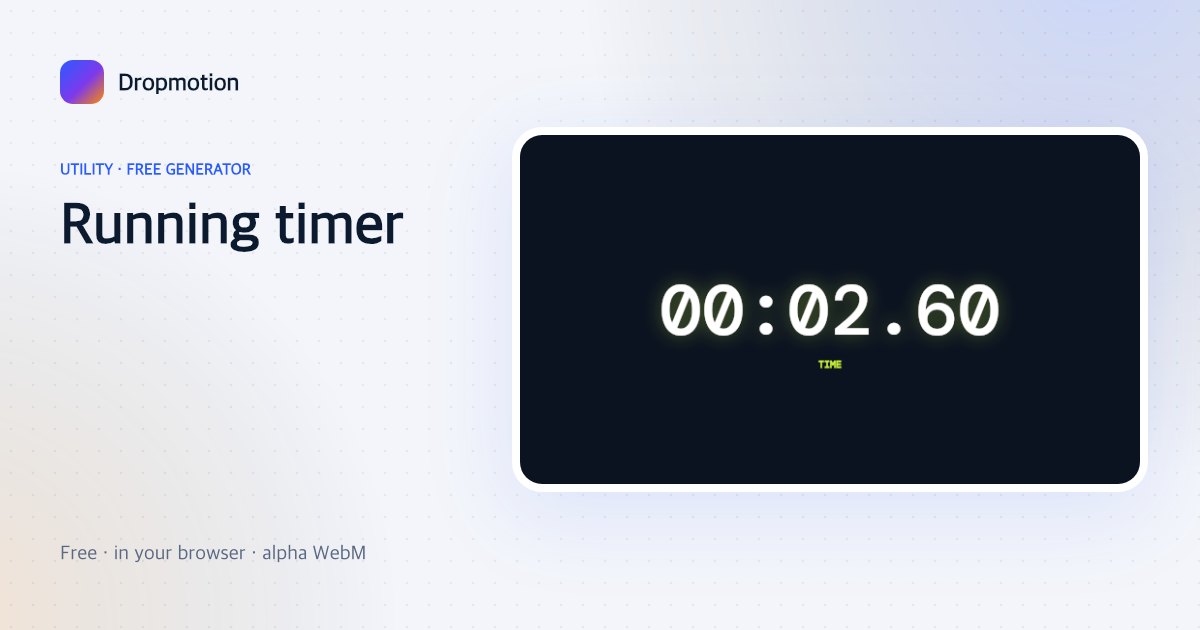
Running timer
A digital clock that counts up or down in real time — for challenges, cooking, “how long did this take”.
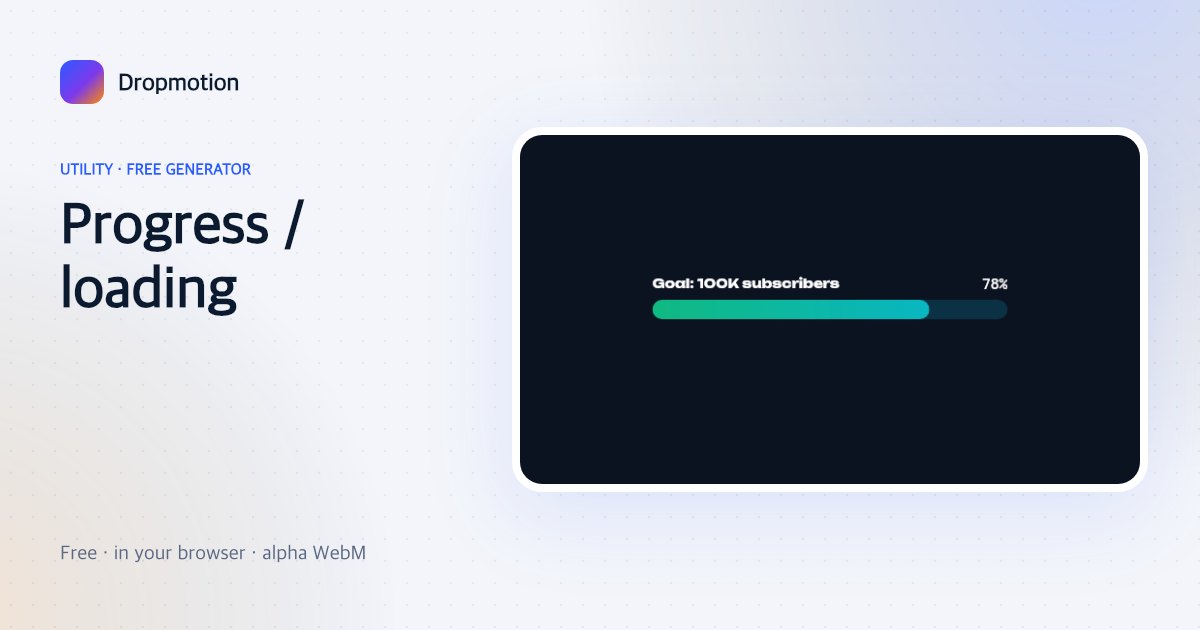
Progress / loading
A bar fills to your percentage with a counter — goals, fundraisers, “video 7 of 10”, loading screens.
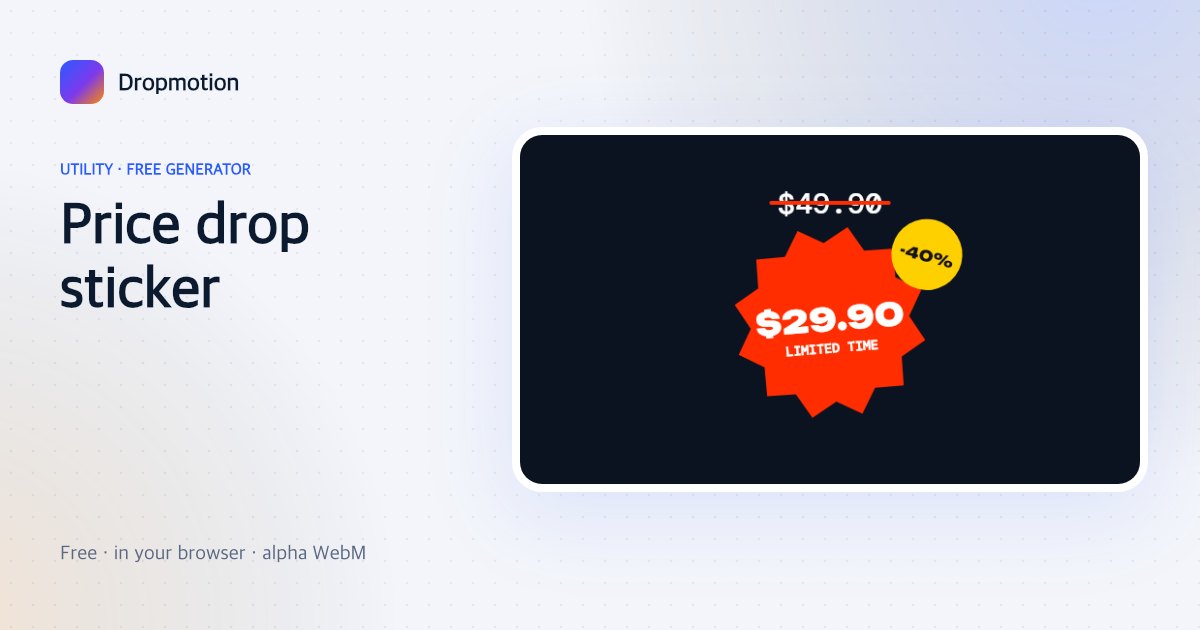
Price drop sticker
Old price gets struck through, the new price slams in on a starburst with “-40%”. Built for sellers.
Loading spinner
Spinner, dots or a skeleton pulse with “Loading…” — comedy cutaways and real loading screens.
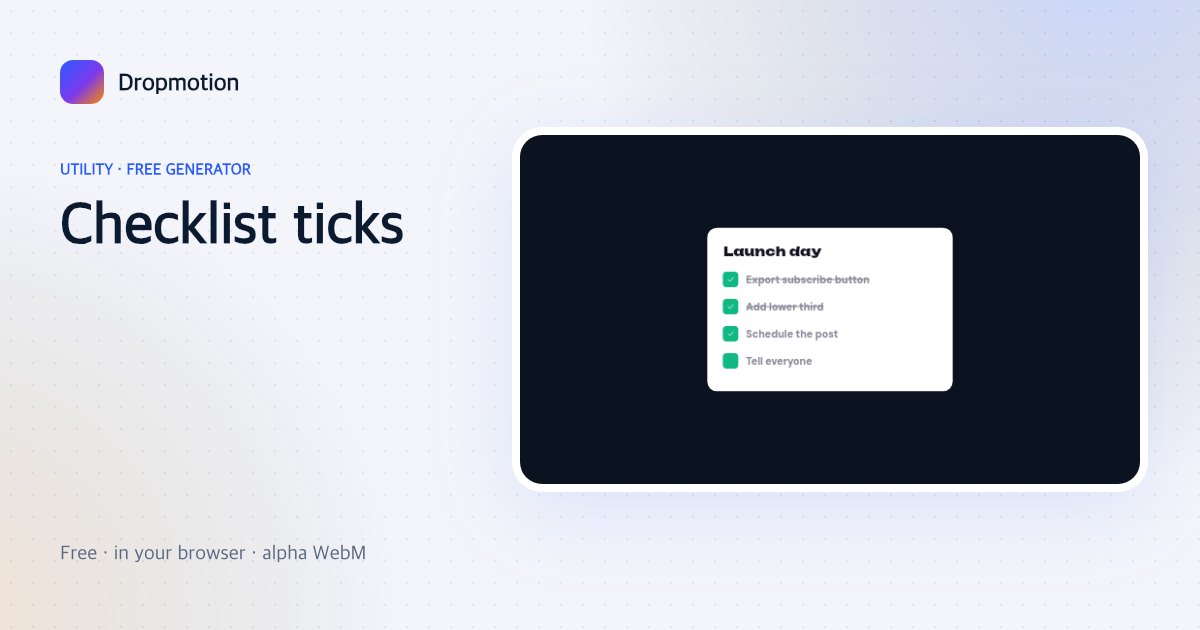
Checklist ticks
Items get ticked off one by one with a strike-through and a satisfying pop — routines, packing, to-dos.
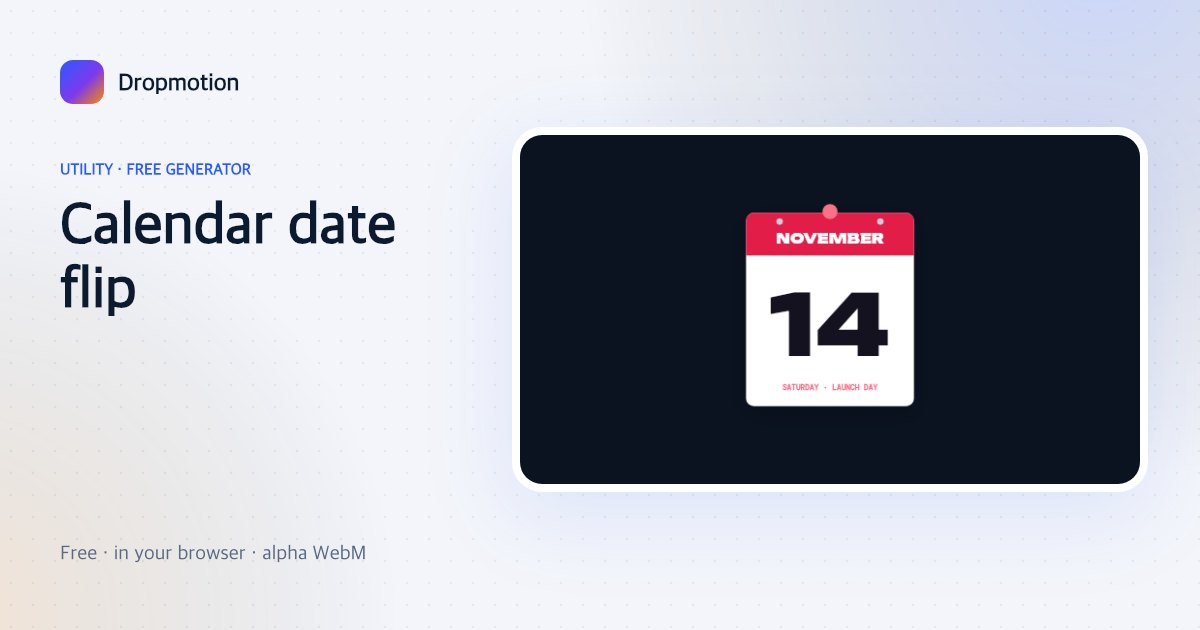
Calendar date flip
A tear-off calendar flips pages to land on your date — “save the date”, countdown-to-launch content.
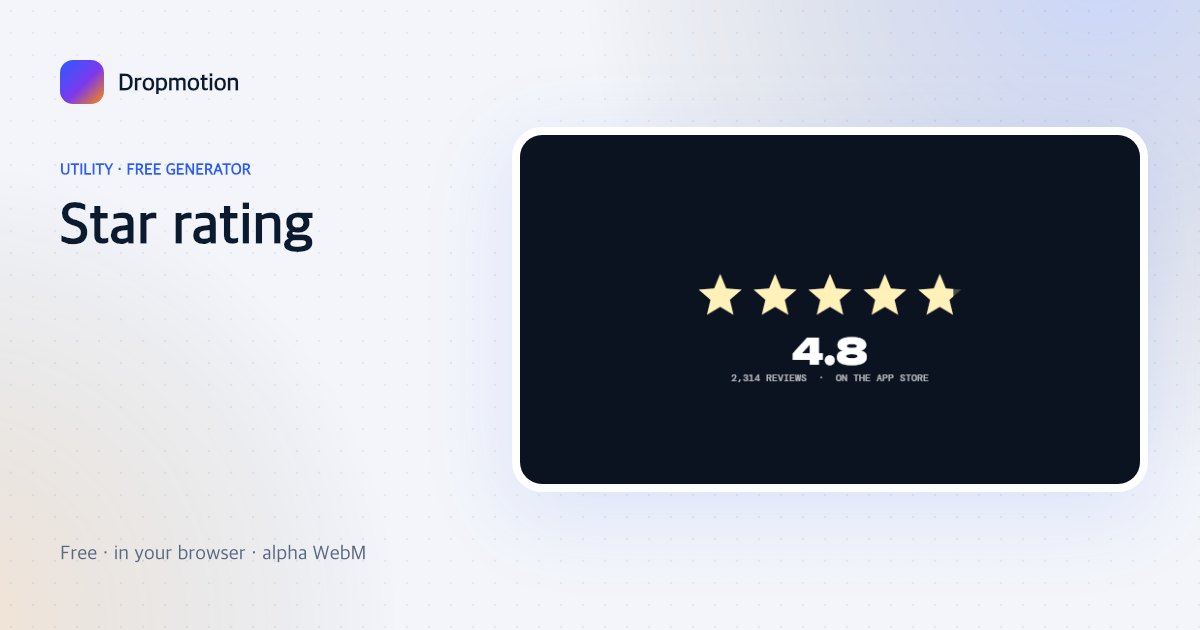
Star rating
Five stars fill to your rating with a number count-up and review count — product and app content.
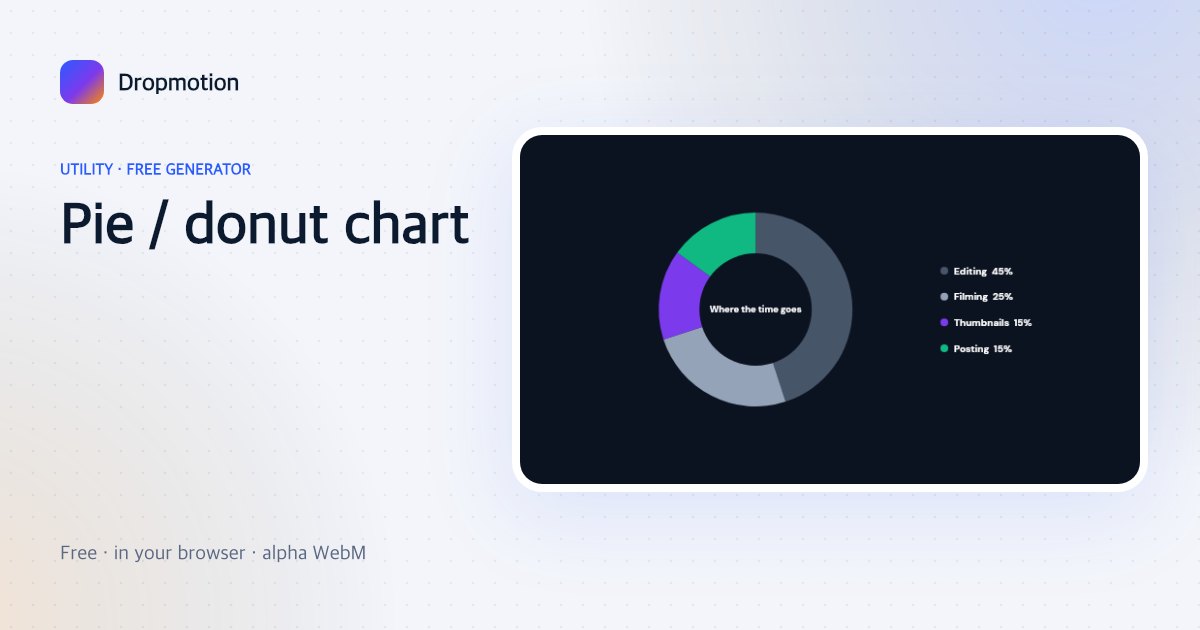
Pie / donut chart
Slices sweep in one after another with labels and a centre total — budgets, splits, survey results.
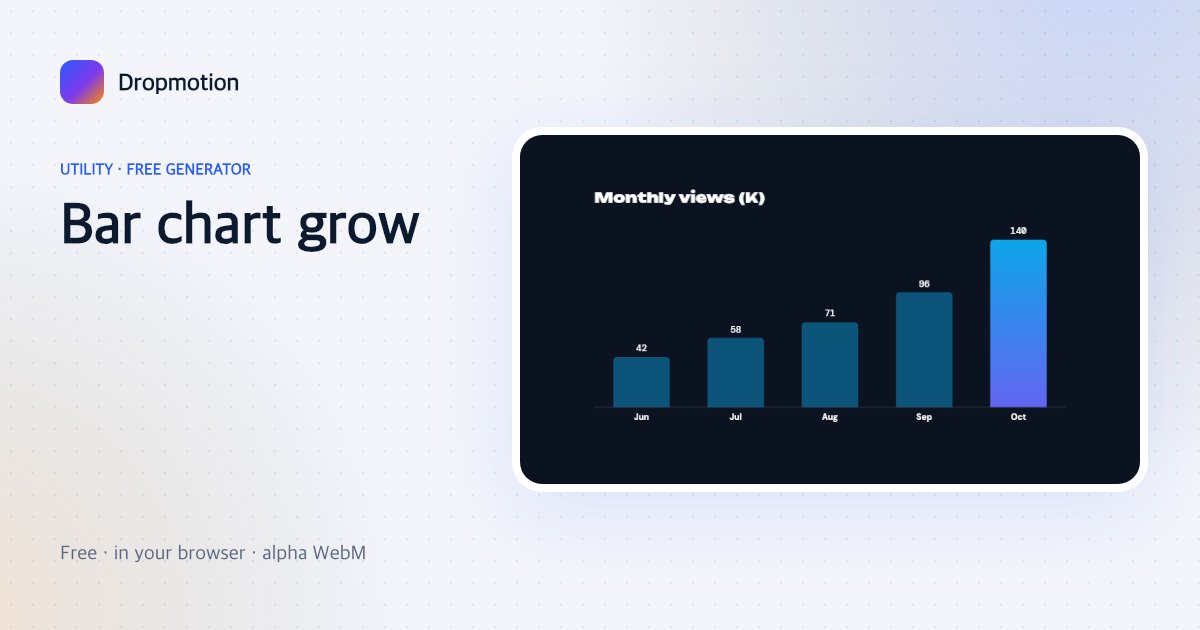
Bar chart grow
Vertical bars grow with value labels and a highlighted top bar — monthly numbers, before/after, rankings.
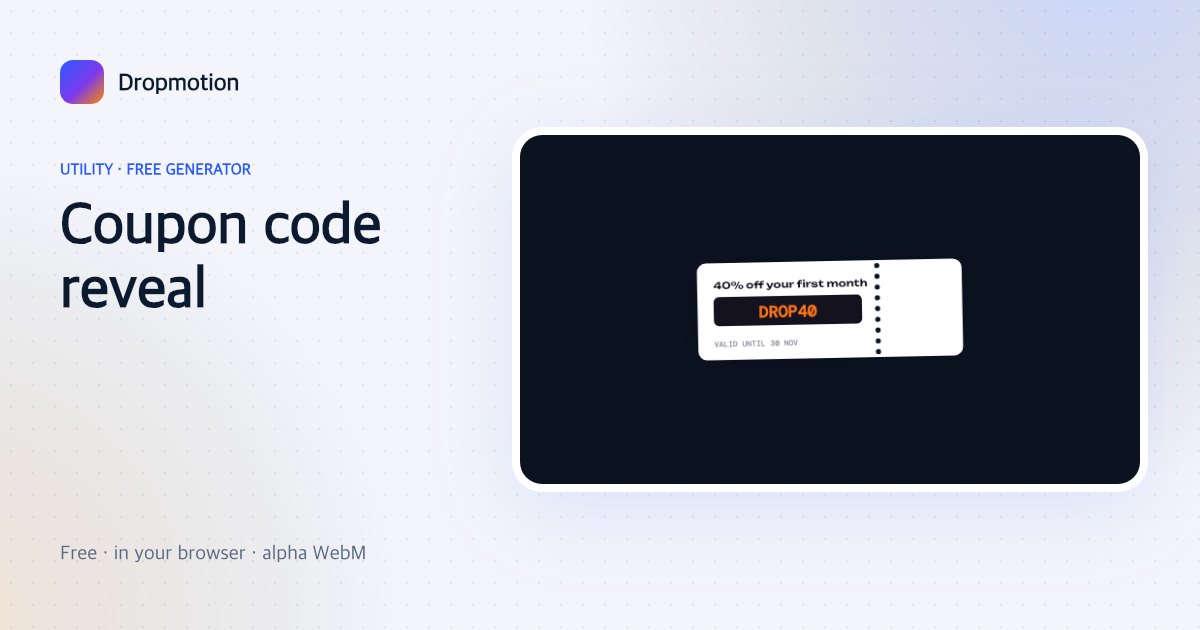
Coupon code reveal
A scratch-style strip wipes away to reveal your code, then a “copied” tick — promos and affiliate links.
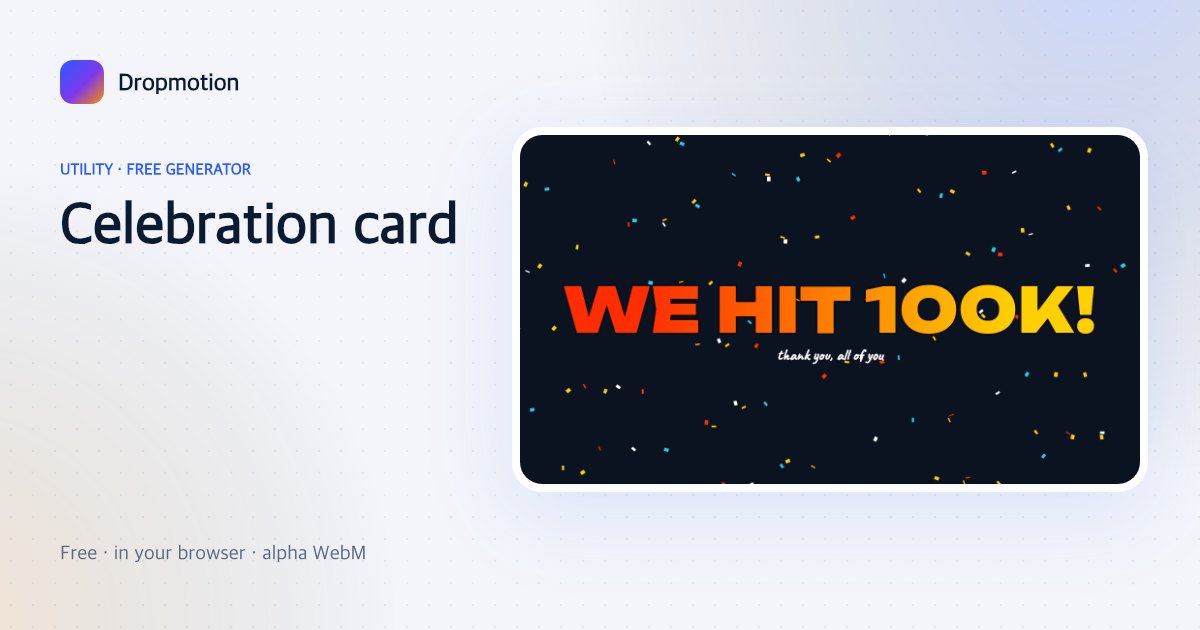
Celebration card
“HAPPY BIRTHDAY”, “WE HIT 1M”, “CONGRATS” — big text bounces in under a confetti shower.
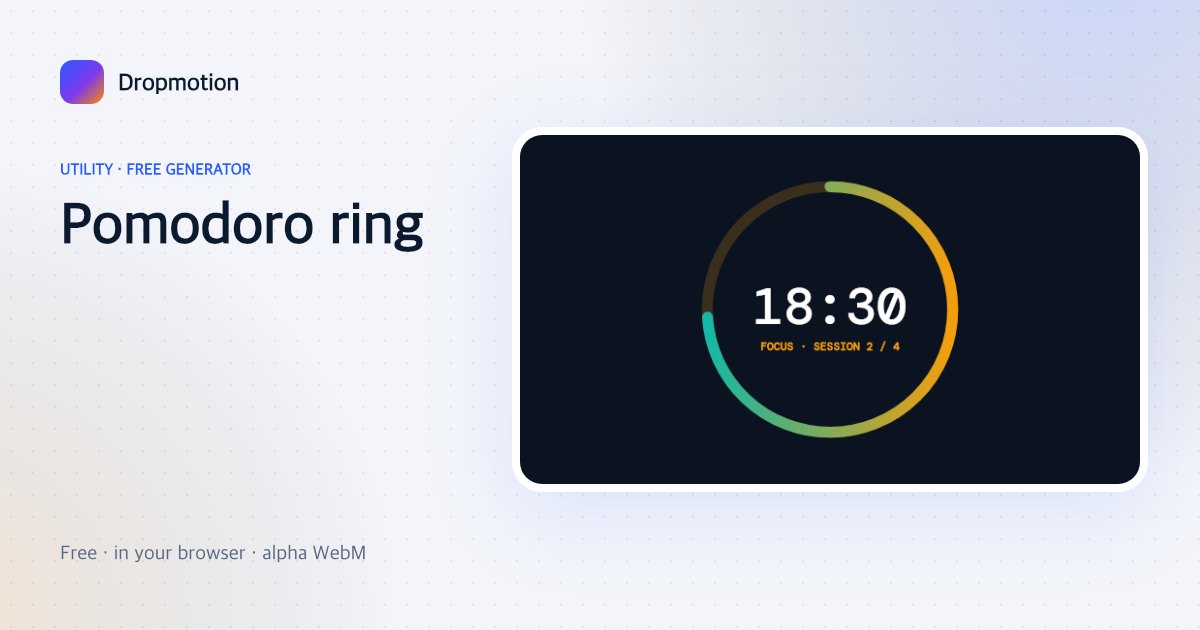
Pomodoro ring
A big minute:second ring that counts down with a session label — study-with-me and focus videos.
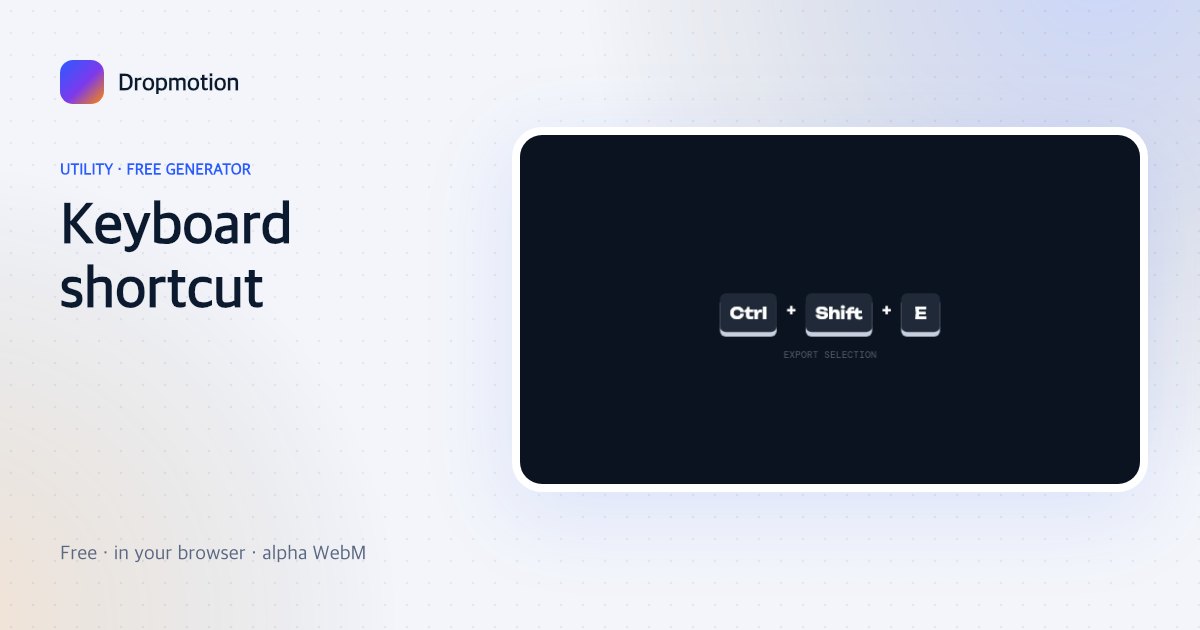
Keyboard shortcut
Keycaps press down one after another — “Ctrl + Shift + E” — for tutorials and tips.
Tooltip label
A tooltip with an arrow pops at a chosen spot on screen — annotate a button, a face, a detail.
Cursor click ripple
A cursor moves to a point and clicks with a ripple — screen-recording emphasis without the software.
Focus rectangle
Everything dims except a rectangle that draws itself around the thing to look at — tutorial focus.
Spotlight circle
A soft circular spotlight moves to a point and holds — reveal a detail, hide the rest.
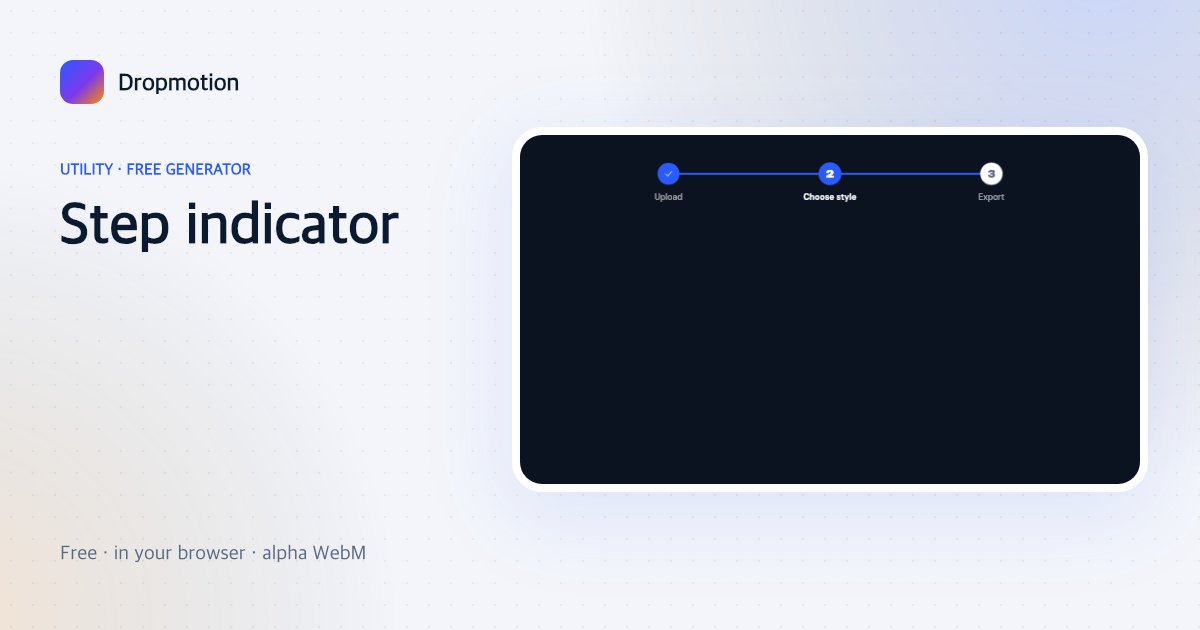
Step indicator
A step progress indicator advances through numbered dots with labels — multi-step tutorials.
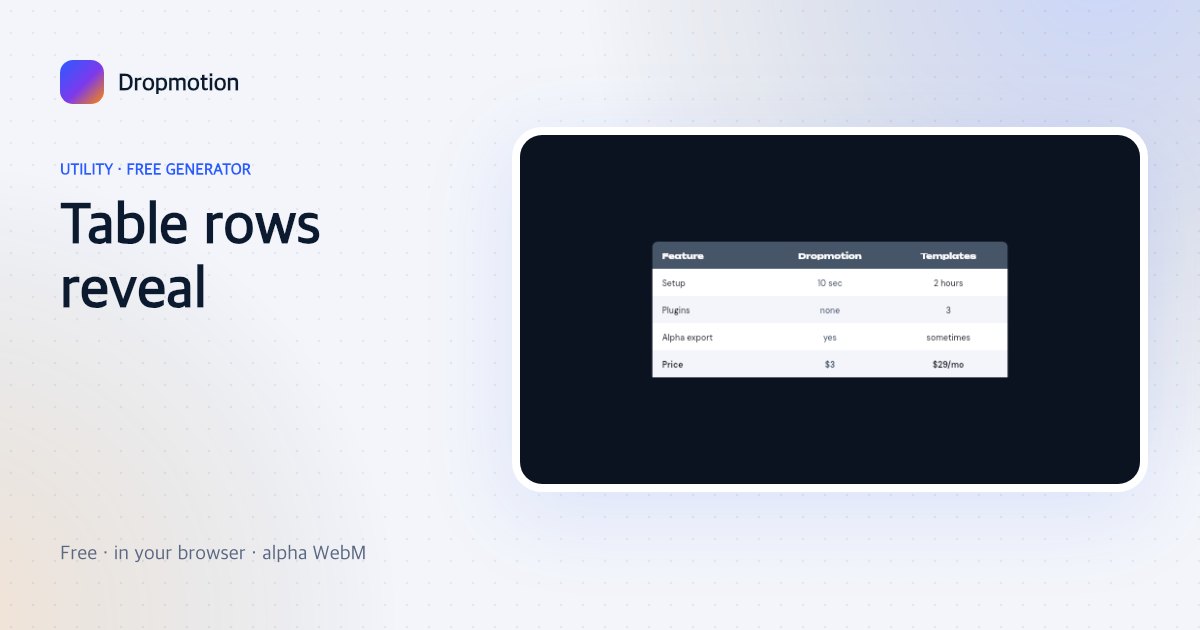
Table rows reveal
A clean comparison table whose rows slide in one by one — specs, pricing, before/after columns.
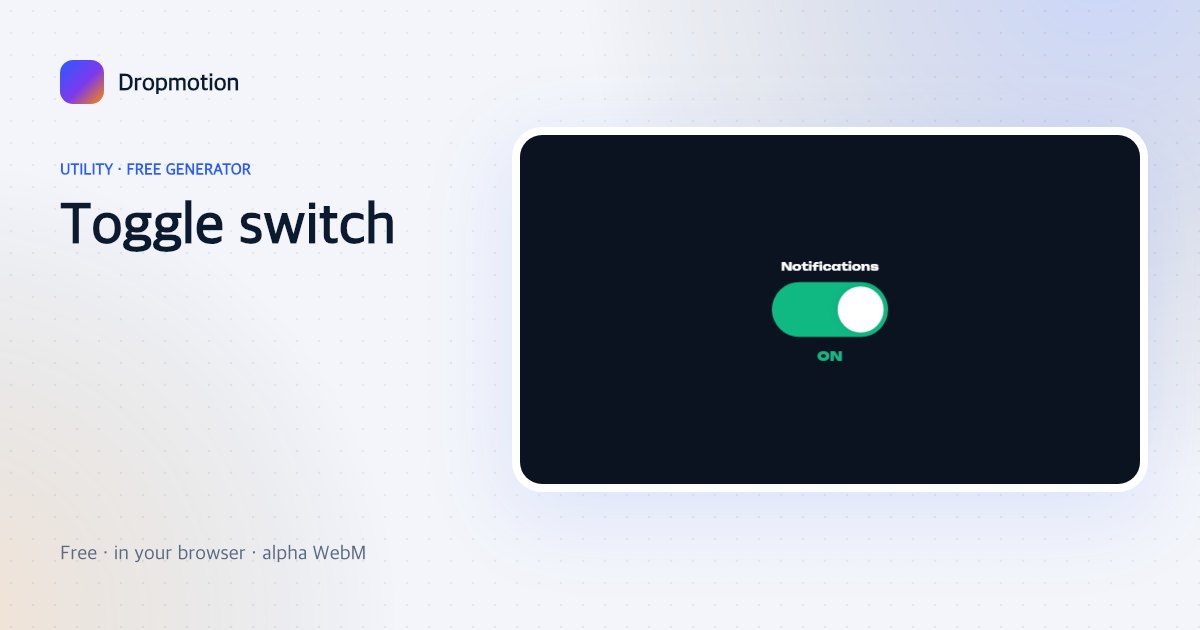
Toggle switch
A big switch flips on with a label change — “dark mode: on”, feature announcements.
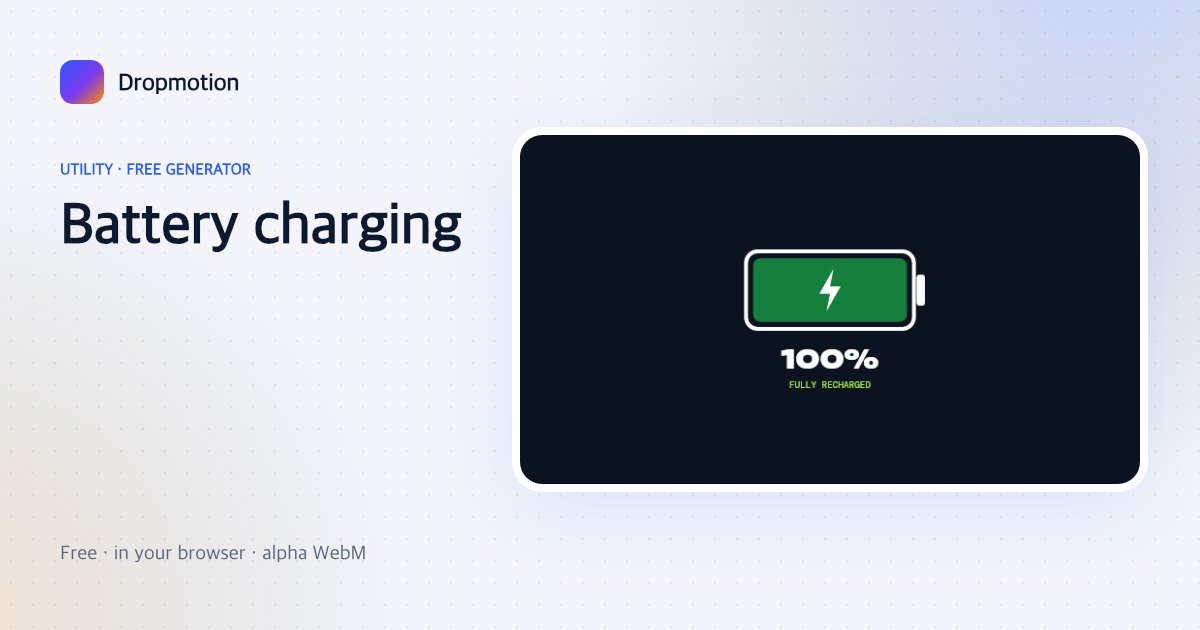
Battery charging
A battery fills with a lightning bolt and a percentage — “recharged”, energy, productivity content.
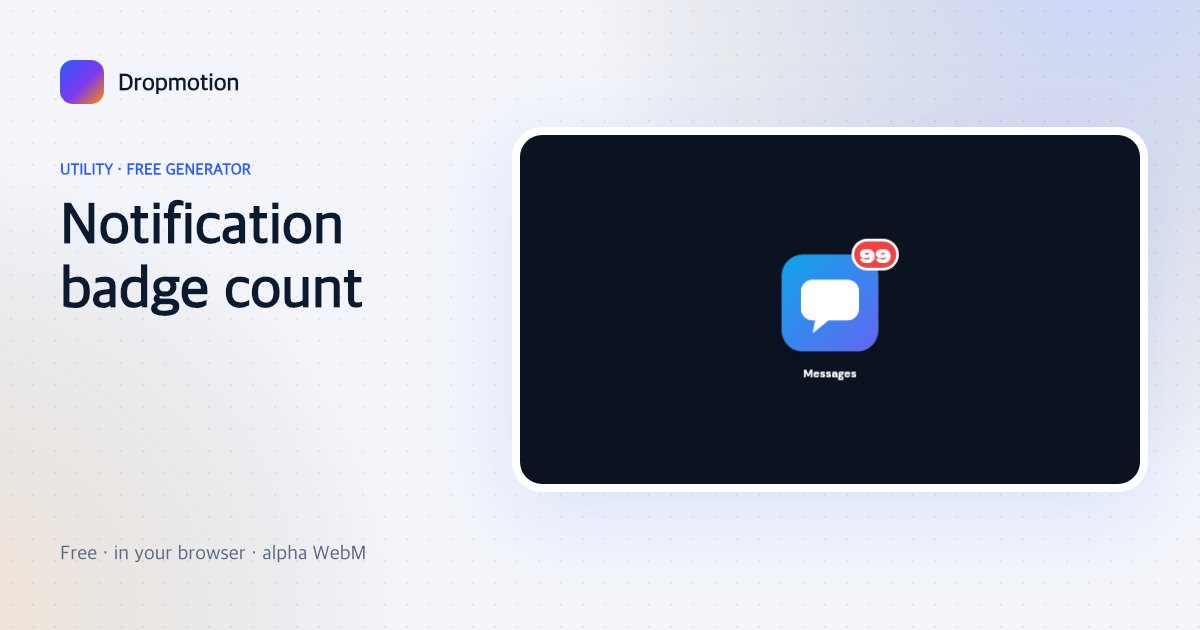
Notification badge count
An app icon with a red badge whose number ticks up — “99+ messages”, inbox-zero stories.
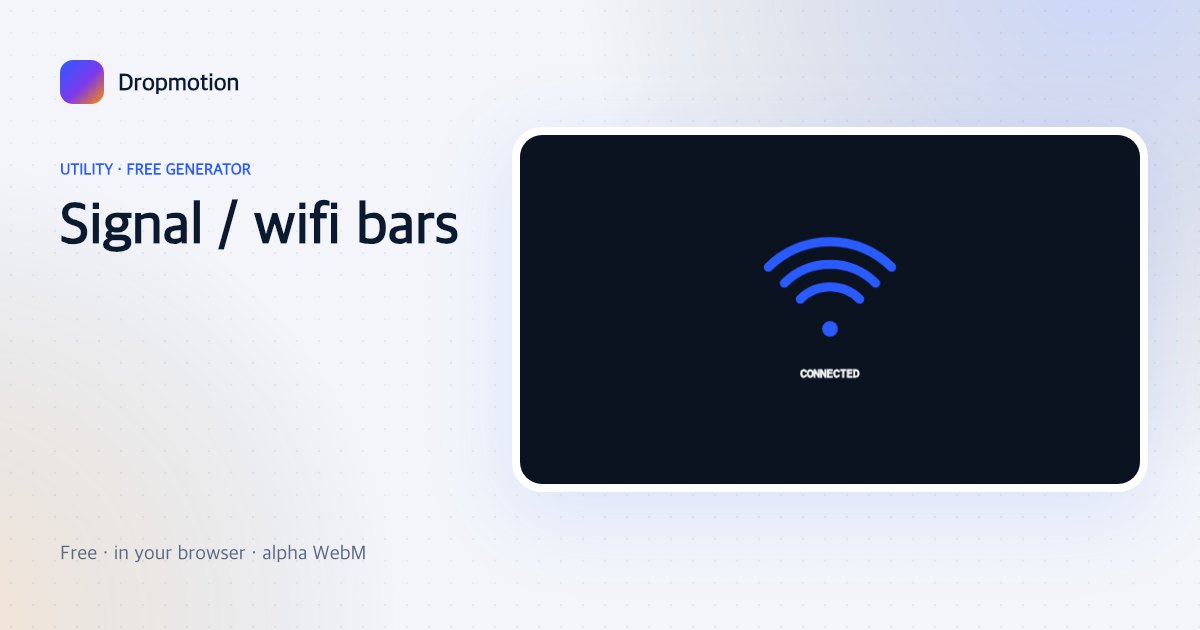
Signal / wifi bars
Wi-Fi arcs or signal bars fill up (or drop) with a label — connection jokes, speed tests, travel vlogs.
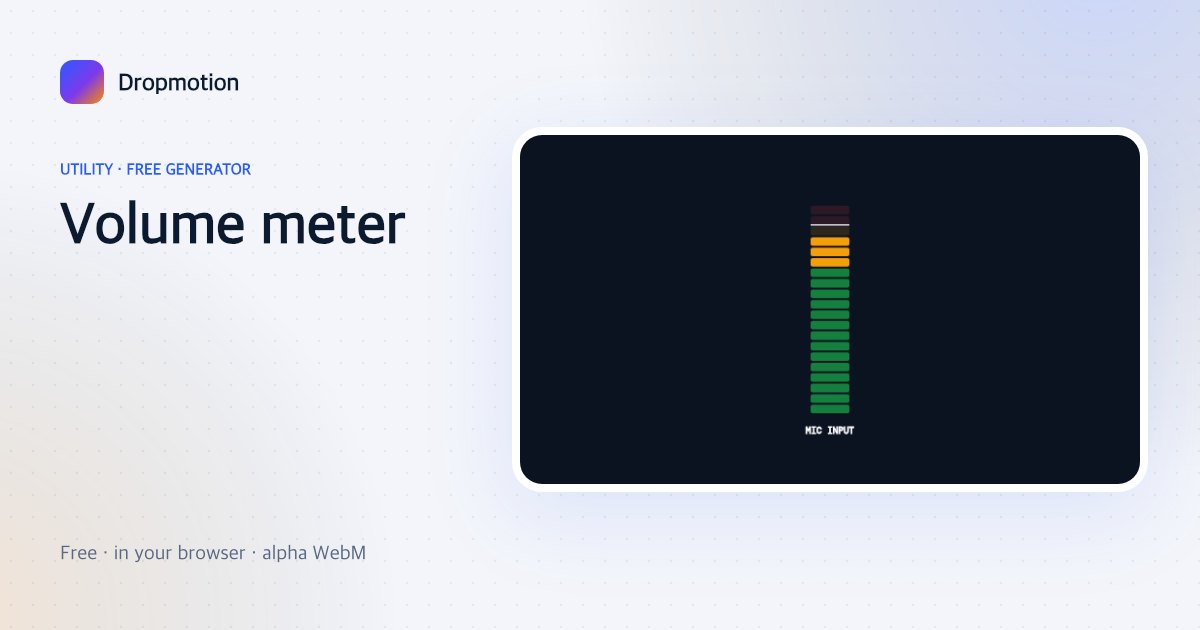
Volume meter
A VU-style level meter that bounces in the green and kisses the red — audio tutorials and mic tests.
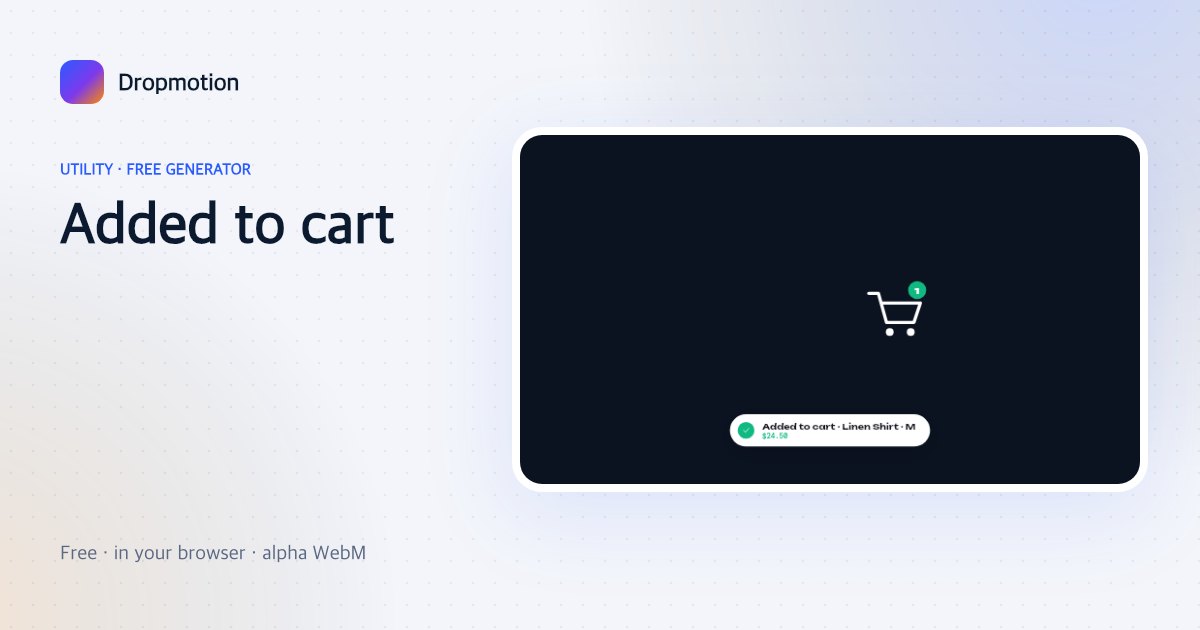
Added to cart
A product flies into a cart icon, the badge ticks up and an “Added ✓” toast slides in — e-commerce clips.
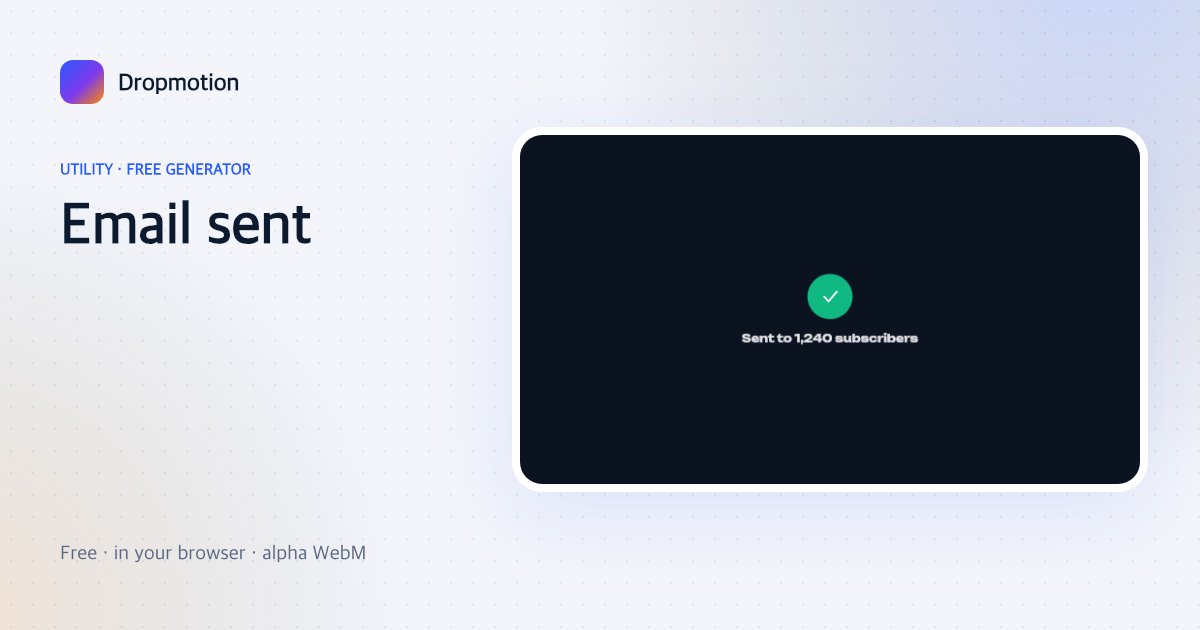
Email sent
An envelope seals, a paper plane flies off and “Sent ✓” pops — newsletters, outreach, confirmations.
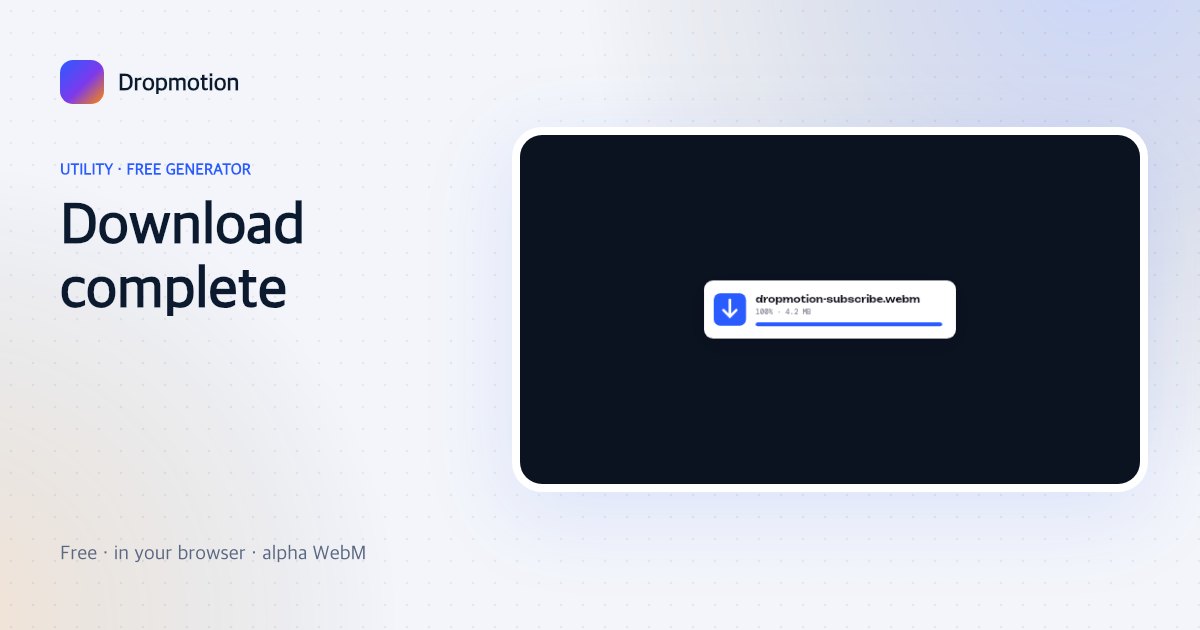
Download complete
A file card with a progress bar that fills, then morphs into a green check — tutorials and app demos.
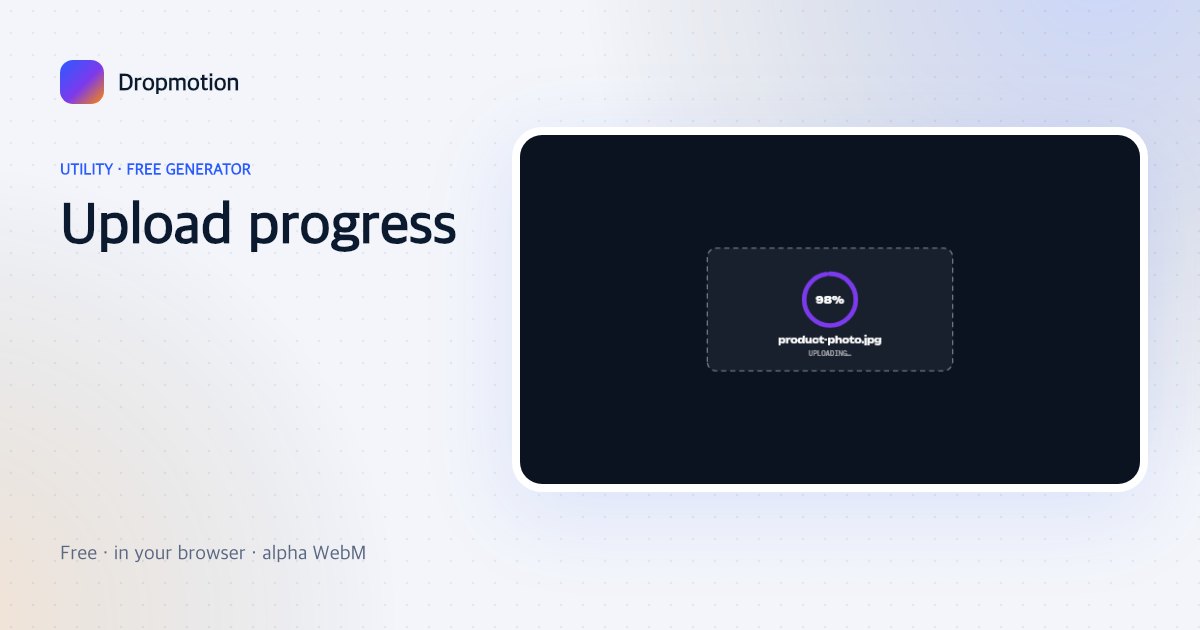
Upload progress
A drop-zone with a file that lands, a circular progress and “Uploading…” to “Done” — product demos.
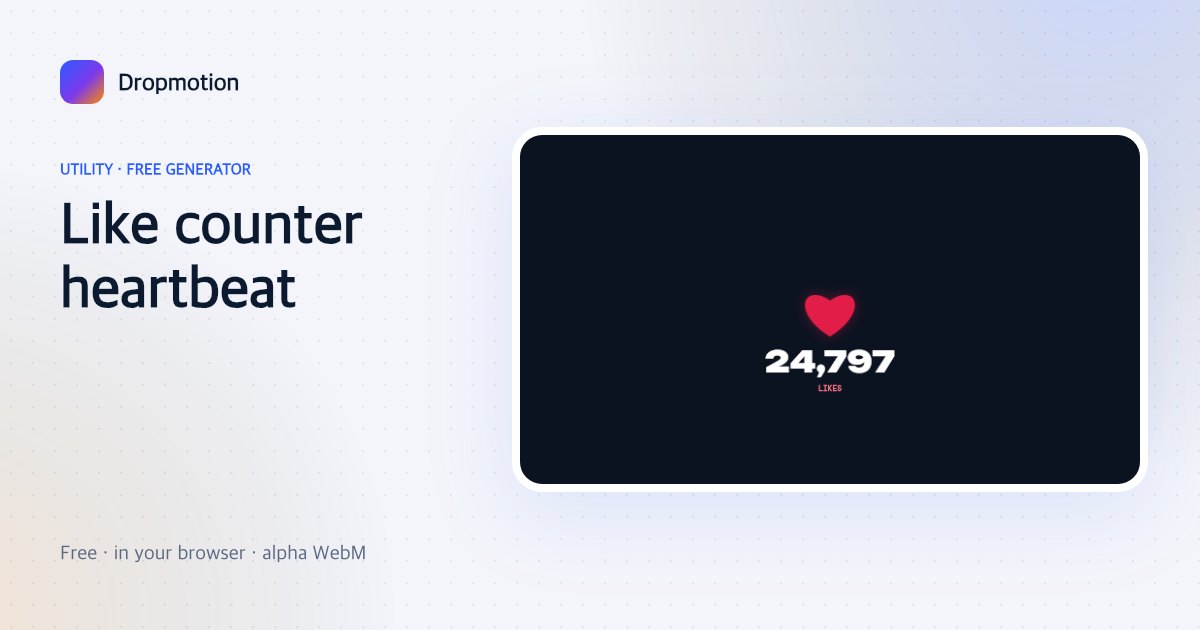
Like counter heartbeat
A heart beats and bursts while the like count rolls — the tiny overlay for “smash that like”.
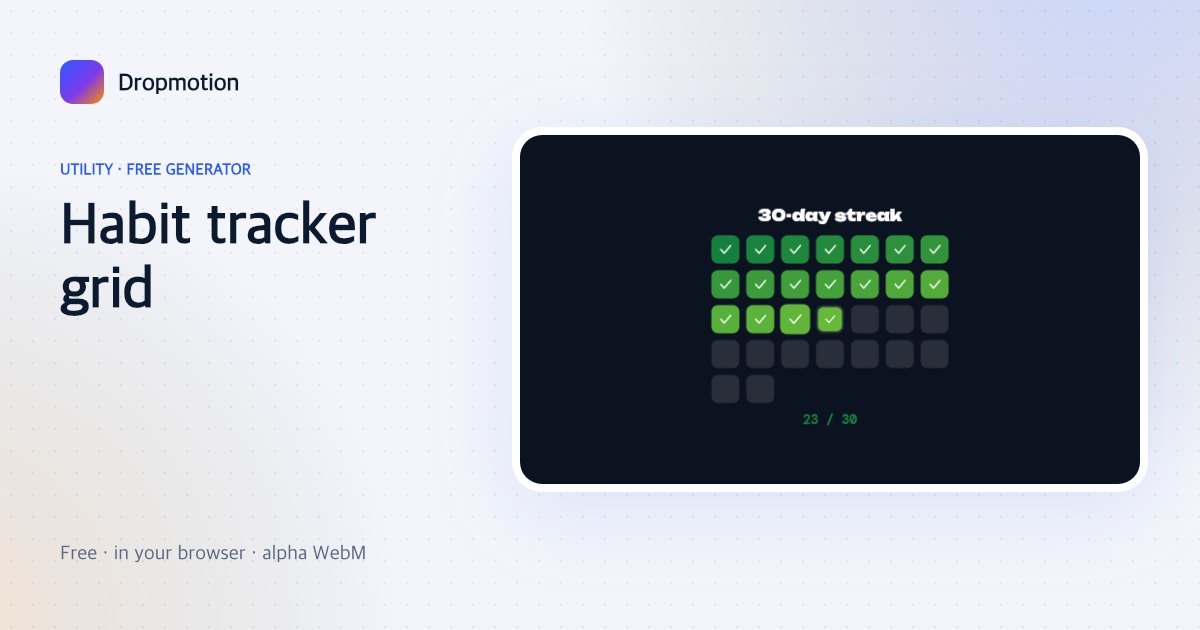
Habit tracker grid
A grid of days fills in one by one with ticks and a streak counter — habit apps, fitness, study and 30-day challenges.
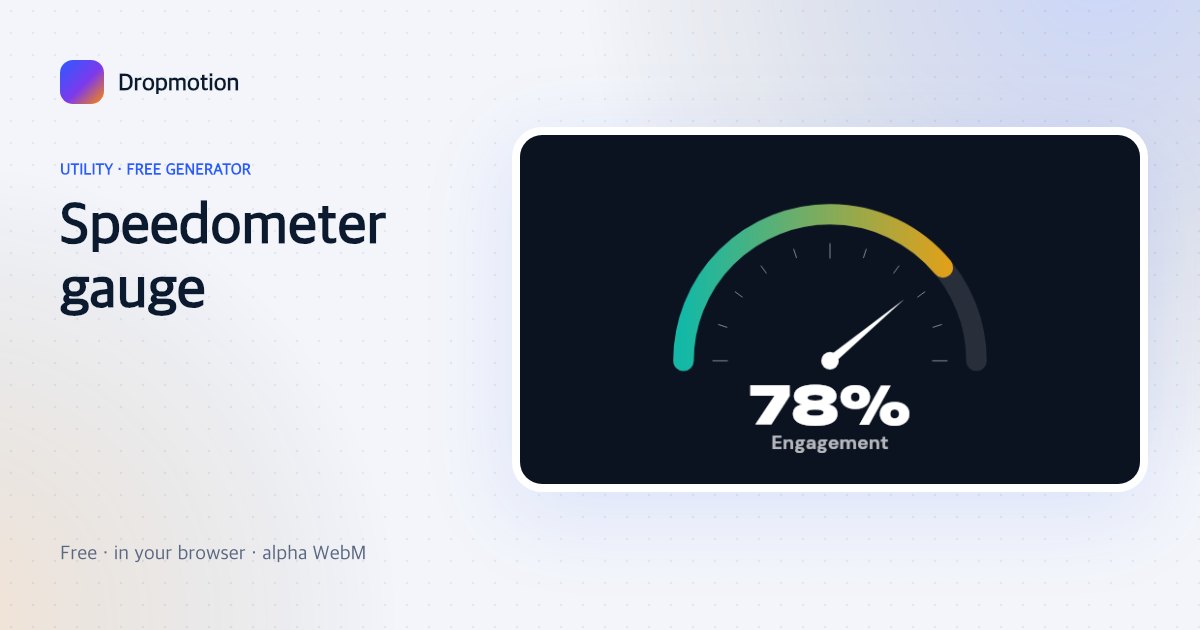
Speedometer gauge
A half-circle gauge whose needle sweeps up to your number with a little overshoot while the value counts — scores, ratings, KPIs, “how hard was it”.
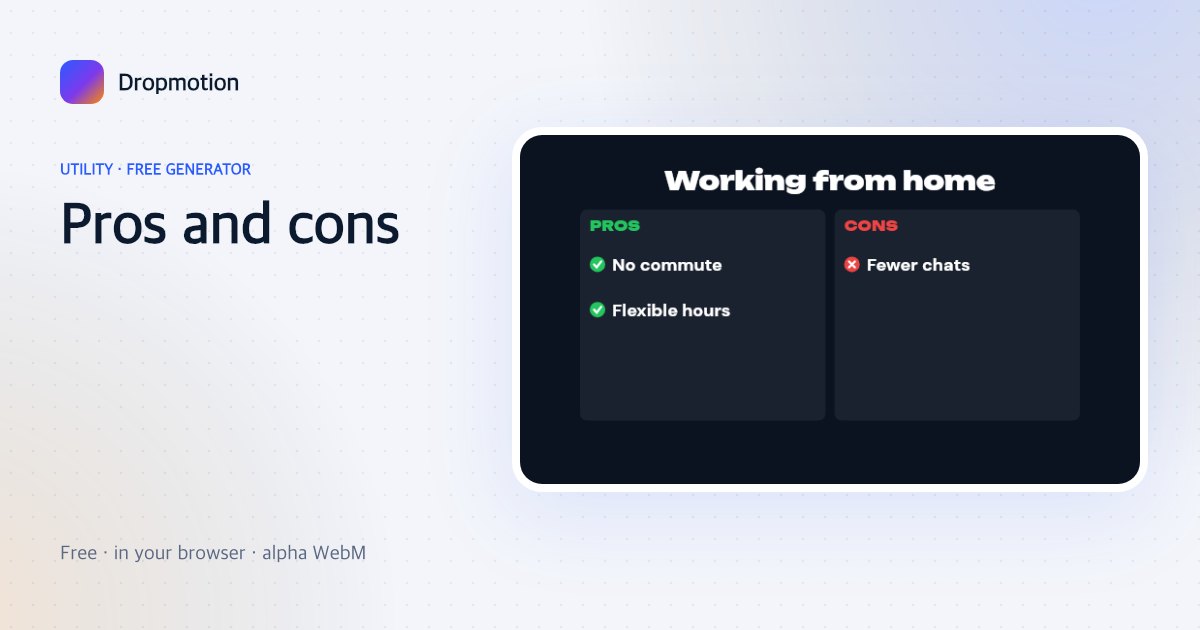
Pros and cons
Two columns fill in turn — pros with ticks, cons with crosses — and a verdict pops underneath. Reviews, comparisons, “is it worth it?” videos.
Countdown, timer and loading animation questions
How do I make a countdown timer green screen for free?
Open the Countdown, count from 3, 5 or 10, type your final word such as GO!, pick a style and the green background, and press “Download video”. It runs in your browser with nothing to install; downloads are free, up to 10 a day with no account (a 1080p MP4 with a small dropmotion.io mark under the animation and a “Made with dropmotion.io” banner along the bottom, plus a 2-second end card), and a $3 day pass gives clean HD files for 24 hours. Free PNG stills carry the same mark and count toward the 10 a day. The newest releases are for day pass and Unlimited members until the next release.
Can I make a loading bar or progress bar animation without After Effects?
Yes. The progress bar, loading spinner and download animations are drawn in your browser from the numbers and words you set, so you need no After Effects, plugin or template. Download the video and drop it into whichever editor you already use.
How do I add a confetti or mouse click green screen in CapCut?
Download it with a transparent background, or on green if your editor prefers it. In CapCut, tap Overlay, add the video, then Remove background and Chroma key, and pick the green. The confetti or cursor stays and the green disappears.
Do the timer and loading animations have a transparent background?
Free downloads keep a transparent background (WebM in Chrome or Edge; other browsers get green to key out), and so do clean HD downloads with a $3 day pass or Unlimited; PNG stills always keep transparency.
Which countdown or loading animation works best for Shorts, Reels and TikTok?
Quick, centred ones: the 3-2-1 countdown, confetti and the loading spinner. Set the size to Vertical 9:16 before you download so the animation is laid out for a tall screen rather than shrunk from a wide one.
Can I run a countdown or timer live in OBS?
Yes. Every generator has an “OBS live link” under “More ways to use it”. Add it to OBS or Streamlabs as a Browser Source and it runs live with a transparent background, replaying on a loop. Downloaded videos are short clips, so the Pomodoro ring plays a whole session sped up.