News green screen & broadcast overlays
Free news green screen and broadcast overlay generators: breaking news bars, lower thirds, tickers, score bugs, weather cards, polls and audio waves. Type your text, pick colours and export WebM on a green screen or solid background for CapCut, Premiere Pro, DaVinci Resolve or Final Cut, or add any of them live to OBS as a browser source. Free downloads (10 a day) are 1080p with a small dropmotion.io mark under the animation; clean HD comes with a $3 day pass or Unlimited.
33 generators · free to preview and download, 10 a day with a small mark · clean files from a $3 day pass · MP4, transparent WebM, green screen or PNG · 16:9, 9:16, 1:1 and strip.
Open the Studio →Which news green screen should I use?
Breaking news and intros
- Breaking news — a BREAKING tag, your headline bar, a scrolling ticker and a live clock; the full breaking news green screen.
- Breaking flash — the frame flashes, BREAKING slams in, then your headline; a two-second news intro cut.
- Newspaper spin — a newspaper spins in and slams flat with your masthead, headline and an optional photo.
- Live updates feed — timestamped updates slide in under a pulsing LIVE UPDATES title; elections, launches and match days.
Lower thirds and name cards
- Lower third — a name and role slide in as a news bar, minimal line, box, glass or tag stack; interviews, podcasts and streams.
- Interview name card — a photo, name and title slide in from the left; talking-head intros.
- Headline ticker — a fixed label with your headlines scrolling along the top or bottom; the news ticker strip.
Audio waves and podcasts
- Audio waveform bars — mirrored bars, bars or dots pulse to a built-in rhythm (not your actual audio) under podcasts, voiceovers and music.
- Podcast episode card — cover art, episode number and title with a moving waveform; audiogram-style podcast clips.
- Now playing card — a music-player card with cover, track, artist and a moving progress bar; background-music credits.
Sports, weather and results
- Sports scoreboard — two teams, scores that count up, a status and a clock on a top or bottom bar; match recaps.
- Weather card — a city, a temperature that counts up, a sun, cloud or rain icon and a 3-day strip; weather segments.
- Vote share bars — party results race in as coloured bars against a majority line; results night.
How to make a breaking news green screen online for free
- Pick an overlay from the list below, such as breaking news, a lower third, a headline ticker or the audio wave. It opens in the Studio right in your browser, with nothing to install.
- Type your headline, name and role or ticker items (Urdu, Arabic, Hindi and Bengali get proper fonts), add a photo where there is a slot, and choose a colour scheme and a size: Landscape 16:9 for YouTube, Vertical 9:16 for Shorts, Reels and TikTok, Square 1:1, or the 1920×540 wide strip. Pick a green screen, transparent or coloured background.
- Press “Download video”. Free downloads, up to 10 a day with no account, are 1080p MP4s with a small dropmotion.io mark under the animation and a “Made with dropmotion.io” banner along the bottom; a $3 day pass or Unlimited gives clean HD files. Put it on a layer above your footage in CapCut, Premiere Pro or DaVinci Resolve; a green background keys out with chroma key.
All 33 news generators
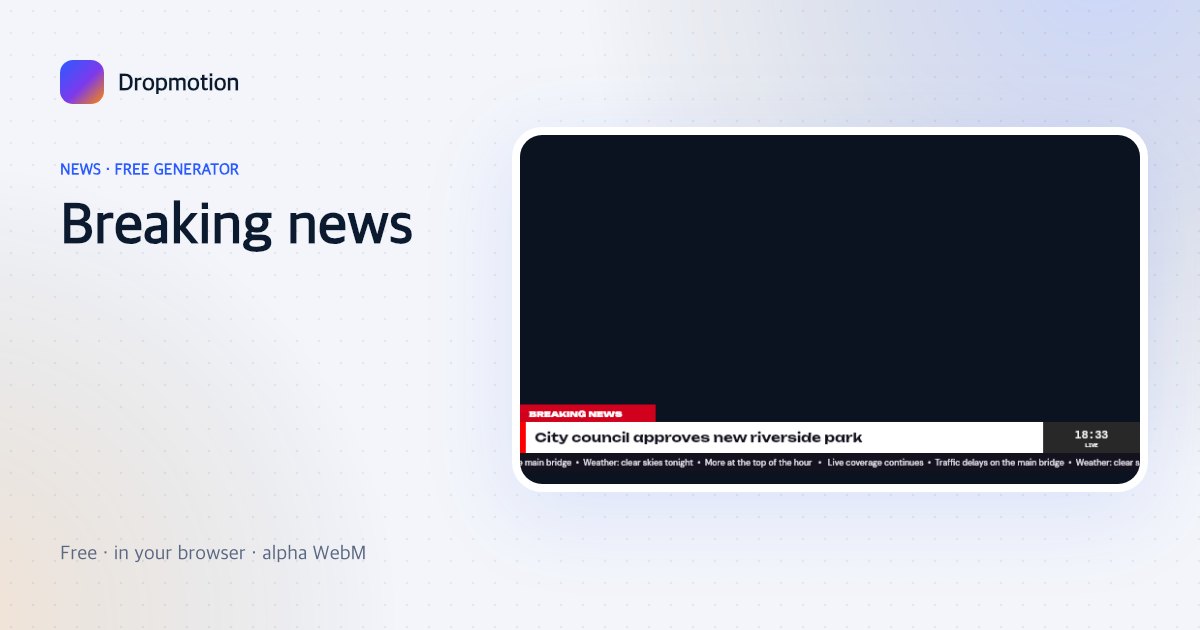
Breaking news
Red BREAKING tag, headline bar, ticker strip and a live clock — the full broadcast lower third.
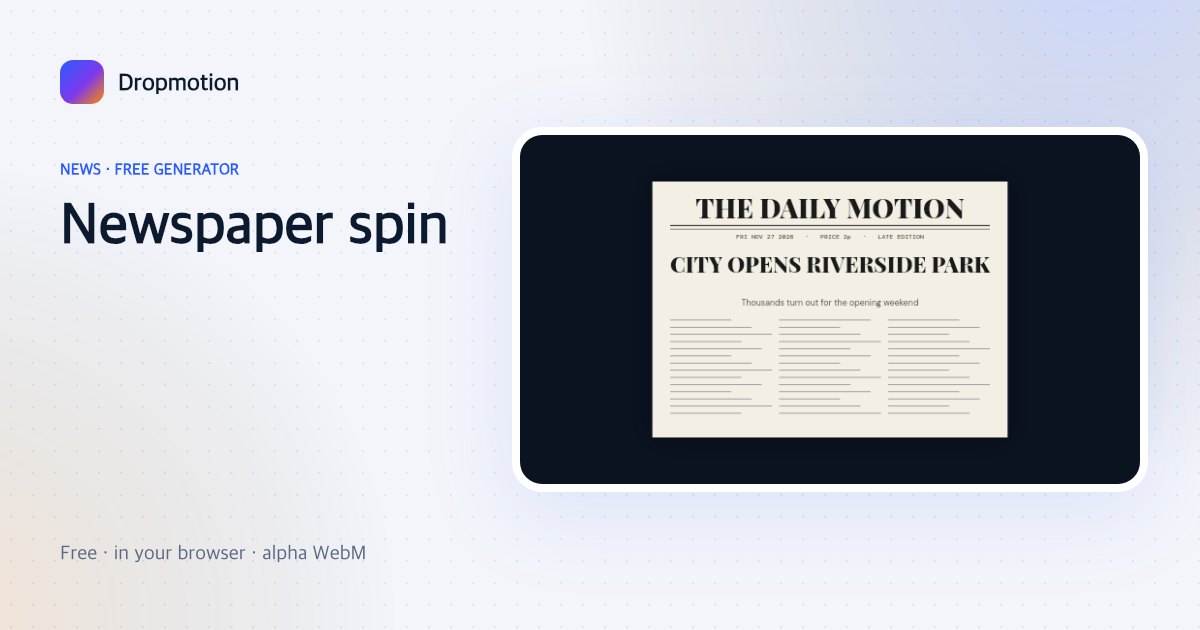
Newspaper spin
The classic: a newspaper spins in from the distance and slams flat with your headline.
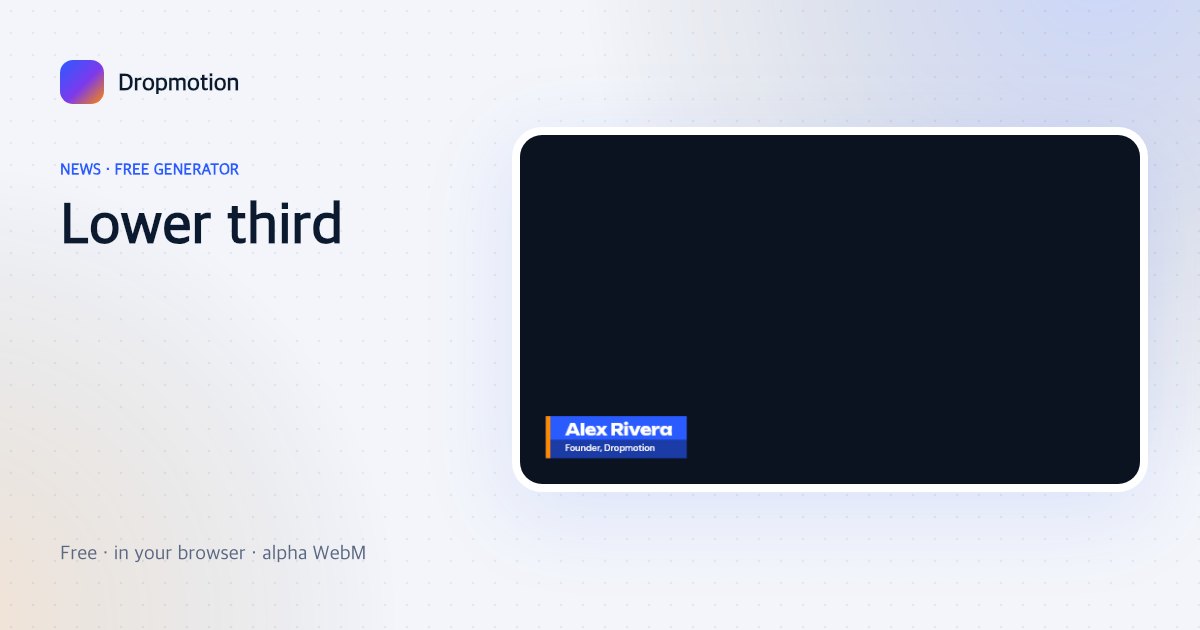
Lower third
Name and title for interviews, podcasts, OBS streams. Slides in, holds, slides out.
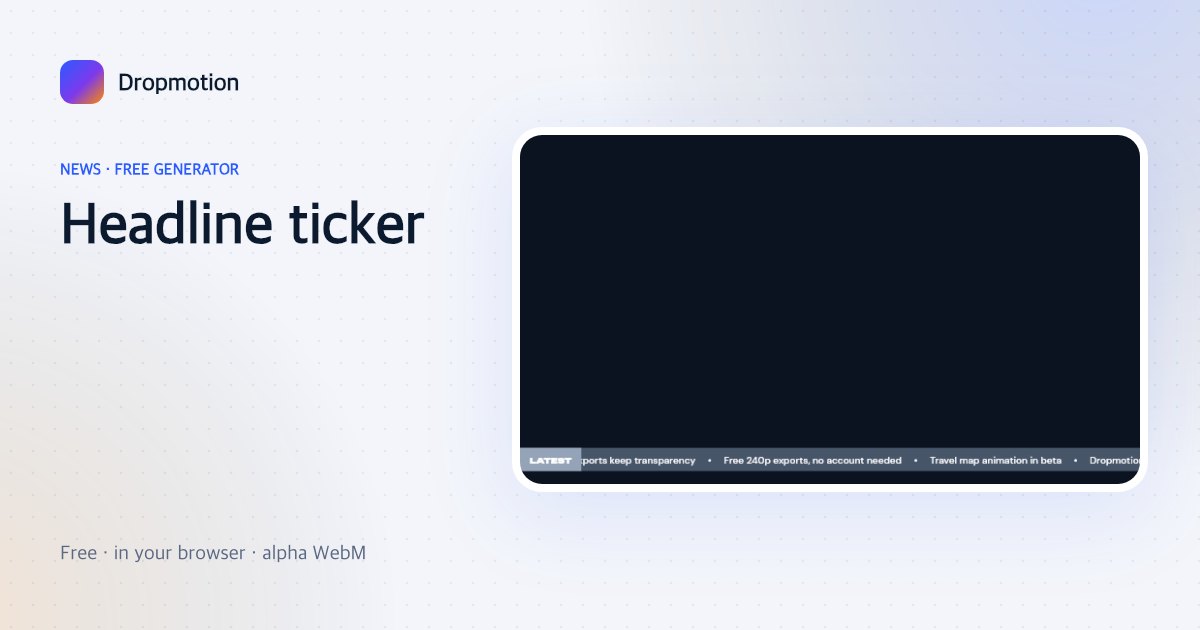
Headline ticker
A seamless scrolling strip with a fixed label — for news, sports scores, announcements.
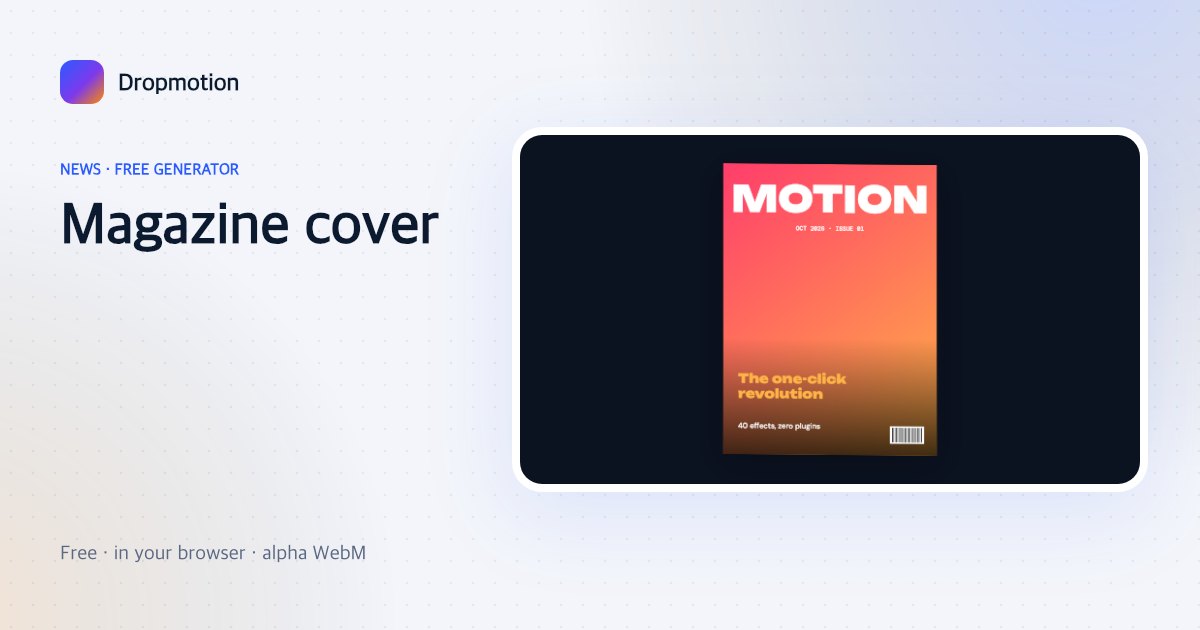
Magazine cover
Your photo becomes a glossy cover with masthead, cover lines and a barcode — then tilts into 3D.
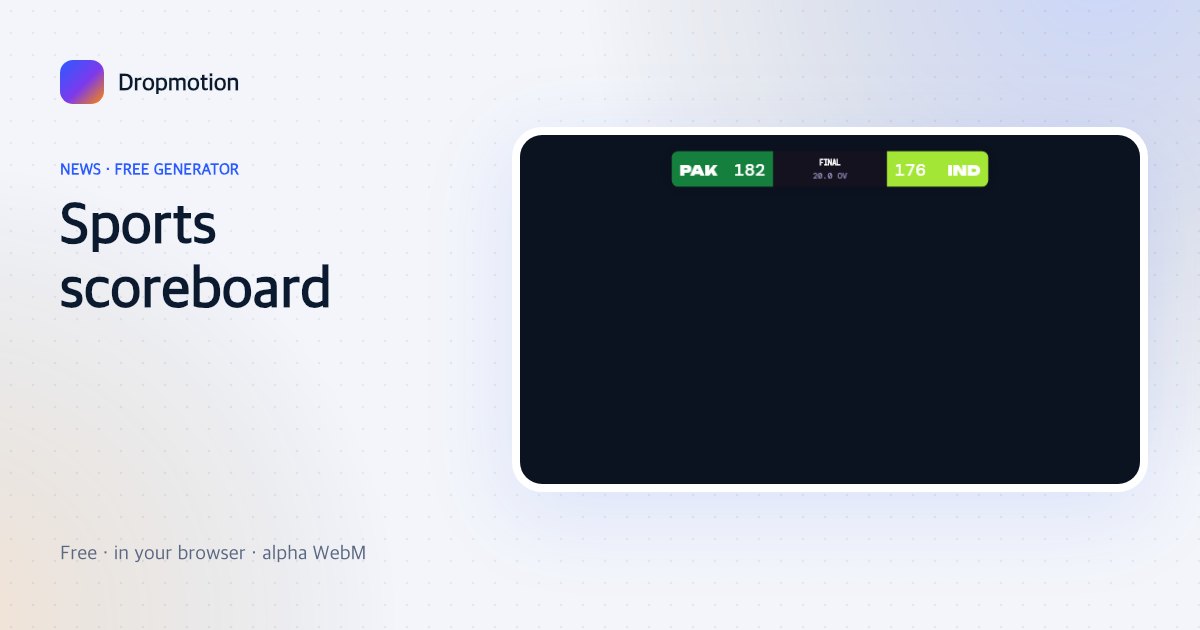
Sports scoreboard
Two teams, scores that tick up, a clock and a period badge — match recaps and live overlays.
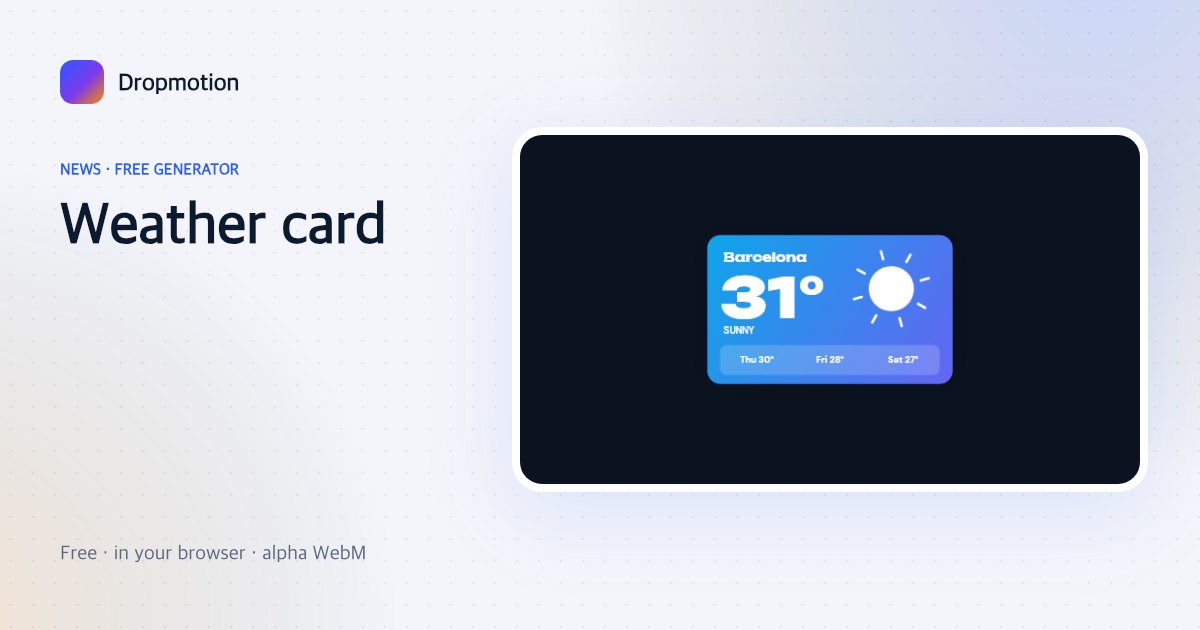
Weather card
City, temperature counting up, an animated sun/cloud/rain icon and a 3-day strip.
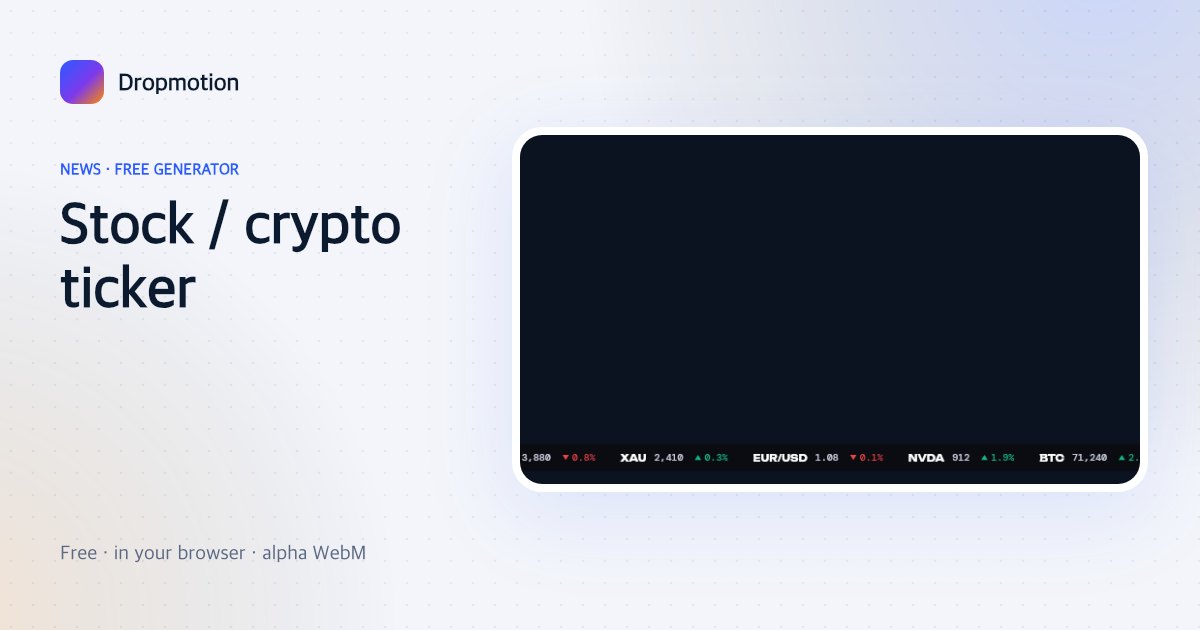
Stock / crypto ticker
Tickers with prices and green/red change arrows scroll across — crypto, forex, gold, stocks.
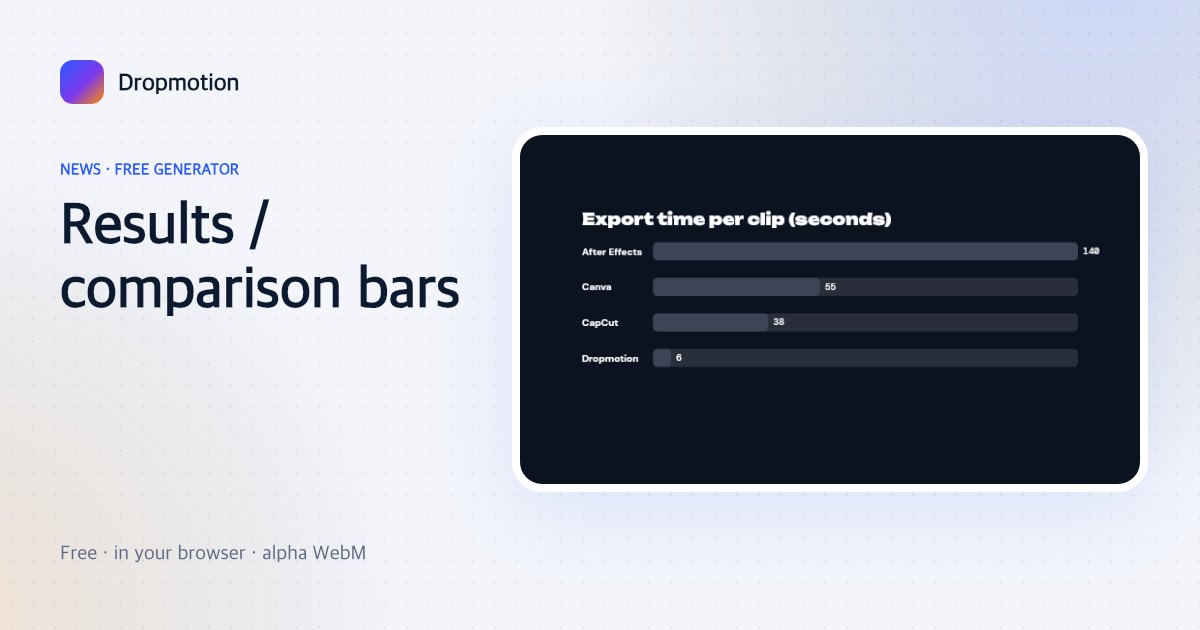
Results / comparison bars
Up to five labelled bars race to their values with a leader highlight — surveys, elections, benchmarks.
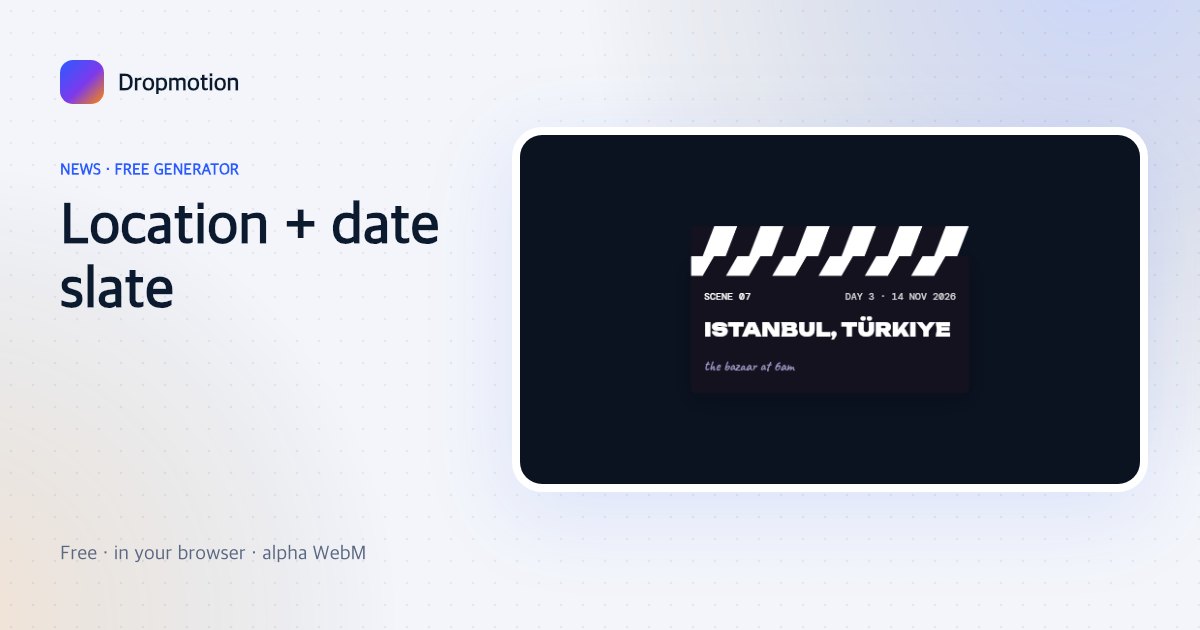
Location + date slate
A clapper-style slate with location, date and a scene number — the classic vlog chapter opener.
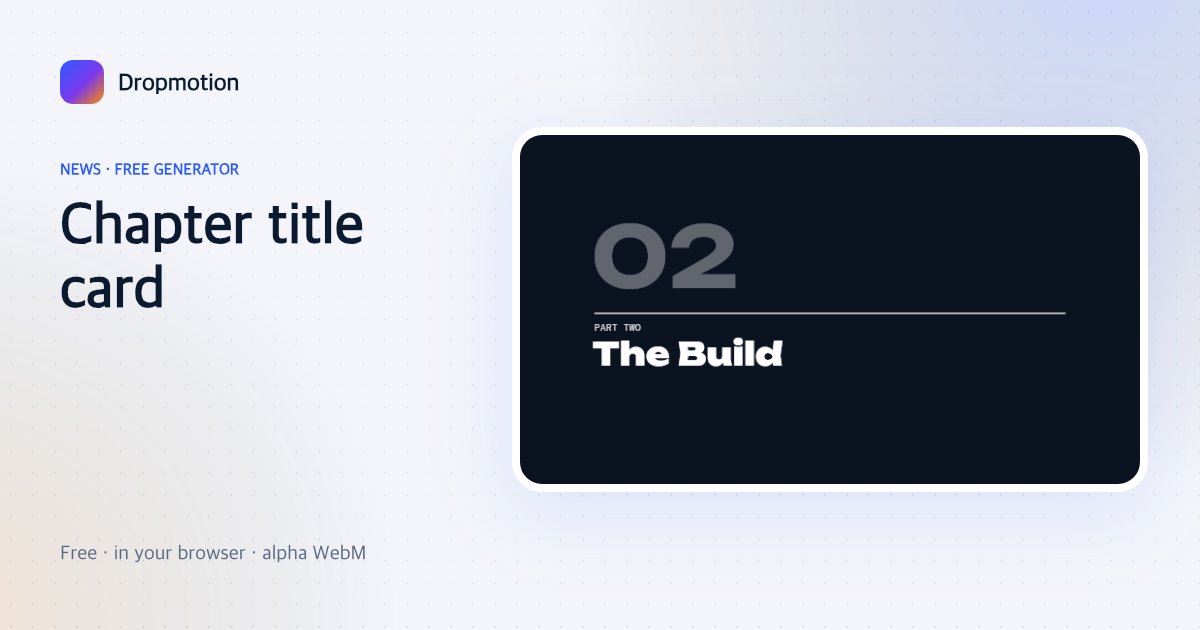
Chapter title card
“Part 2 — The Build”: a numbered chapter card with a thin rule and a sweep — the Vox documentary look.
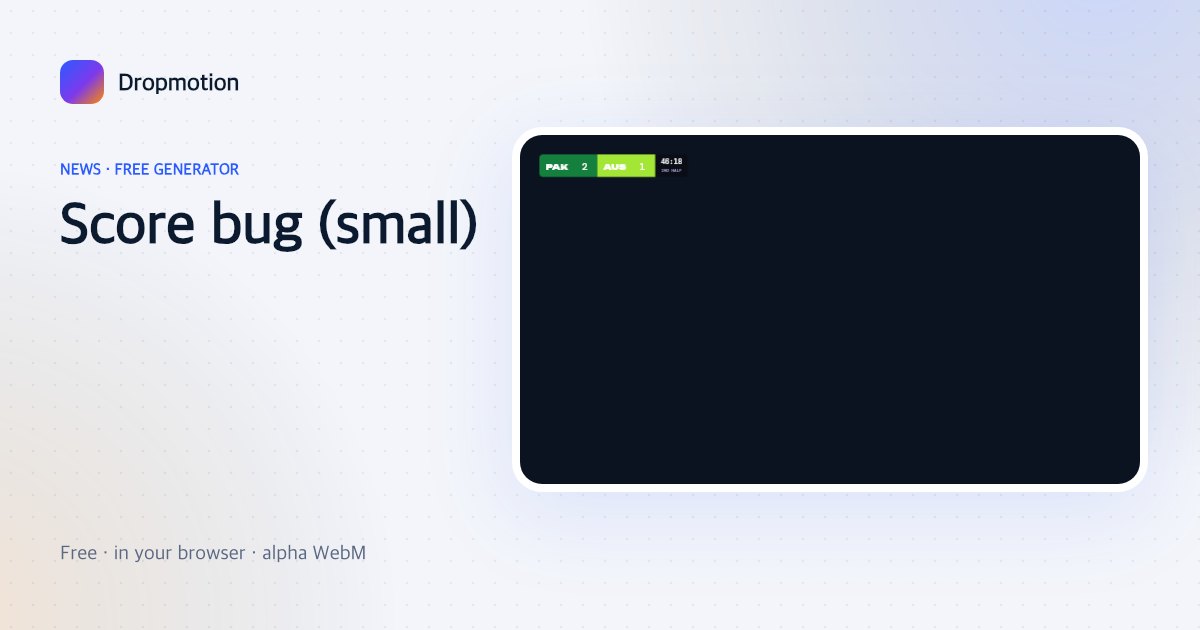
Score bug (small)
The compact corner scoreboard broadcasters use: two teams, score, clock — always visible.
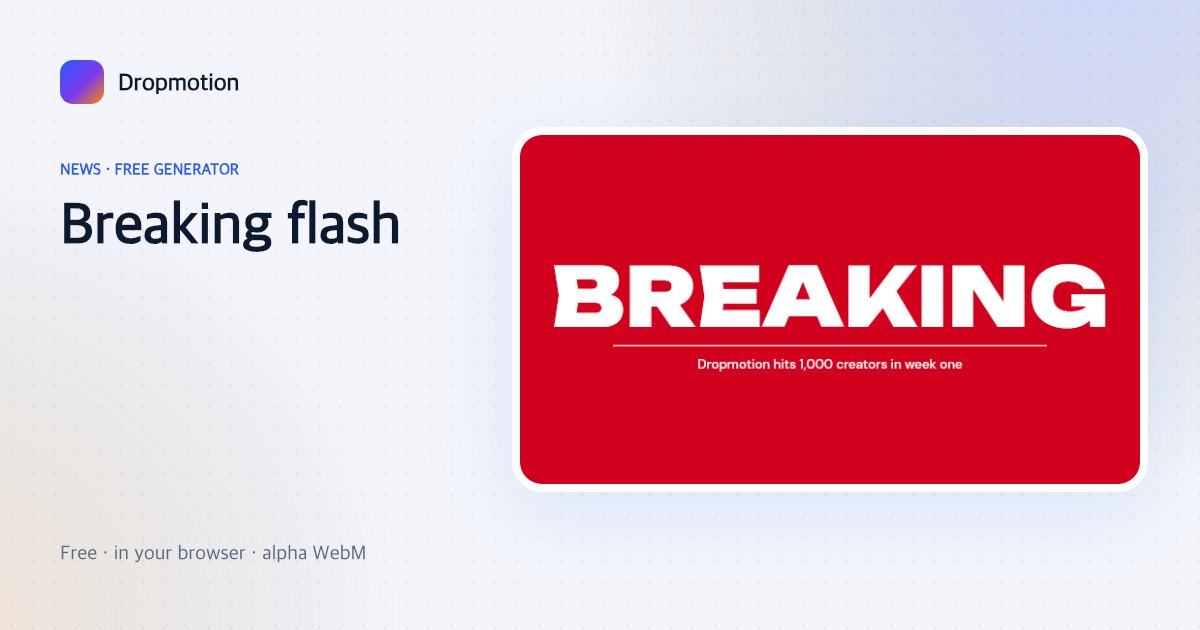
Breaking flash
Red flashes, “BREAKING” slams in, then the headline — the two-second interruption cut.
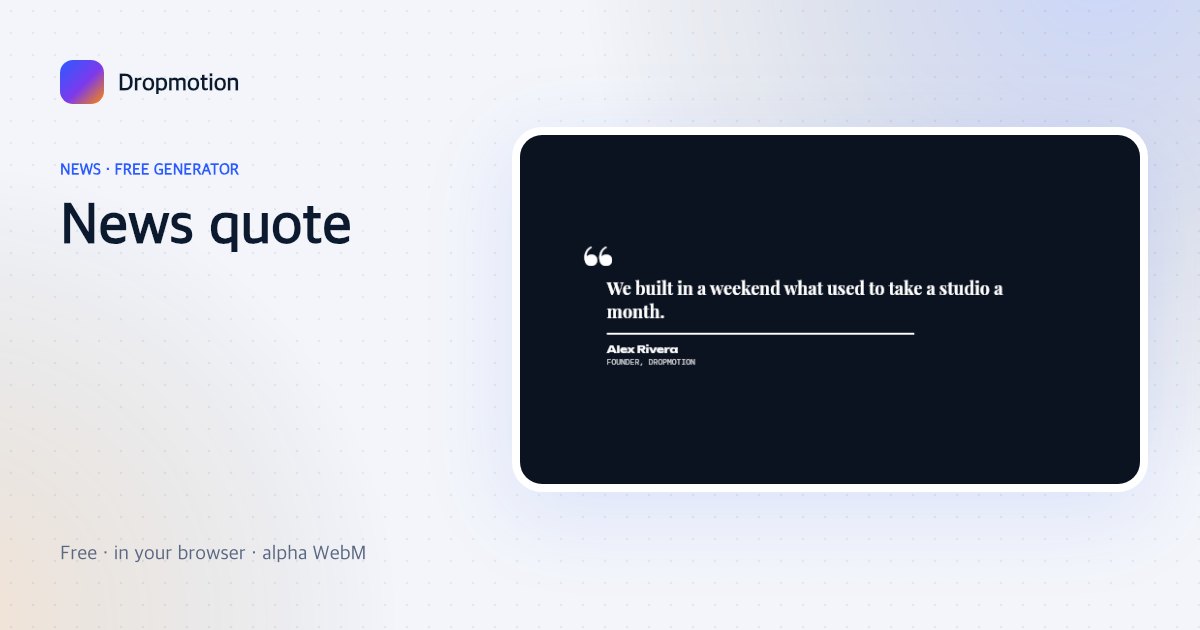
News quote
A pull-quote in big serif with a name bar beneath — statements, reactions, soundbites.
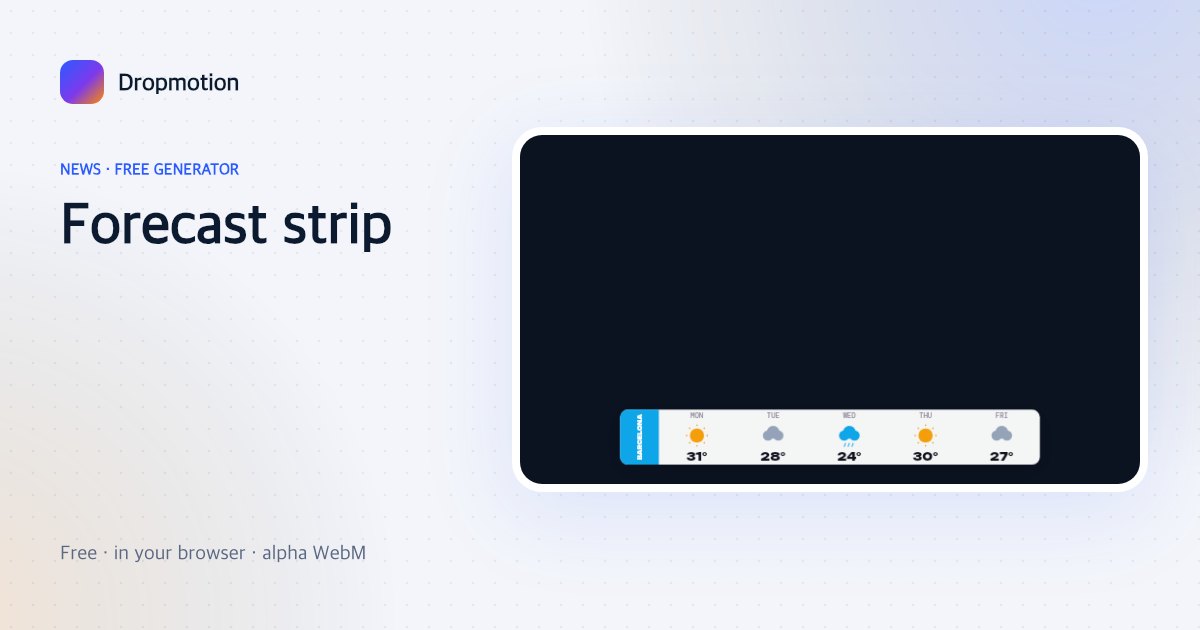
Forecast strip
Five days with icons and temperatures slide across the bottom — weather segments and travel vlogs.
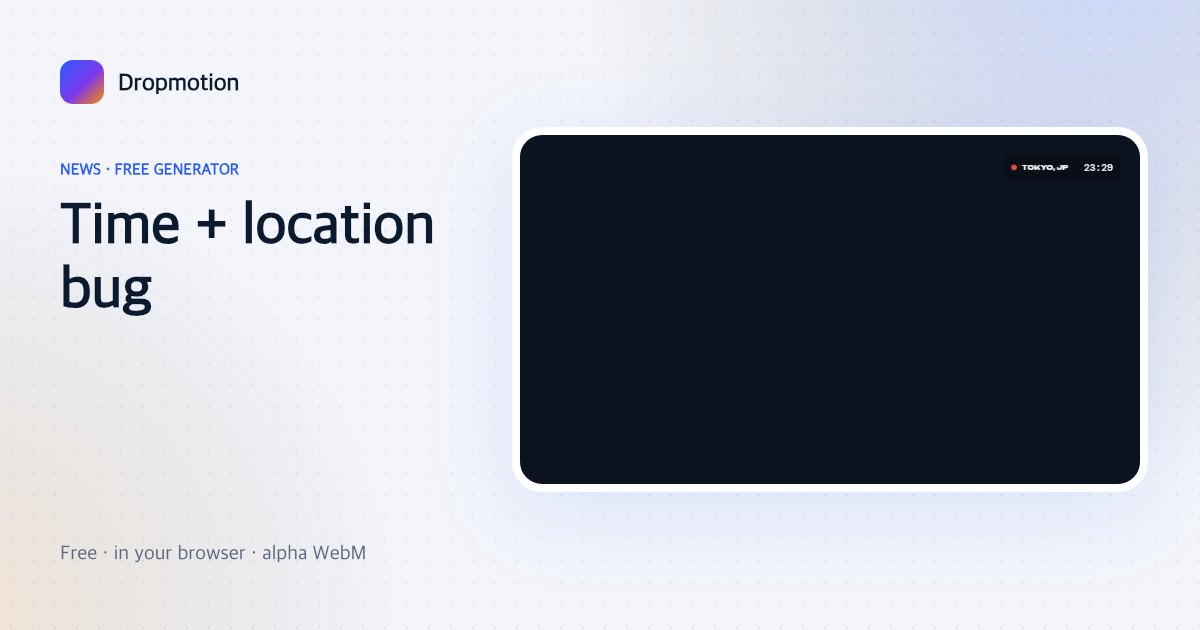
Time + location bug
A small bug with city, local time (live) and LIVE dot — vlogs, streams, news hits.
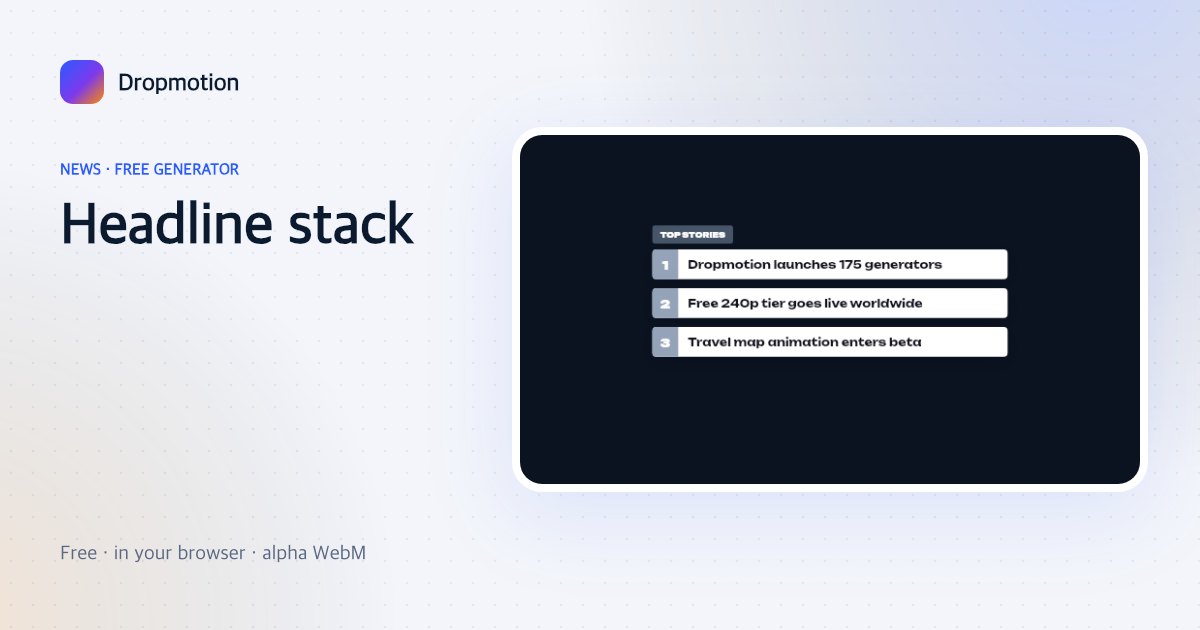
Headline stack
Three headlines slide in and stack with numbers — “top stories”, recap lists.
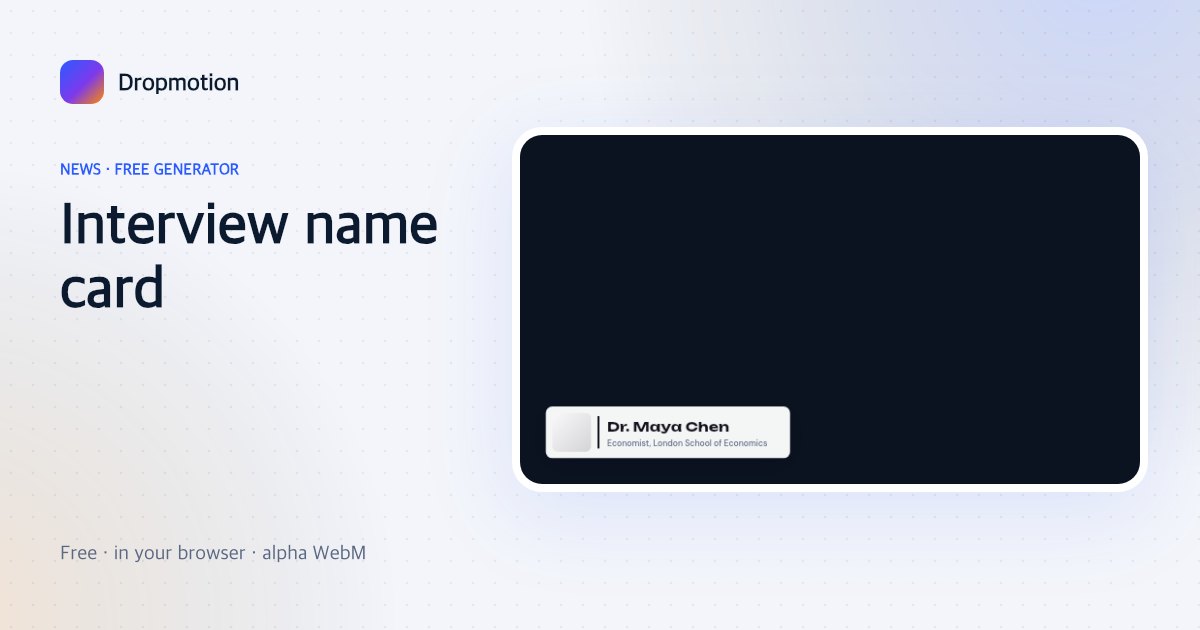
Interview name card
Photo, name, title and a thin accent line slide in from the left — talking-head intros.
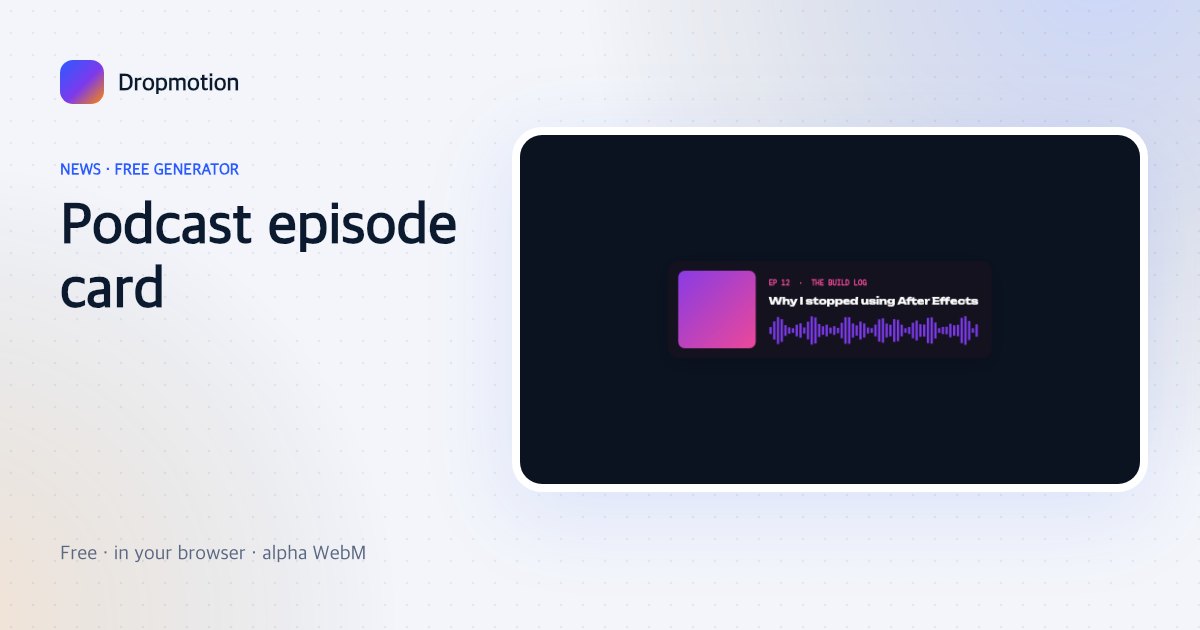
Podcast episode card
Cover art, episode number, title and a live waveform — audiogram-style clips for social.
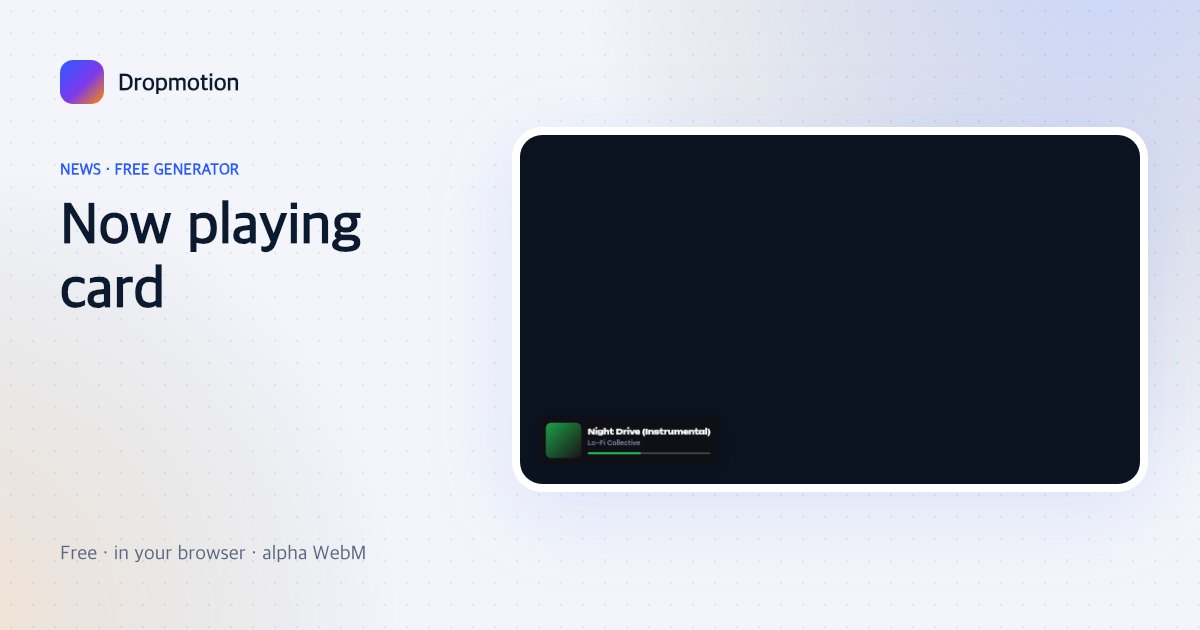
Now playing card
A music-player card with cover, title, artist and a moving progress bar — background-music credits.
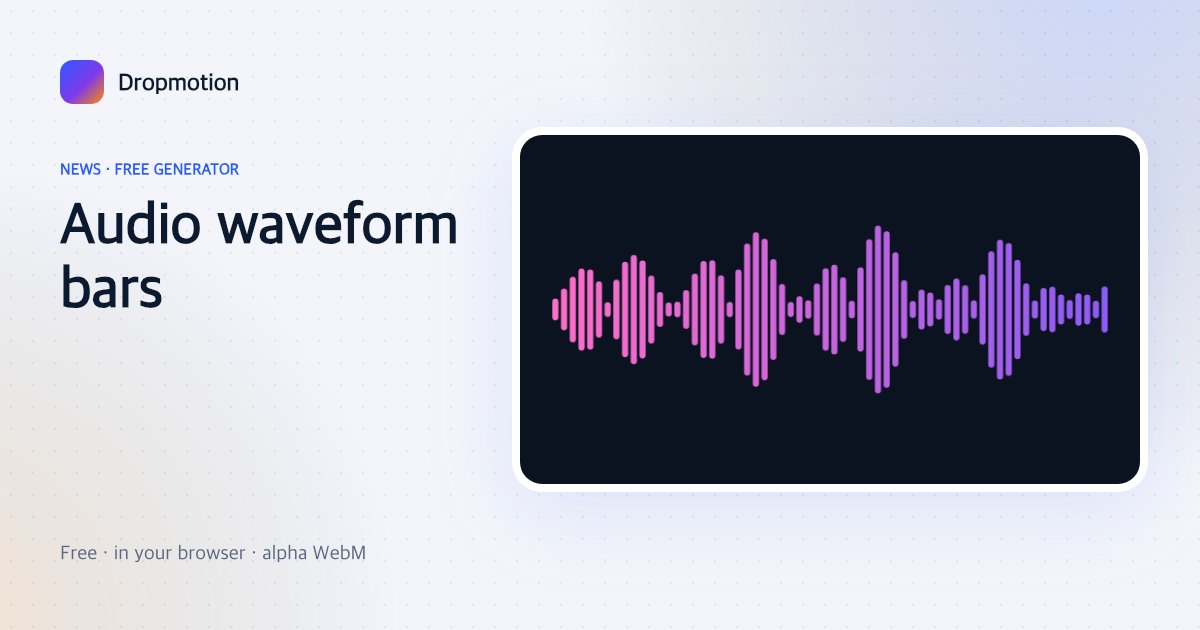
Audio waveform bars
A full-width reactive-looking waveform in your colours — under podcasts, voiceovers and music.
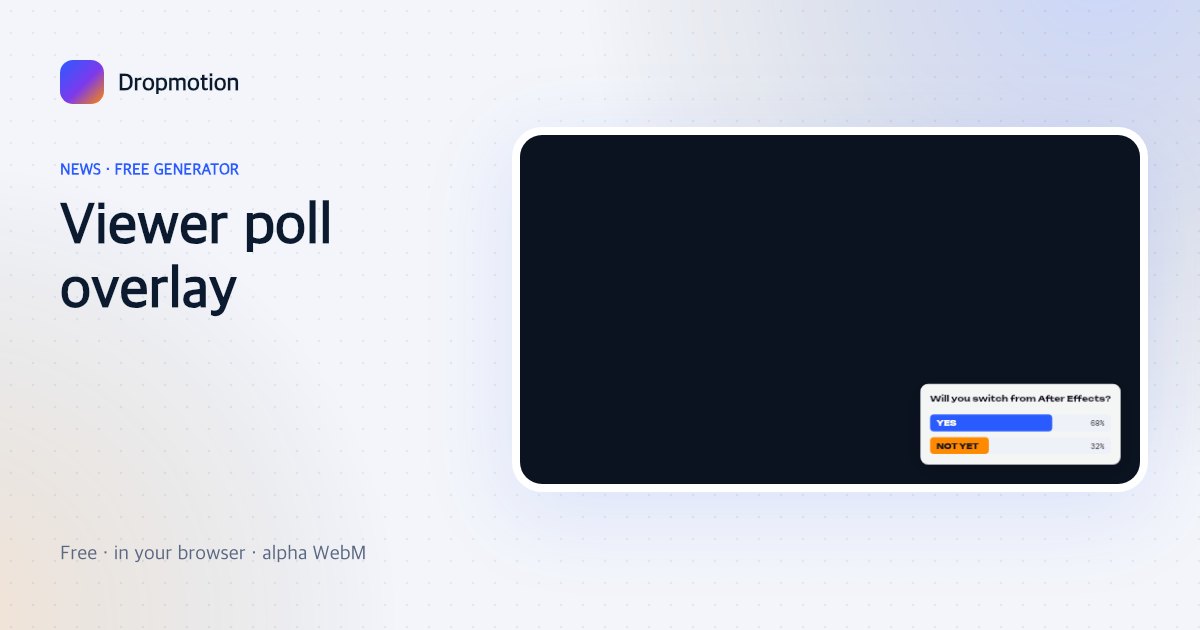
Viewer poll overlay
A compact two-option poll with live-looking percentages that drift — “what do you think?” overlays.
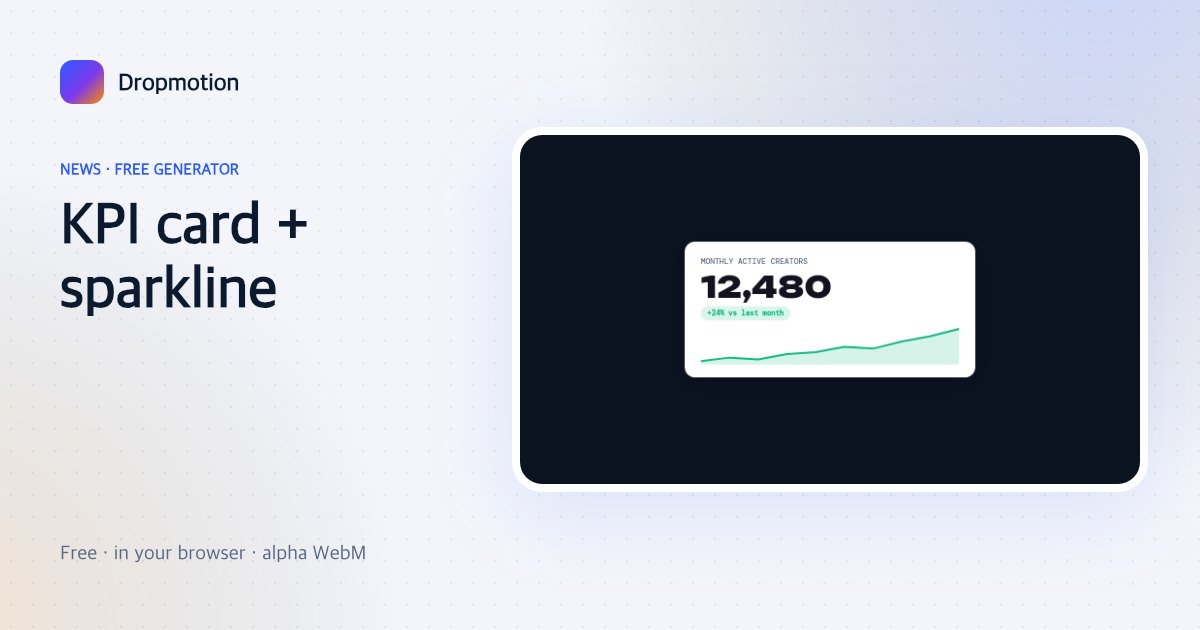
KPI card + sparkline
A headline number, change badge and a sparkline that draws itself — earnings, growth, data stories.
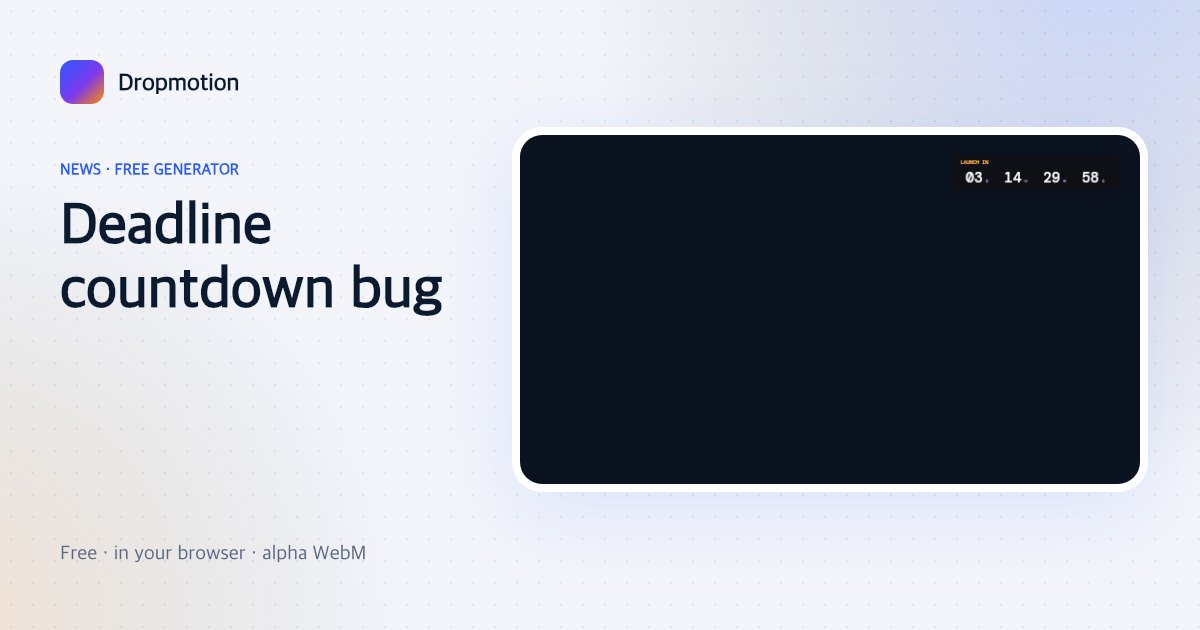
Deadline countdown bug
Days : hours : minutes : seconds to a deadline, ticking live in the corner — launches, events, sales.
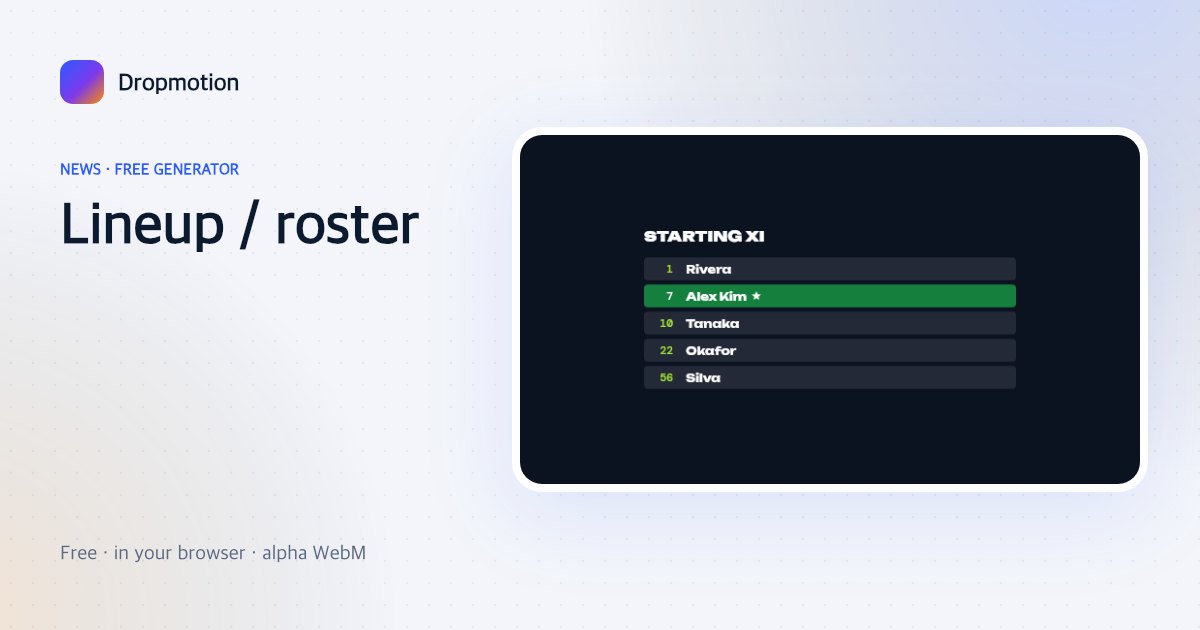
Lineup / roster
Numbered players or speakers slide in with a highlighted captain — sports lineups, event speakers.
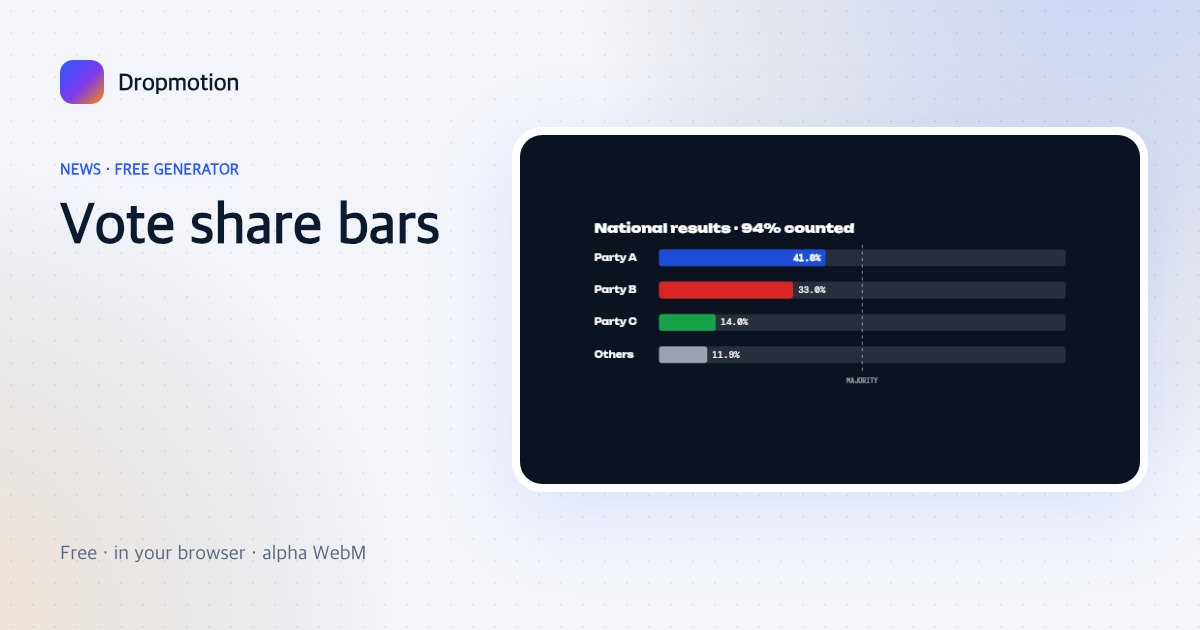
Vote share bars
Parties’ vote shares race in as coloured bars with a seat count and a “majority” line — results night.
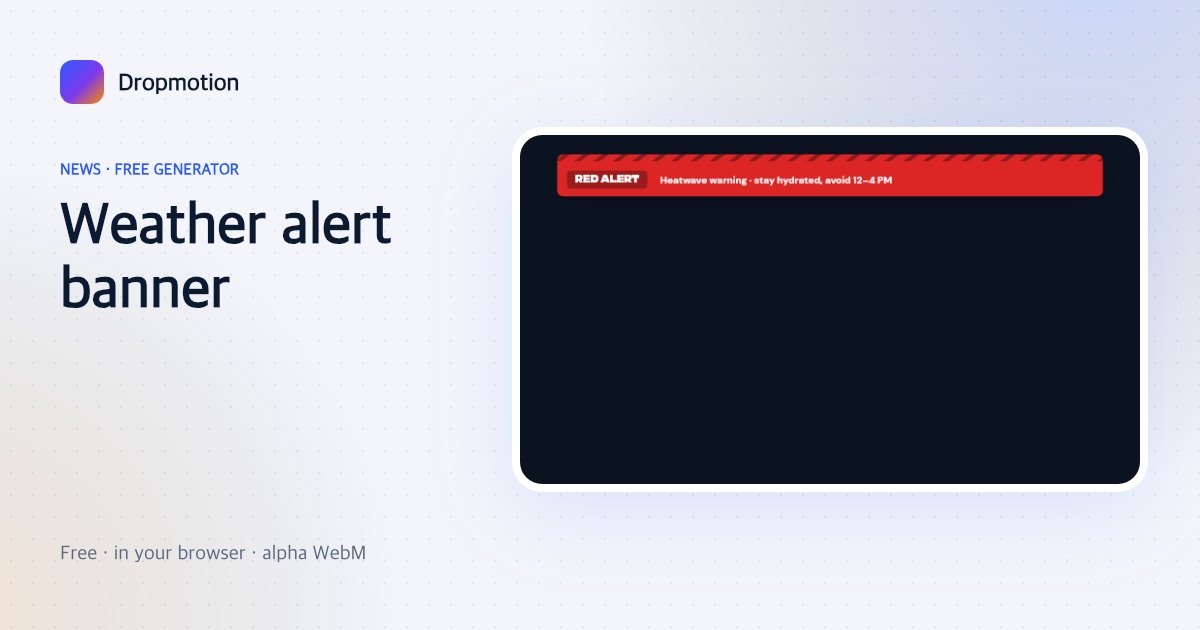
Weather alert banner
A striped warning banner slides down with an alert level and message — heat, storm, flood, smog.
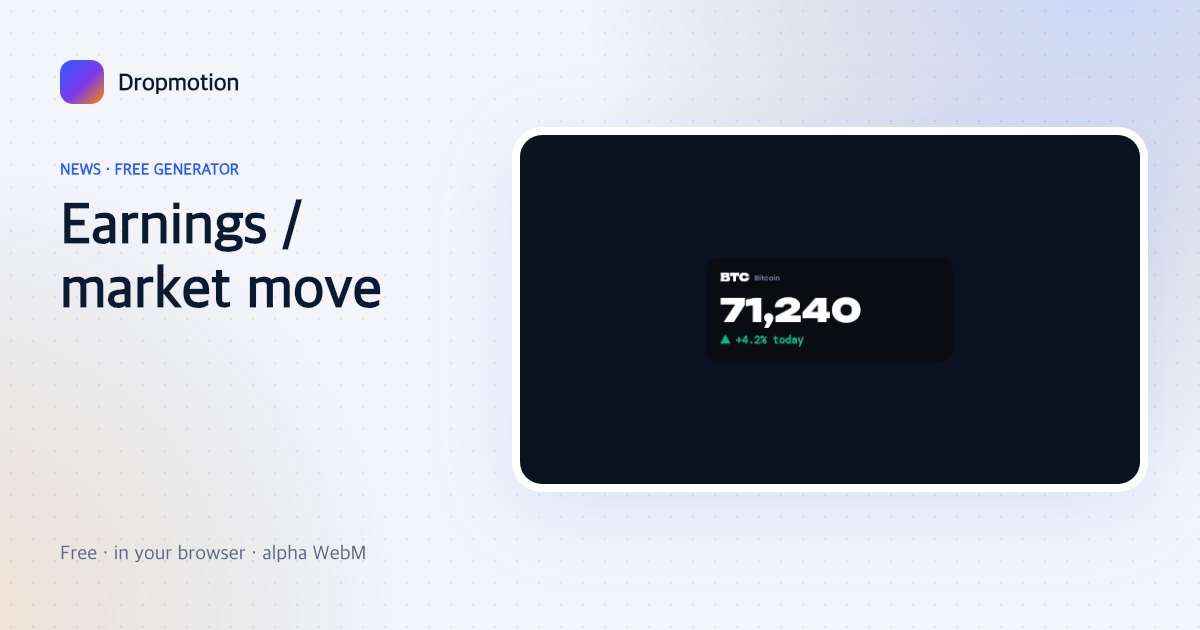
Earnings / market move
Ticker, big number, green or red change with an arrow that bounces — earnings, crypto, forex updates.
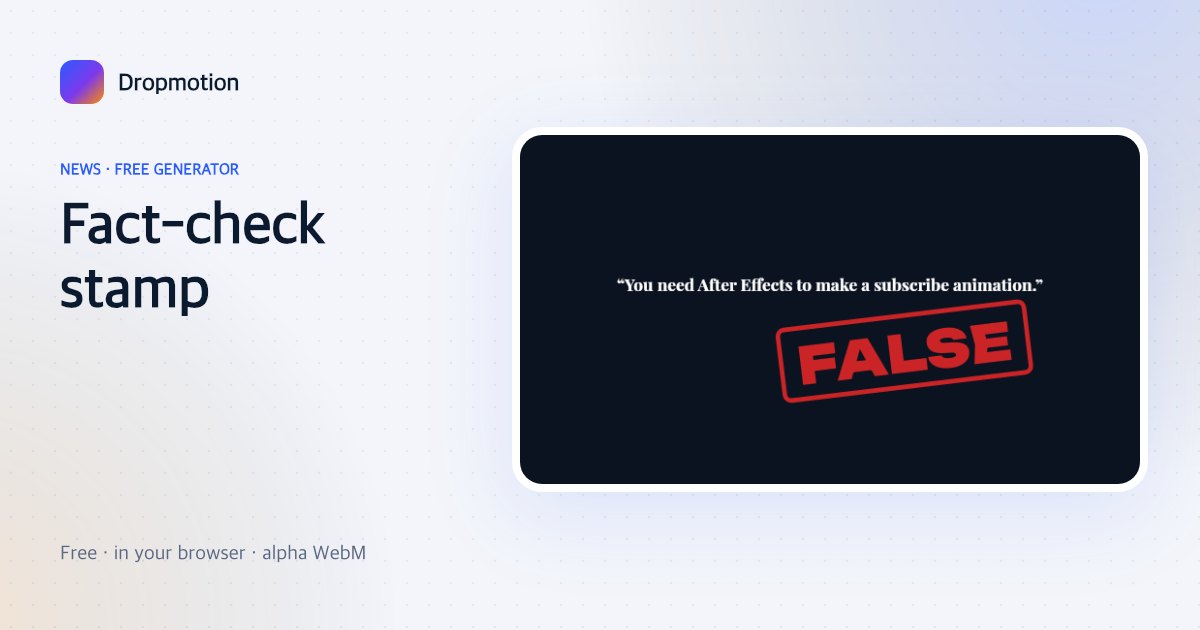
Fact-check stamp
A claim appears, then a big TRUE, FALSE or MISLEADING stamp slams across it — explainer and debunk videos.
Event timeline
Dated events pop along a horizontal line with a travelling marker — “how we got here” explainers.
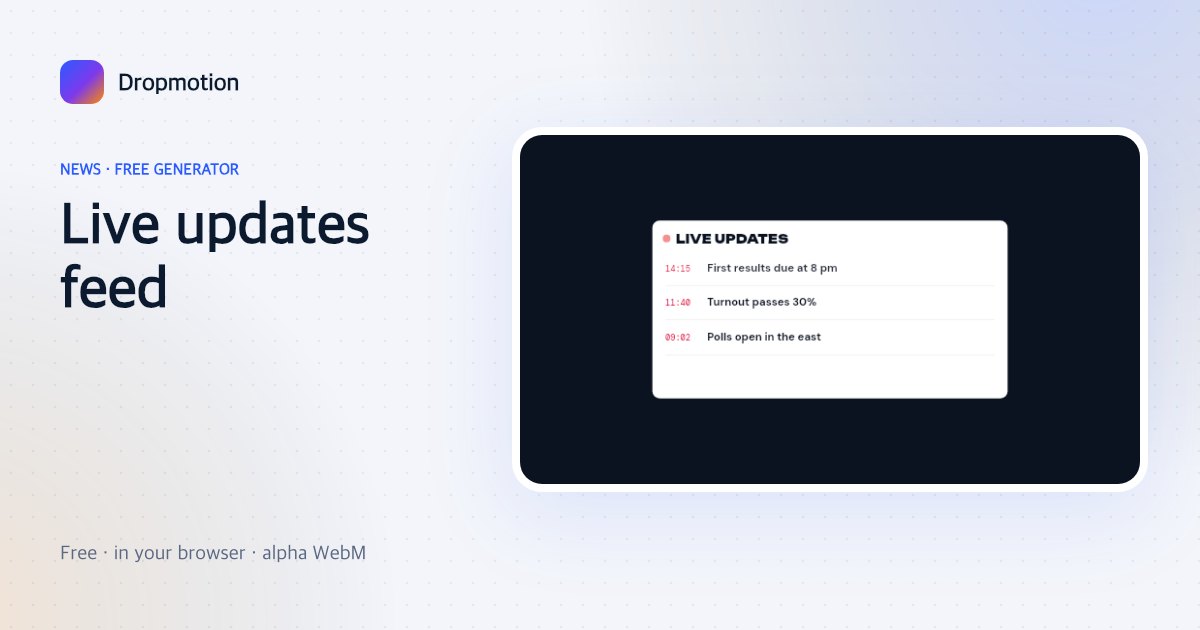
Live updates feed
A “LIVE UPDATES” card with a pulsing dot where timestamped updates slide in on top of each other — elections, launches, match days.
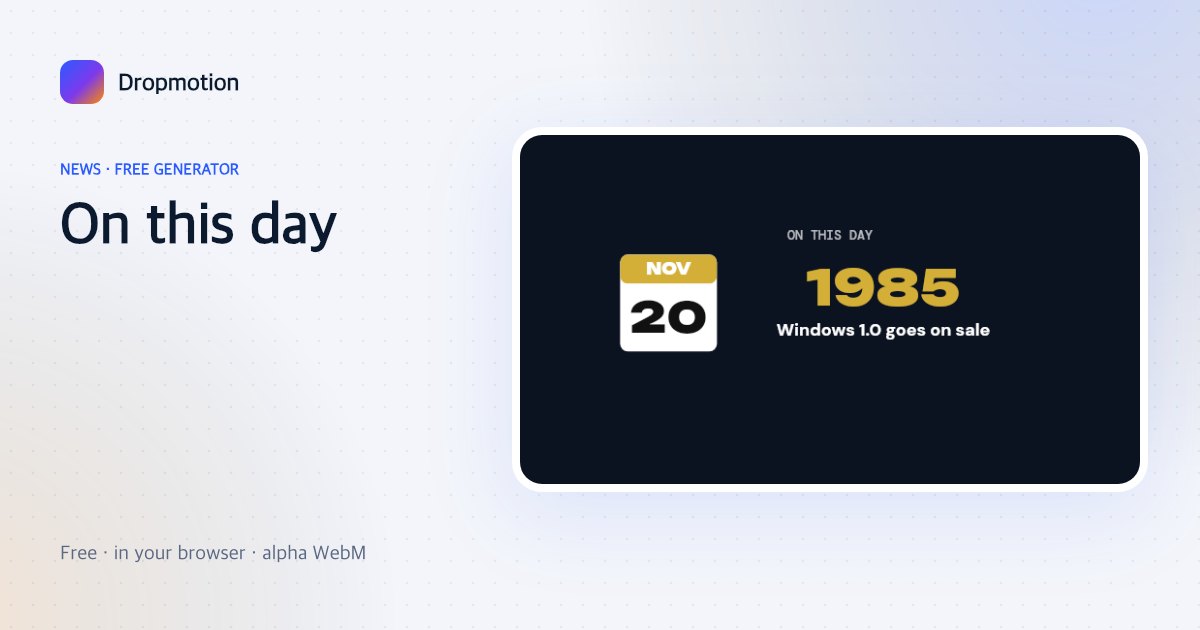
On this day
A tear-off date, a year that rolls back to the moment and one line of what happened — history channels, anniversaries, daily facts.
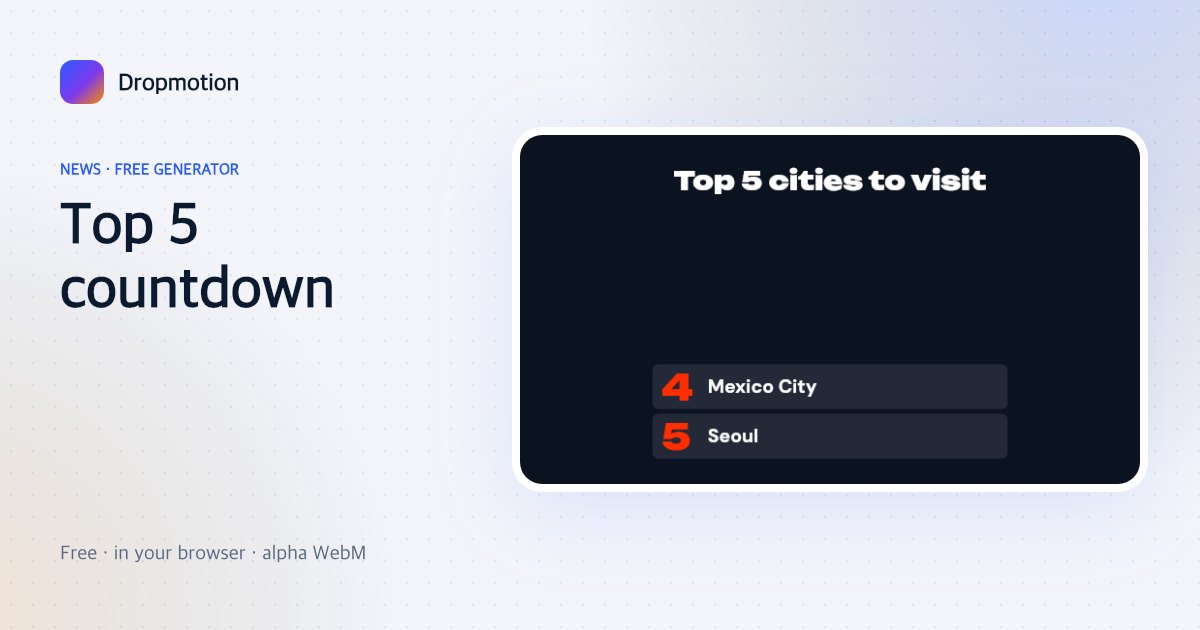
Top 5 countdown
A ranked list counts down from 5 to 1: each entry slides in under a big rank number and number one lands last with a highlight — listicles, rankings, “best of” videos.
News green screen questions
How do I make a breaking news green screen for free?
Open Breaking news, type your tag, headline and ticker text, choose the green background and press “Download video”. It runs in your browser with nothing to install; downloads are free, up to 10 a day with no account (a 1080p MP4 with a small dropmotion.io mark under the animation and a “Made with dropmotion.io” banner along the bottom, plus a 2-second end card), and a $3 day pass gives clean HD files for 24 hours. Free PNG stills carry the same mark and count toward the 10 a day. The newest releases are for day pass and Unlimited members until the next release.
Can I make a lower third without After Effects or Premiere Pro?
Yes. Open the Lower third, type a name and role, and pick one of five styles and a slide, wipe or rise motion. It is drawn in your browser, so you need no After Effects, template or plugin; download it and drop it over your interview in any editor.
How do I add a news lower third or ticker live in OBS?
Set your text, then copy the “OBS live link” under “More ways to use it”. In OBS or Streamlabs add a Browser Source with that link at the same size, and it runs live with a transparent background, replaying on a loop. The time and location bug keeps a live clock running.
Do the news overlays have a transparent background?
Free downloads keep a transparent background (WebM in Chrome or Edge; other browsers get green to key out), and so do clean HD downloads with a $3 day pass or Unlimited; PNG stills always keep transparency.
Which news overlay works best for Shorts, Reels and TikTok?
The breaking flash fills the whole frame and the news split screen stacks its two boxes in a tall frame, so both read well on a phone. Set the size to Vertical 9:16 before you download so the overlay is laid out for a tall screen rather than shrunk from a wide one.
Does the audio wave green screen follow my audio?
No. The Audio waveform bars move to a built-in rhythm, so they suit any voice or track without syncing. Choose mirrored bars, bars or dots, 16 to 128 bars, and a centre or bottom position, then place it under your podcast or music.