Video overlay effects & photos
Turn photos into ready-to-post animations in your browser: before and after wipes, 2.5D parallax, VHS and old film looks, slideshows, polaroids and mockups. Drop an image, pick colours and export a WebM video with a green screen or solid background (transparent alpha in Chrome or Edge), or PNG stills, with no After Effects and nothing to install. Every effect also runs live as an OBS or Streamlabs browser source and drops straight into CapCut, Premiere Pro, DaVinci Resolve or Final Cut.
40 generators · free to preview and download, 10 a day with a small mark · clean files from a $3 day pass · MP4, transparent WebM, green screen or PNG · 16:9, 9:16, 1:1 and strip.
Open the Studio →Which photo animation effect should I use?
Retro, VHS and old film looks
- VHS overlay — tracking lines, noise, a PLAY, REW or REC label and a date stamp over your photo; the 90s camcorder look.
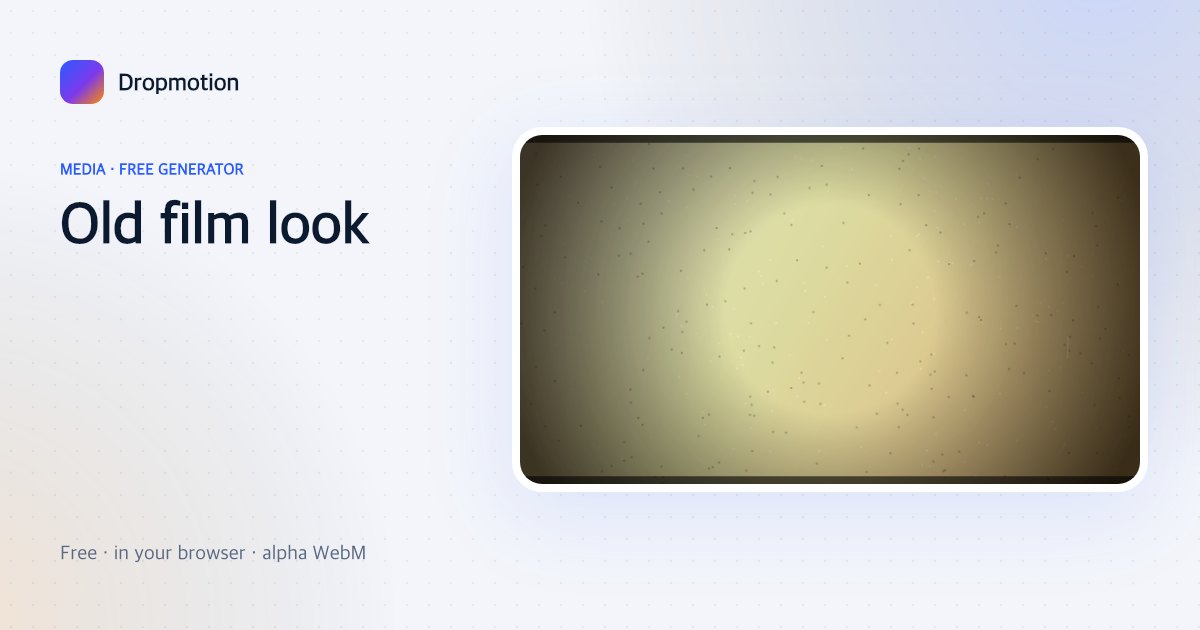
- Old film look — grain, flicker, dust and a vignette over your photo in sepia, black and white or faded colour; instant old film.
- Film countdown leader — the classic cinema countdown with a sweeping hand, crosshairs and scratches; the opener for a retro edit.
Photo motion and slideshows
- 2.5D photo parallax — one photo gets a slow push-in, pull-out or pan with a light leak and floating dust; the 2.5D parallax look.
- Photo slideshow — a set of photos with slow zooms and cross-fade, slide or zoom-cut transitions plus a caption; trip and event recaps.
- Polaroid stack — photos drop onto the table as tilted polaroids with handwritten captions; memories and photo dumps.
- Colour pop wipe — a black and white photo fills with colour in a soft wipe; reveals and throwbacks.
Before and after, and transitions
- Before / after — a wipe line with a handle sweeps between two images, left to right or top to bottom; edits, makeovers and renovations.
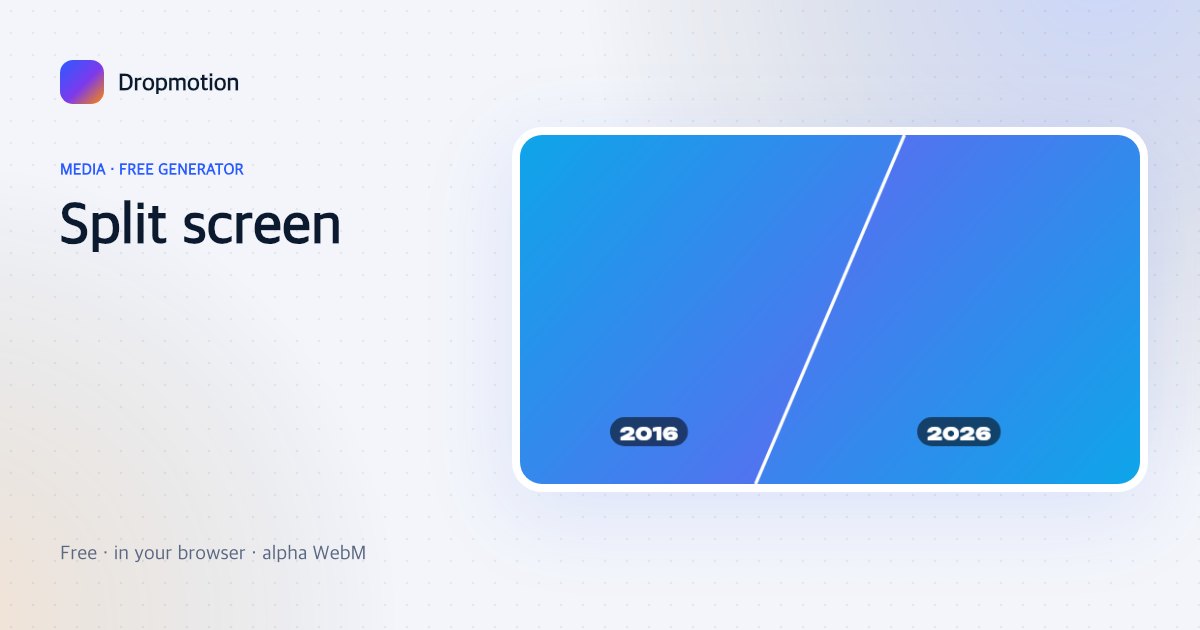
- Split screen — two photos slide in and meet at a diagonal or straight line with labels; then vs now, A vs B.
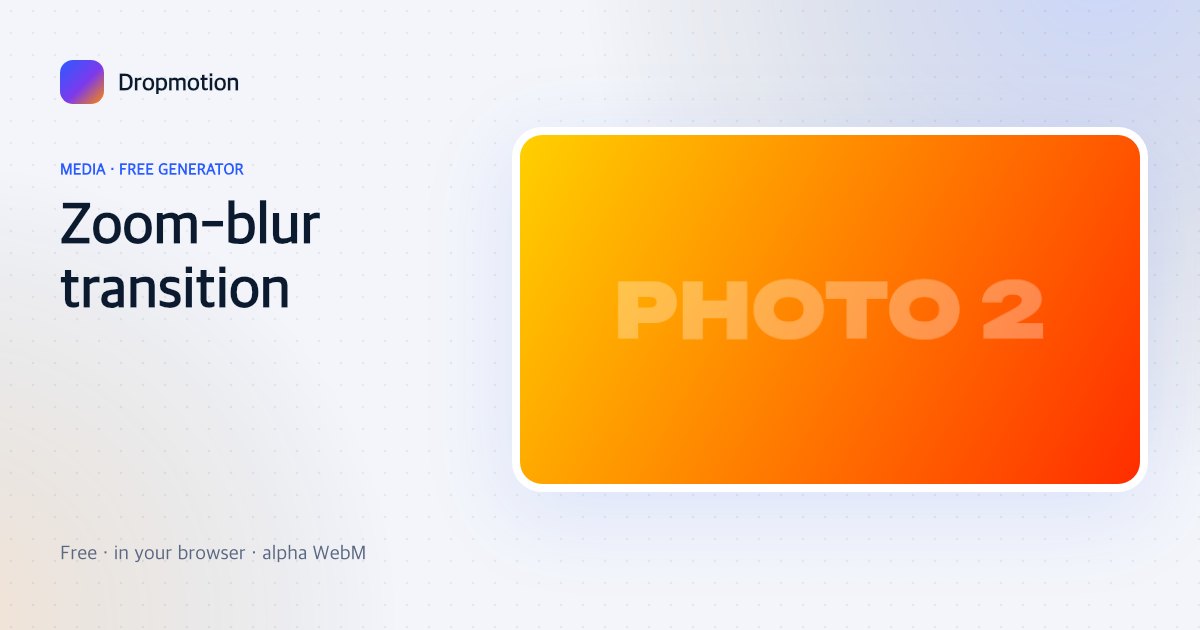
- Zoom-blur transition — photo A zooms in or out and blurs into photo B; chain it between shots in a montage.
- Glitch transition — photo A tears into shifted slices and RGB fringes, then snaps to photo B; gaming and music edits.
Mockups and frames
- Phone mockup — your screenshot inside a floating, tilting phone with a headline; app launches and demos.
- Blur backdrop fit — a wide photo sits in a vertical frame over a blurred copy of itself; the fix for landscape shots in Shorts and Reels.
- Instagram post mockup — your photo in a social post frame with an avatar, likes counting up and a caption; content previews.
- Picture-in-picture frame — a rounded facecam frame with a glowing border, name tag and optional LIVE dot; gameplay and tutorial overlays.
How to make a photo animation online for free
- Pick an effect from the list below, such as 2.5D parallax, VHS, before and after or a photo slideshow. It opens in the Studio right in your browser, with nothing to install.
- Drop in your photo, or several for slideshows and collages, add a caption or labels, and choose a colour scheme and a size: Landscape 16:9 for YouTube, Vertical 9:16 for Shorts, Reels and TikTok, Square 1:1 or a Wide strip 1920×540.
- Press “Download video”. Free downloads, up to 10 a day with no account, are 1080p MP4s with a small dropmotion.io mark under the animation and a “Made with dropmotion.io” banner along the bottom; a $3 day pass or Unlimited gives clean HD files. Put it in your timeline in CapCut, Premiere Pro or DaVinci Resolve, or post it as it is.
All 40 media generators
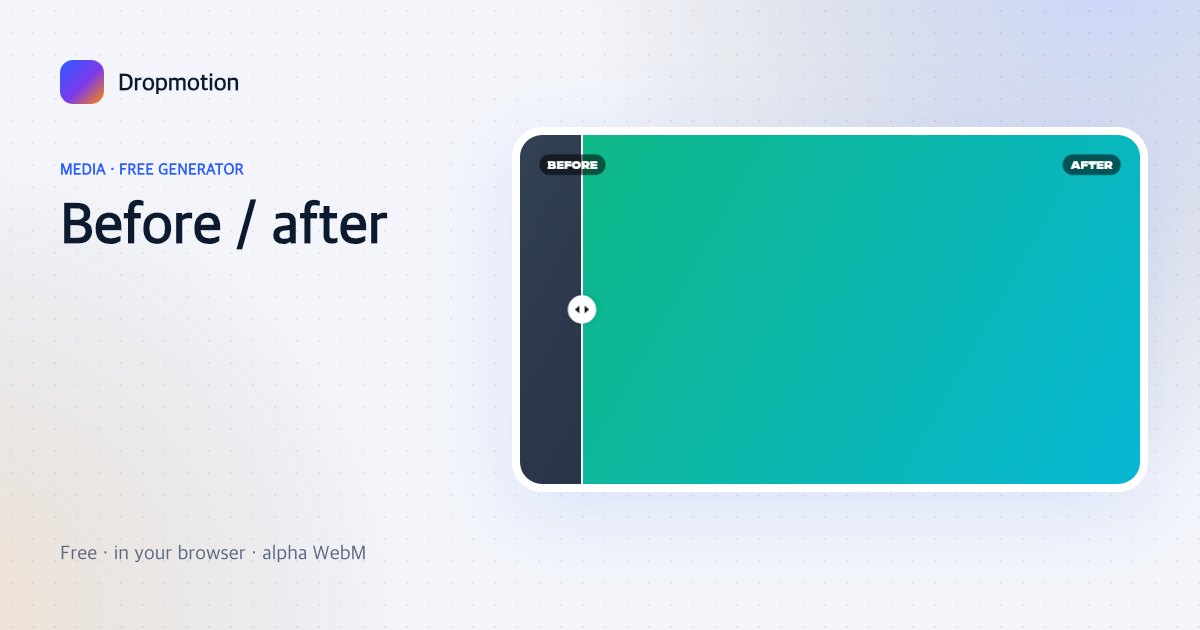
Before / after
Two images, a wipe line sweeps across with handle and labels. Edits, renovations, fitness, design.
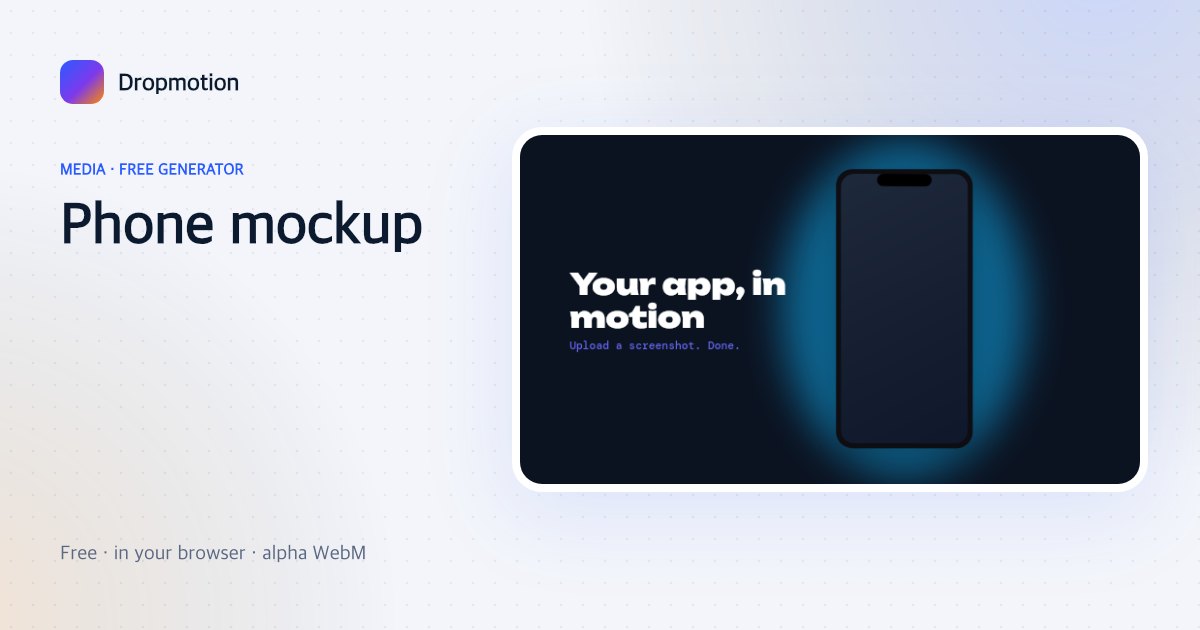
Phone mockup
Your screenshot inside a floating phone that tilts and drifts — app launch and demo videos.
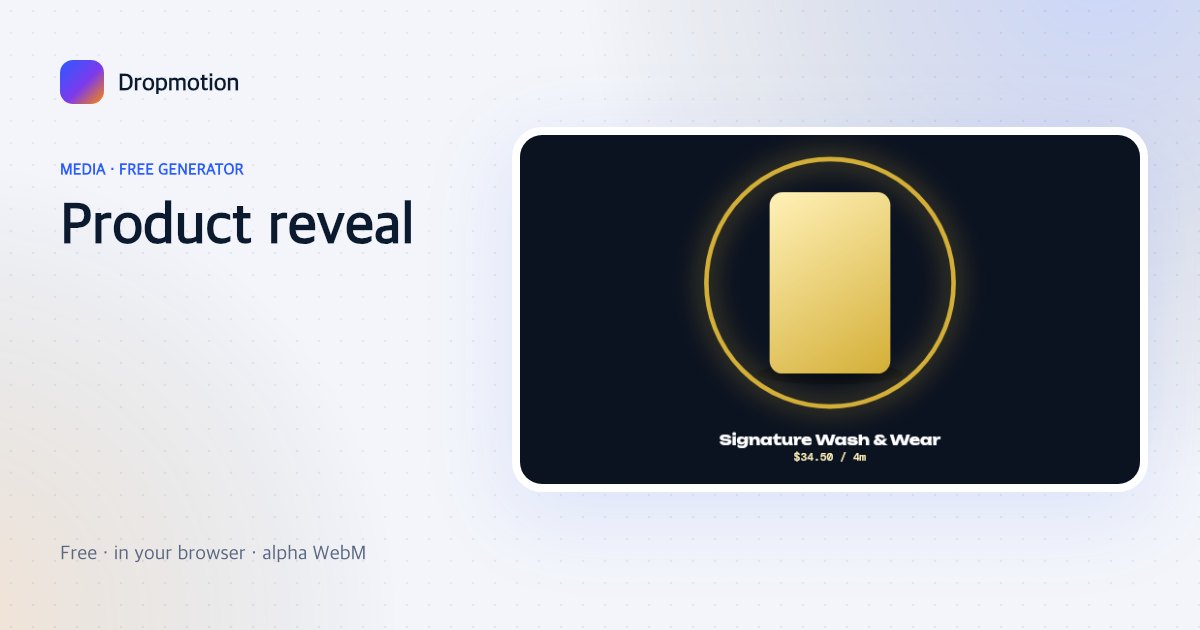
Product reveal
A product photo rises on a glowing ring with a shine pass, name and price. Shopify, Daraz, Amazon sellers.
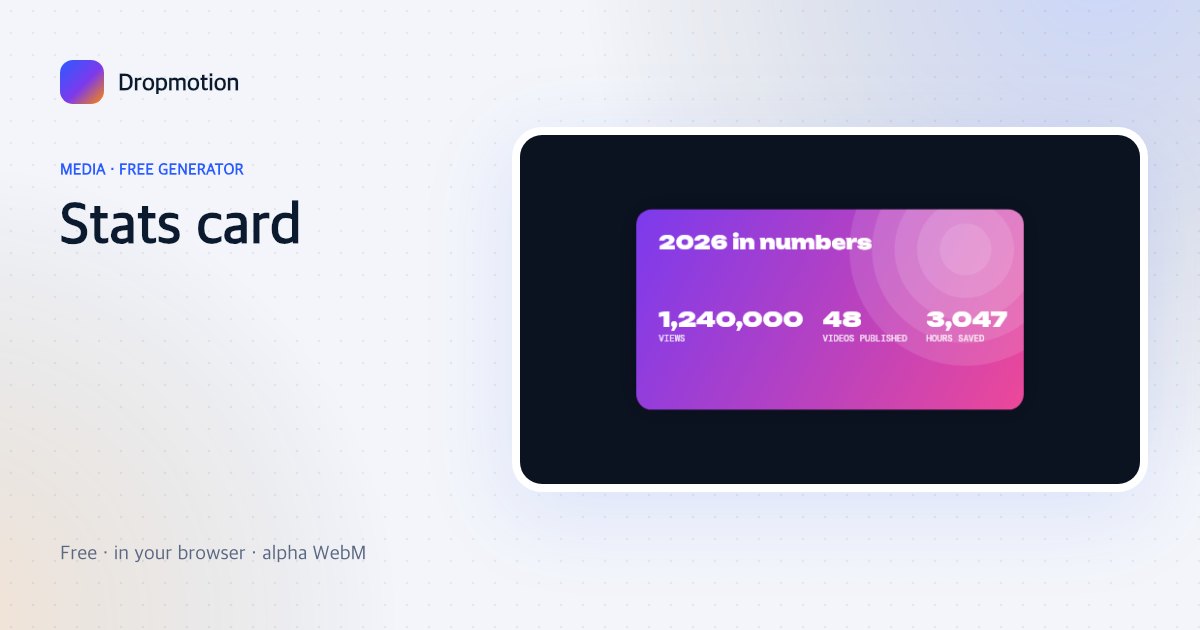
Stats card
Three big numbers count up on a bold card — year-in-review, channel stats, campaign results.
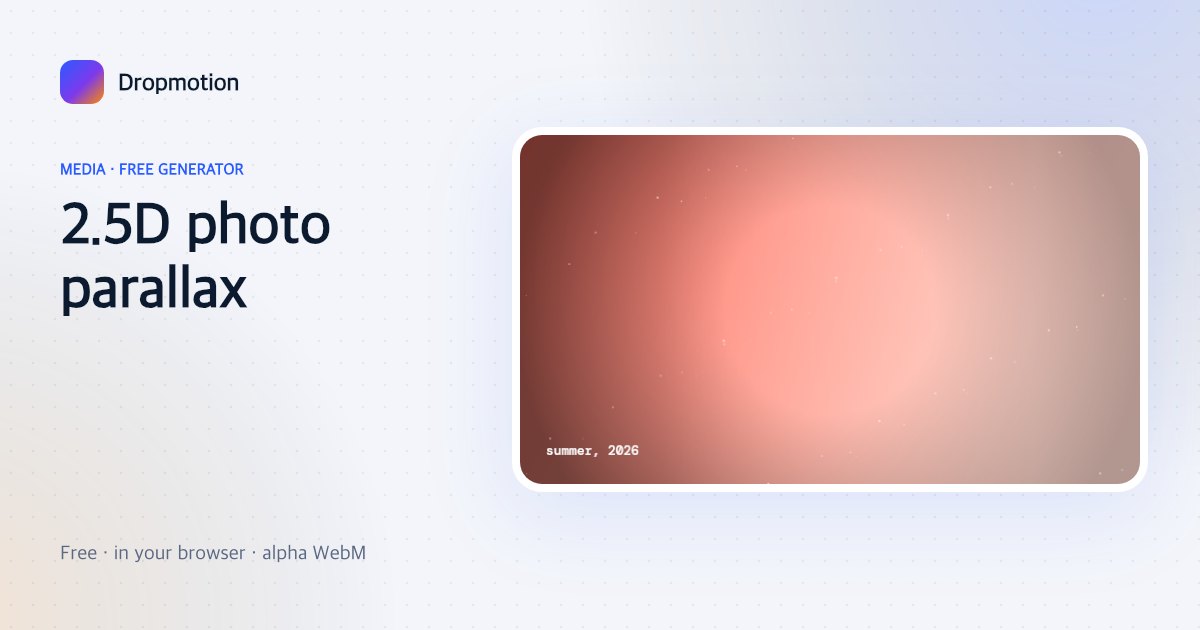
2.5D photo parallax
One photo gets depth: a slow push-in with layered vignette, light leak and floating dust. The CapCut effect everyone is searching for.
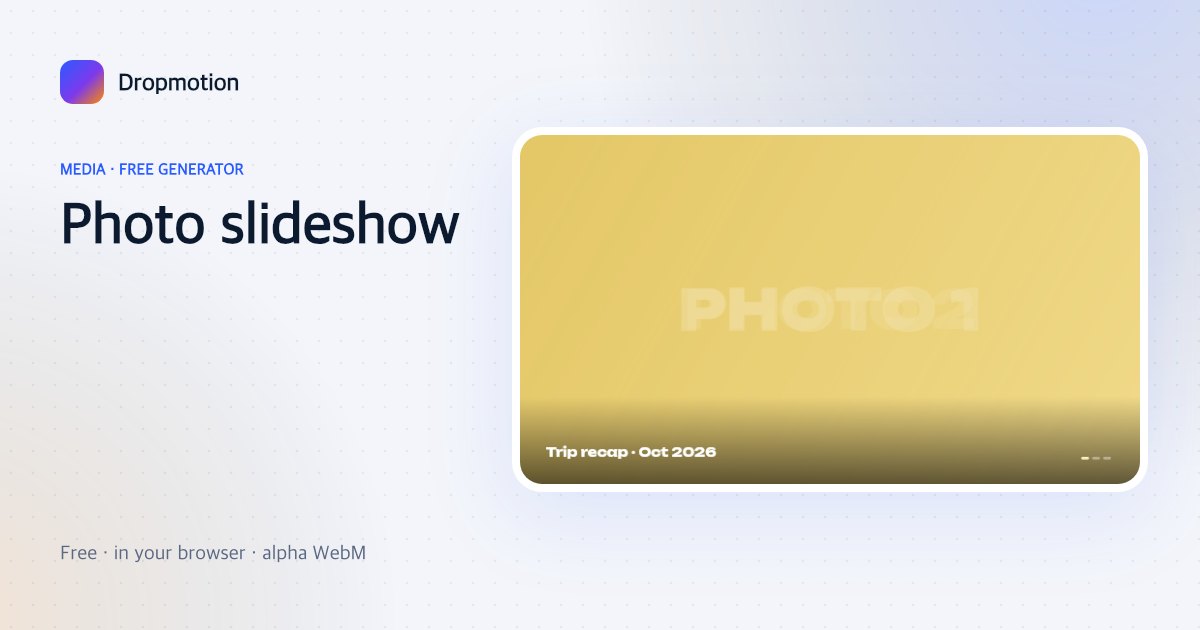
Photo slideshow
Drop a handful of photos; each gets a slow zoom and a cross-fade, with an optional caption strip.
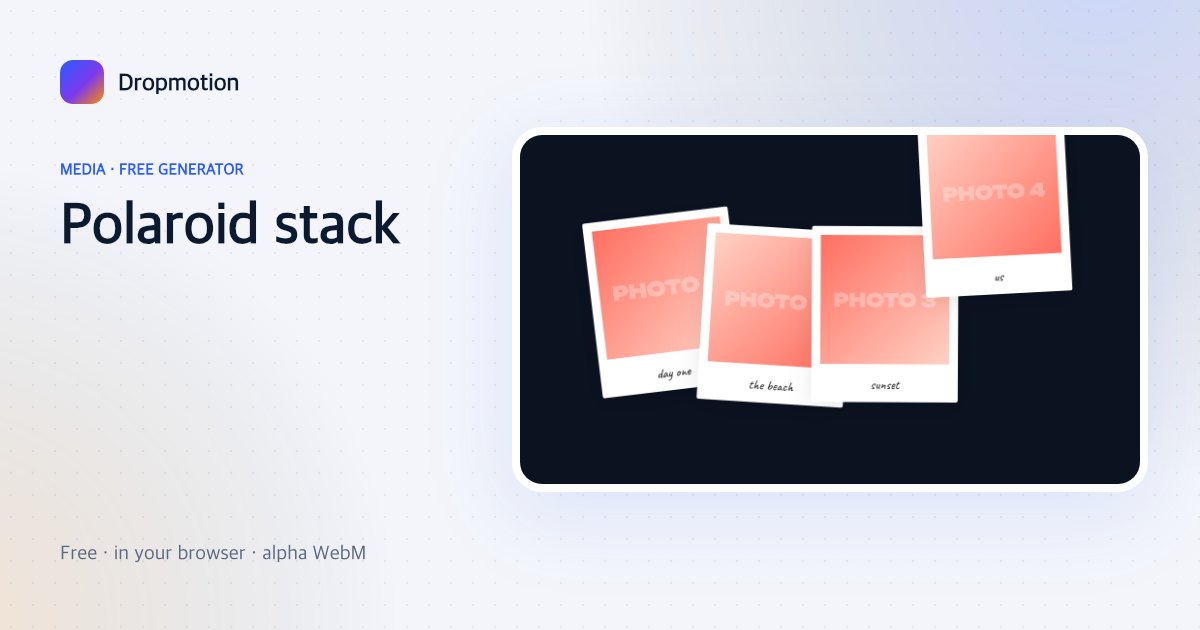
Polaroid stack
Photos drop onto the table one by one as tilted polaroids with handwritten captions.
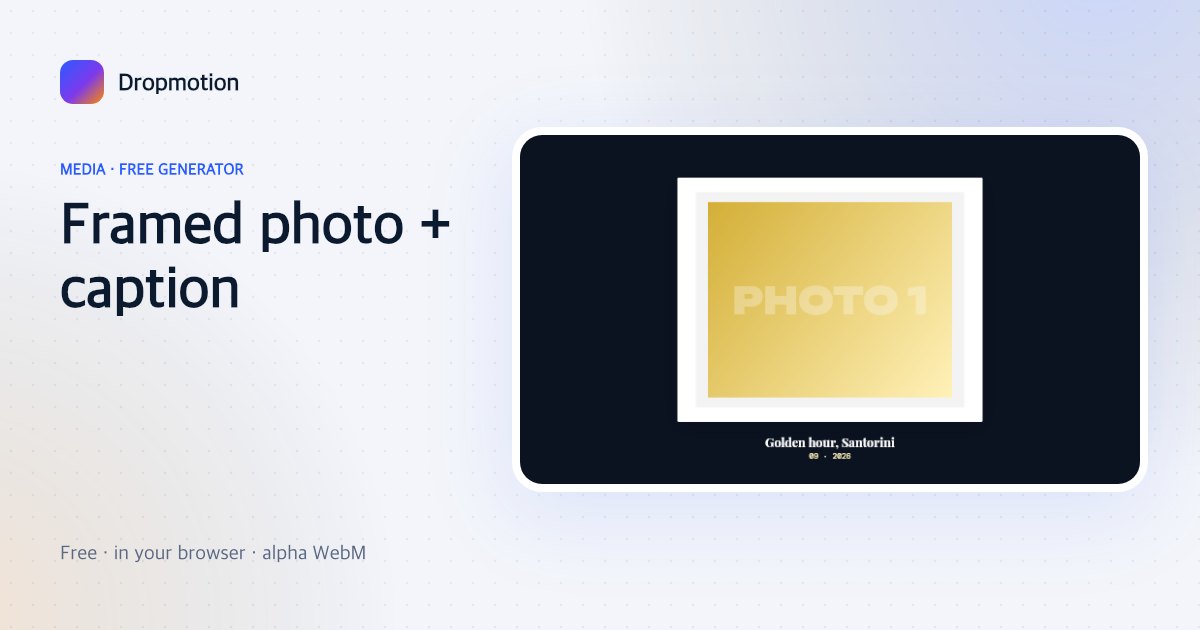
Framed photo + caption
One photo in a thick frame with a title and date that fade up — memorial, “on this day”, featured shot.
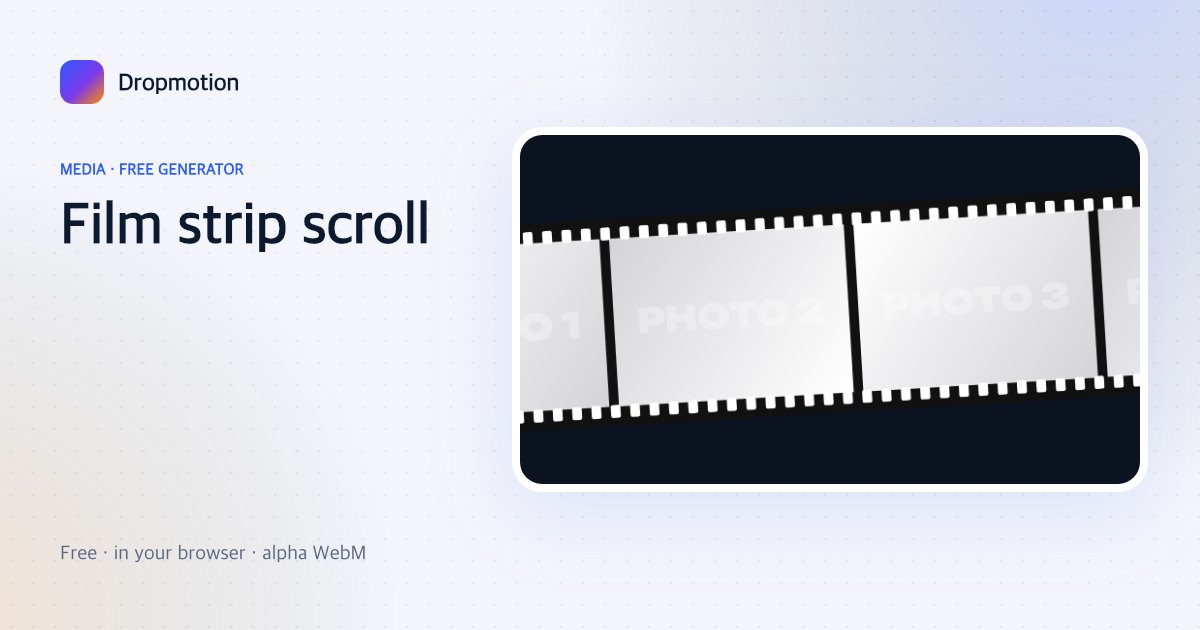
Film strip scroll
Photos ride a sprocketed film strip that scrolls across — recaps and montage intros.
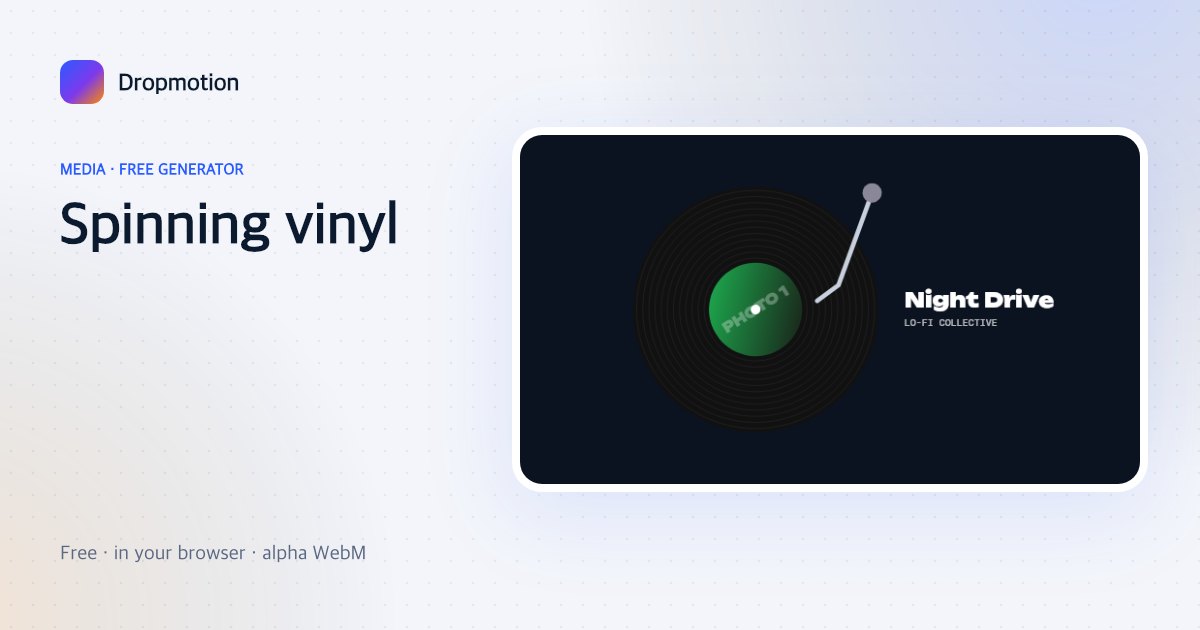
Spinning vinyl
A record with your cover art as the label spins with a tonearm — music releases and now-playing posts.
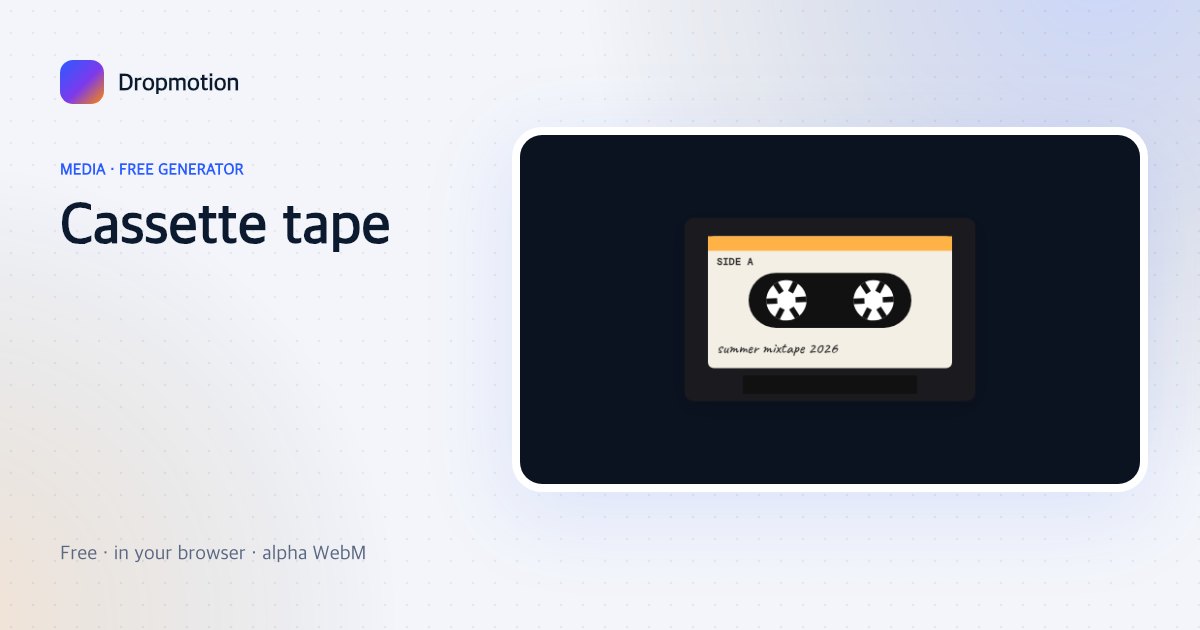
Cassette tape
A retro cassette with spinning reels and your title on the label — mixtapes, throwback edits.
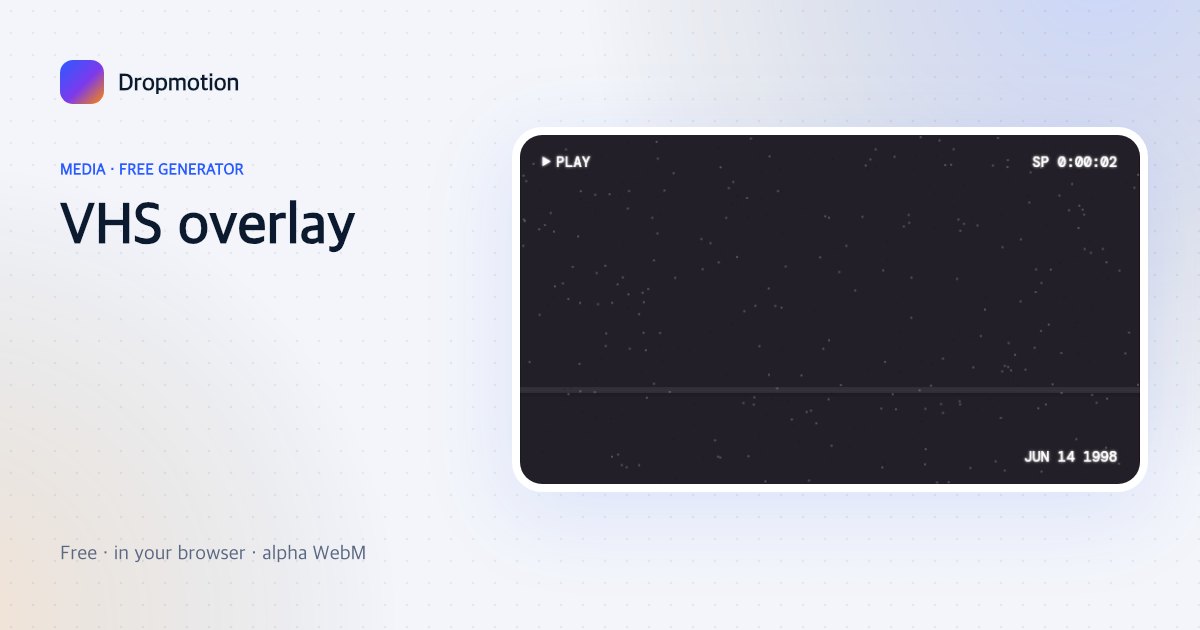
VHS overlay
Tracking lines, timestamp, PLAY ▶ and noise over your photo — the retro camcorder look.
Old film look
Grain, flicker, dust specks, a vignette and burnt edges over your photo — instant 1970s.
Split screen
Two photos slide in from opposite sides and meet at a diagonal line with labels — then vs now, A vs B.
Triptych reveal
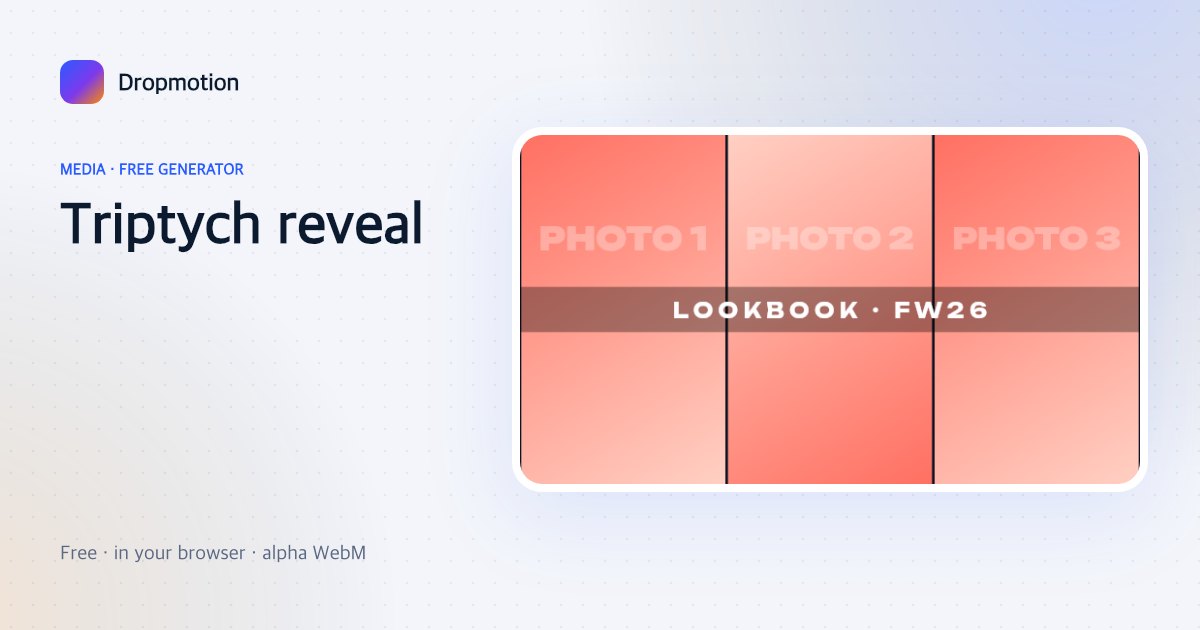
Three vertical panels wipe open one after another with a title across — fashion, portfolio, travel.
Zoom-blur transition
Photo A zooms and blurs into photo B — a two-image transition you can chain across a montage.
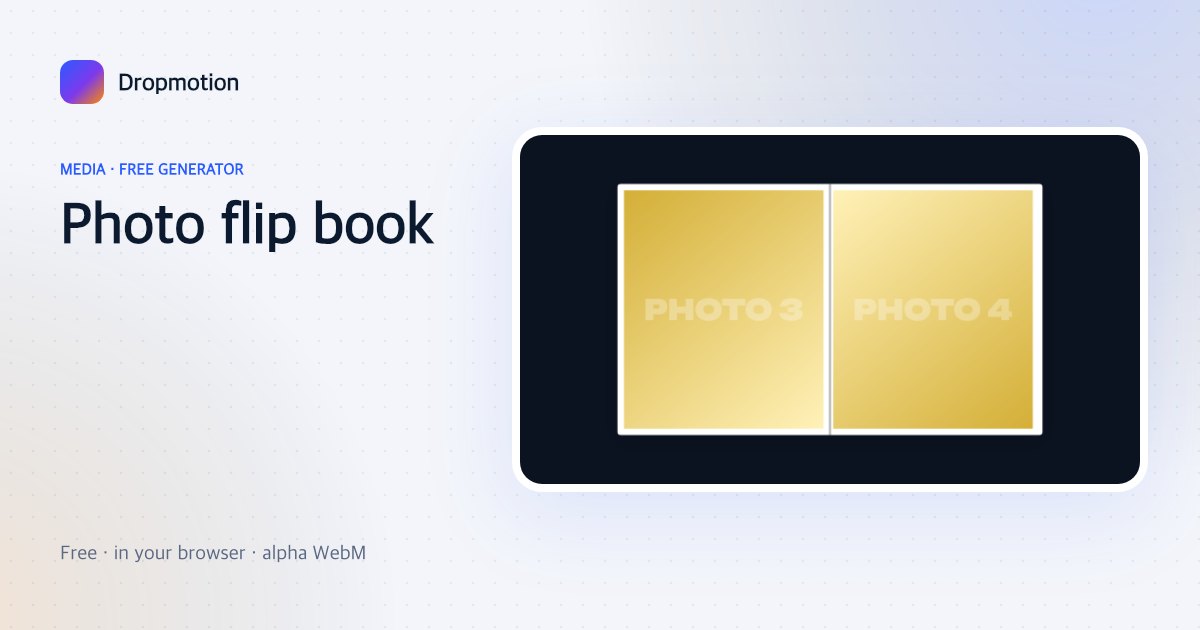
Photo flip book
Photos flip over like pages of a book, one every second — quick recaps, “a week in photos”.
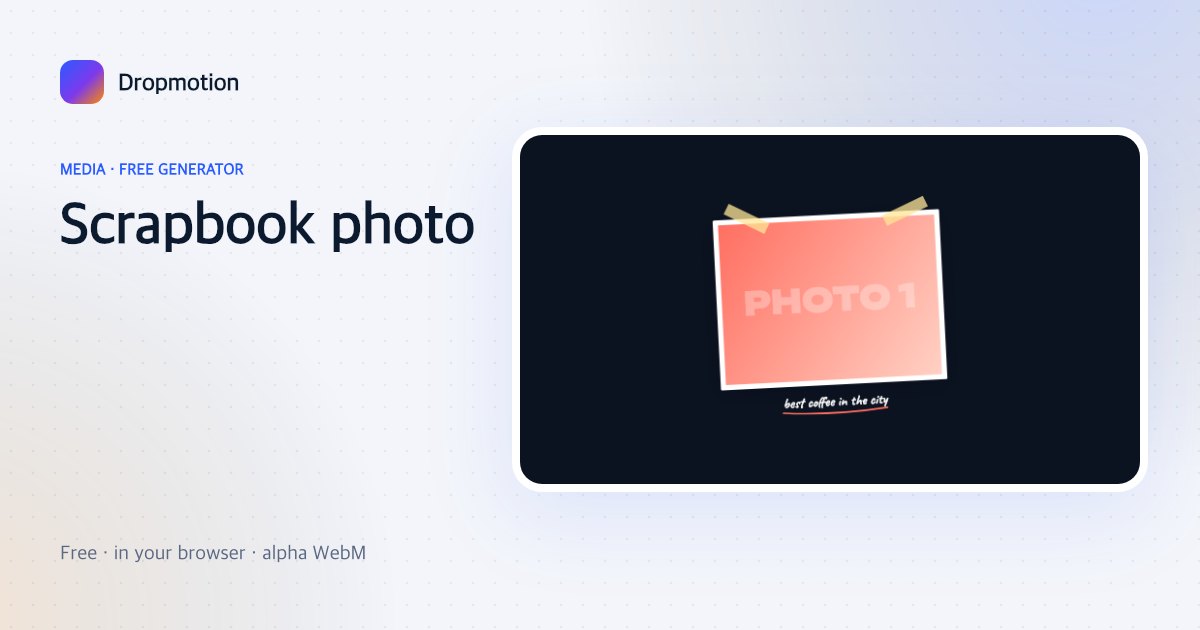
Scrapbook photo
A photo sticks on with two tape strips, a doodle underline and a handwritten note — journal vlogs.
Before / after fade
Photo A dissolves into photo B and back with labels — edits, makeovers, renovations without a wipe line.
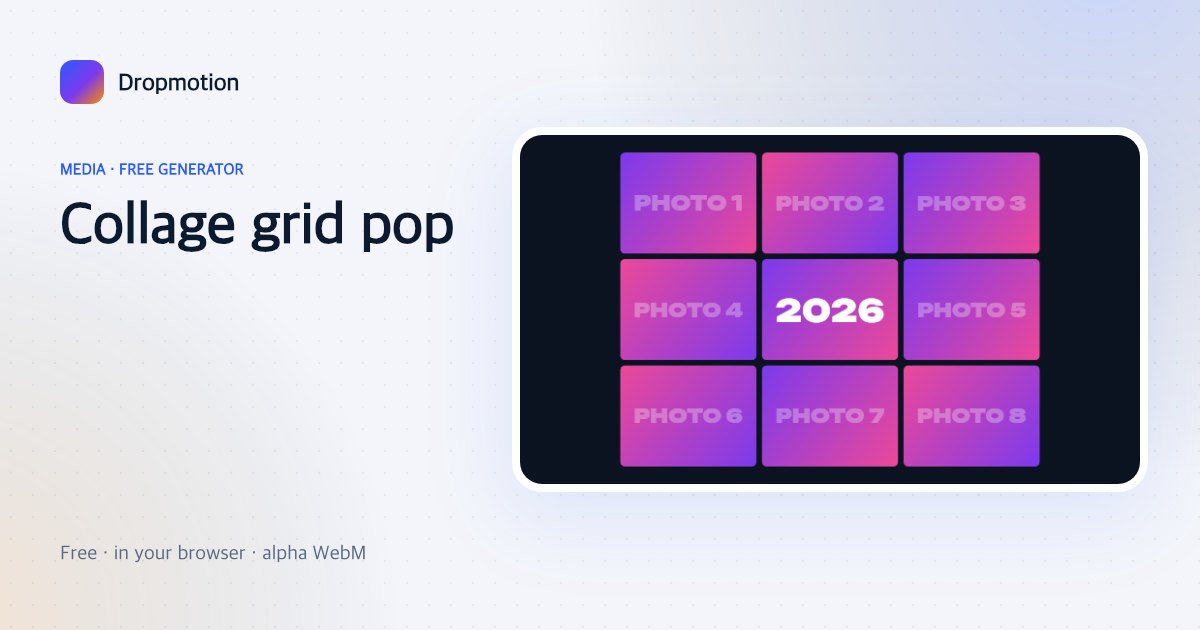
Collage grid pop
Up to nine photos pop into a grid in a wave with a title cell — recaps, product ranges, “my 2026”.
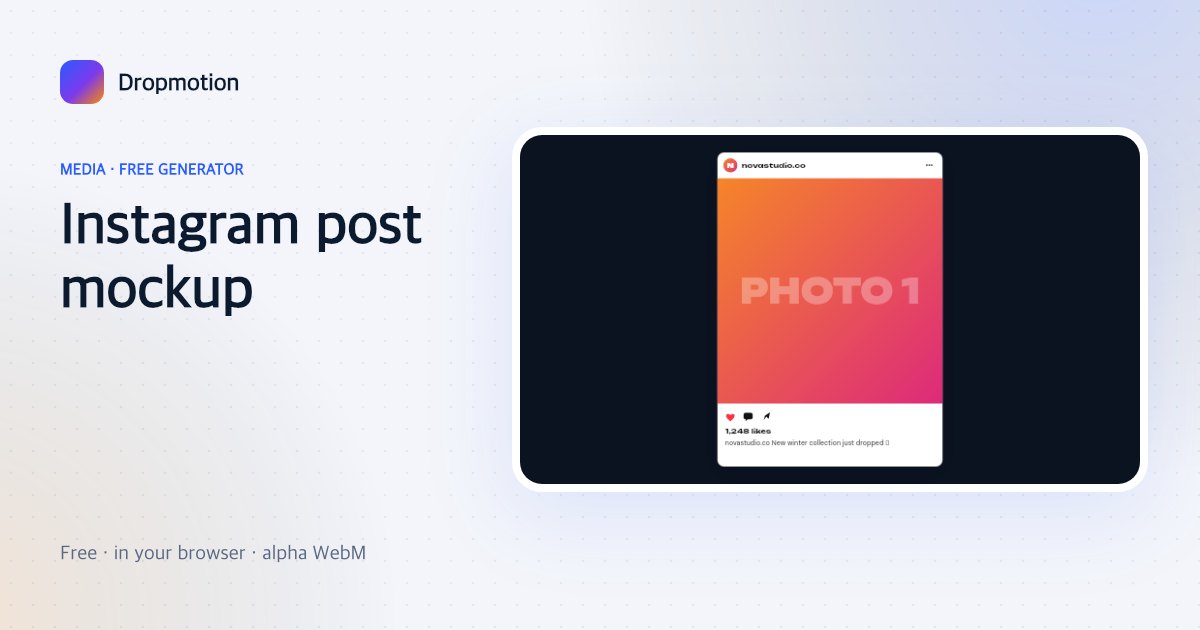
Instagram post mockup
Your photo inside a social post frame with avatar, likes counting up and a caption — content previews.
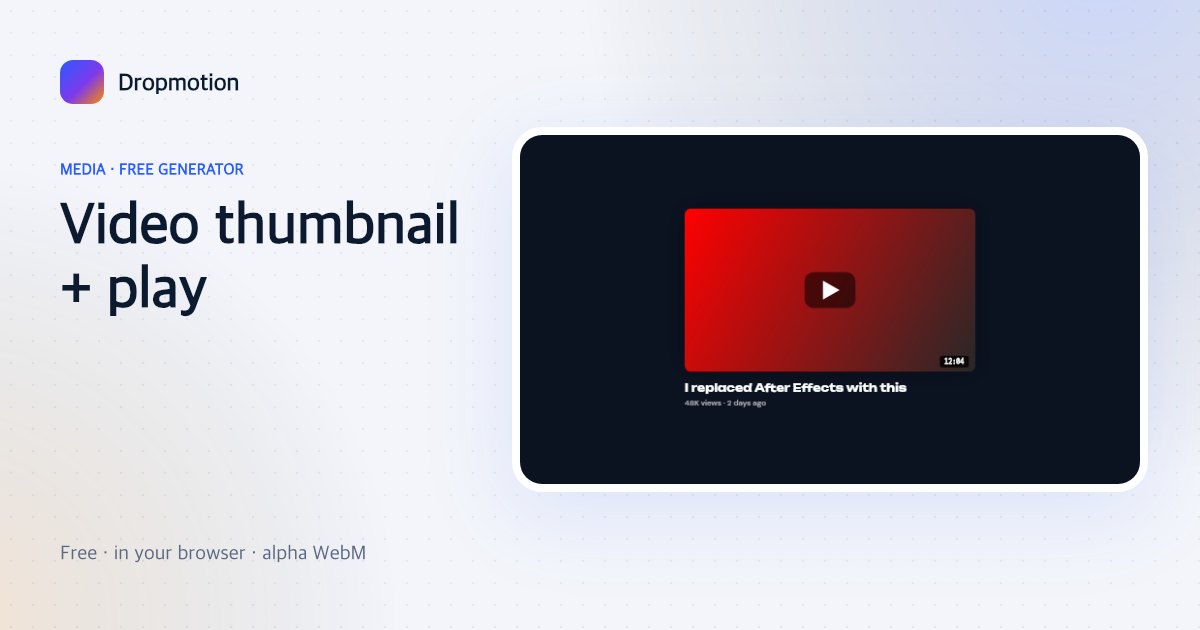
Video thumbnail + play
A thumbnail card with a pulsing play button, duration badge and title — “watch next”, promos.
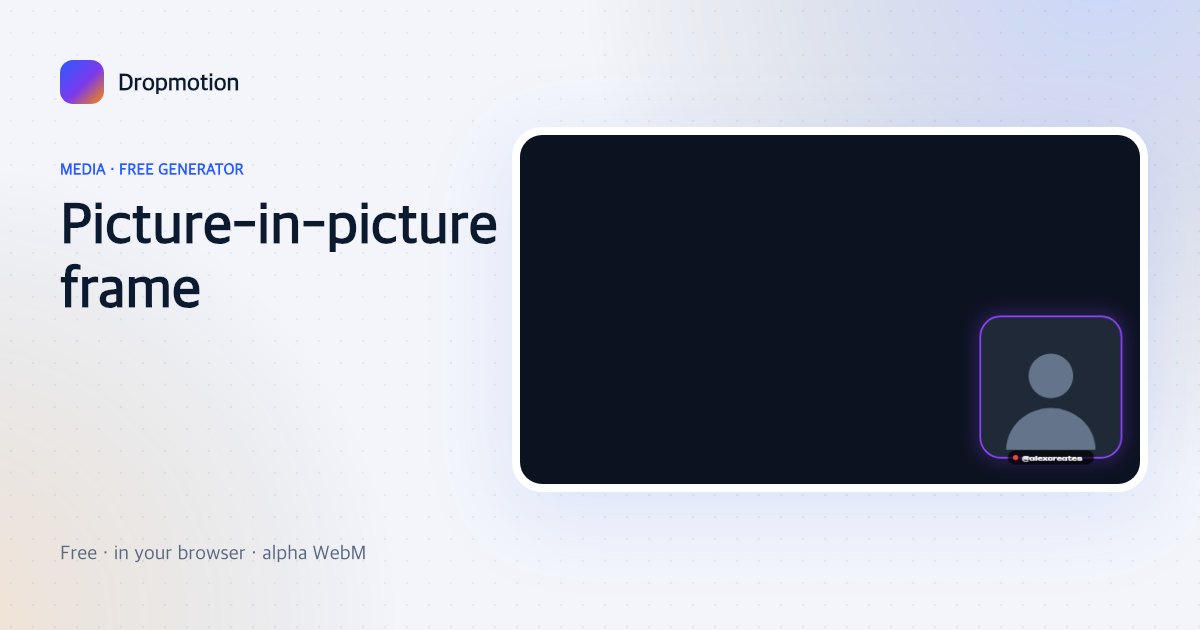
Picture-in-picture frame
A rounded facecam frame with a glowing border, name tag and optional LIVE dot — overlay for gameplay and tutorials.
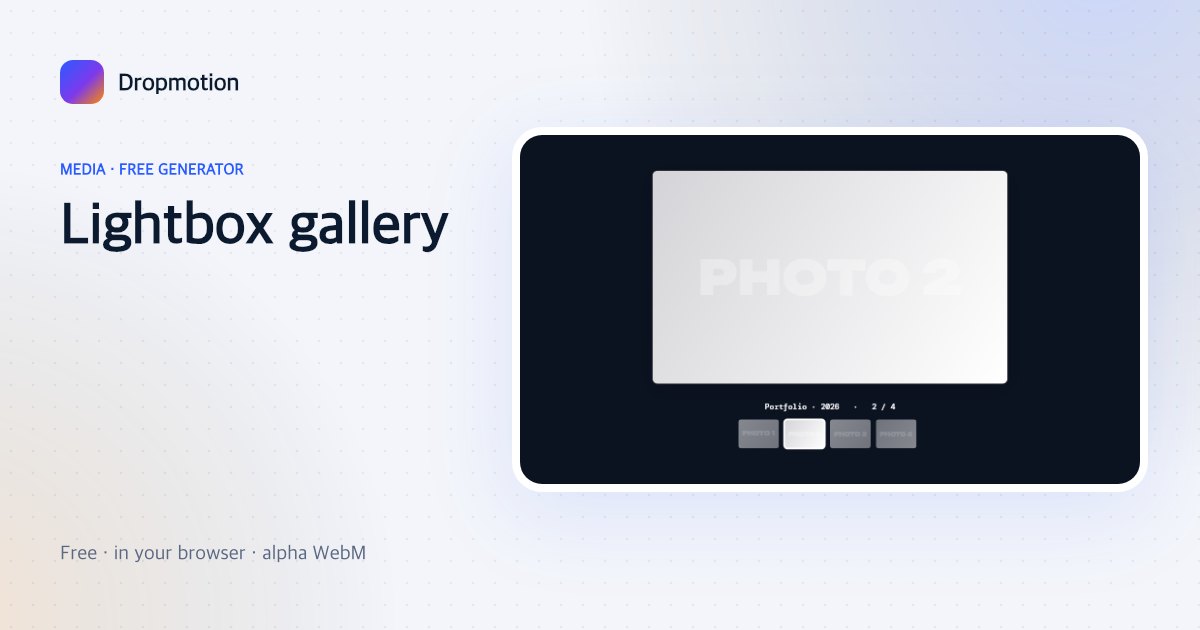
Lightbox gallery
A photo opens full-size from a strip of thumbnails, then the next one — portfolio and product galleries.
Shape mask reveal
A photo is revealed through a growing circle, star, heart or hexagon — a clean reveal for any image.
2×2 photo grid
Four photos snap into a 2×2 grid with a thin gap and slow zoom — before/during/after sets, product angles.
Blur backdrop fit
A horizontal photo fits inside a vertical frame over a blurred copy of itself — the Shorts/Reels fix.
Photo stack swipe
A stack of photos; the top one swipes off to the side every second revealing the next — Tinder-style recap.
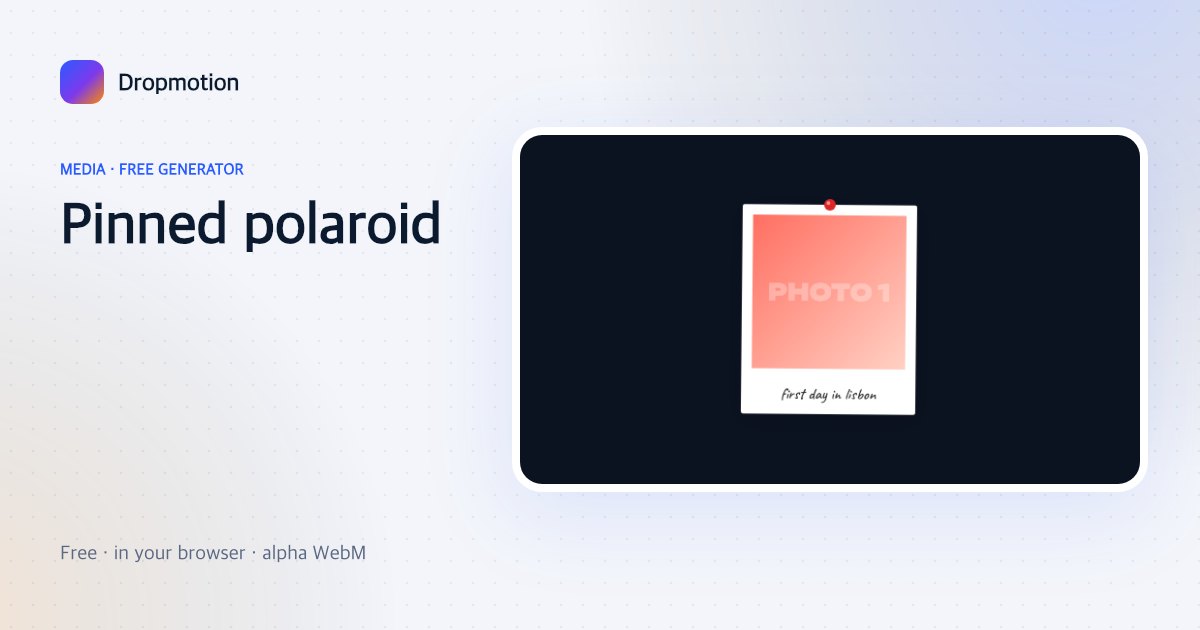
Pinned polaroid
One polaroid swings on a pin and settles with a handwritten caption — single-photo moments.
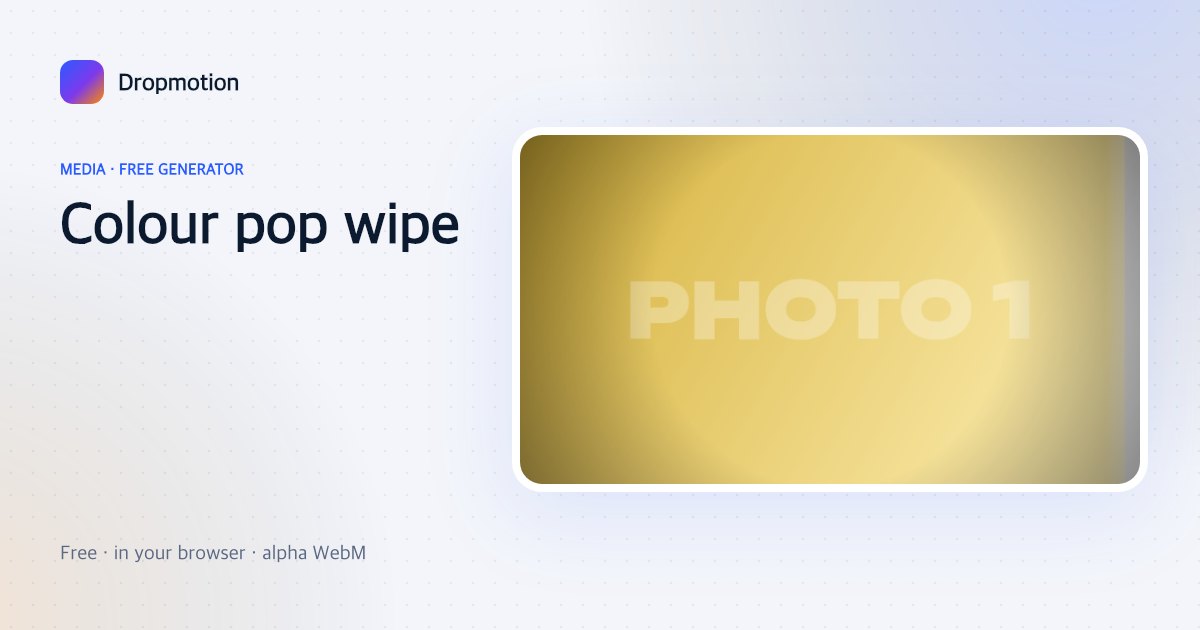
Colour pop wipe
A photo starts in black and white and colour wipes across it with a soft edge — the classic reveal.
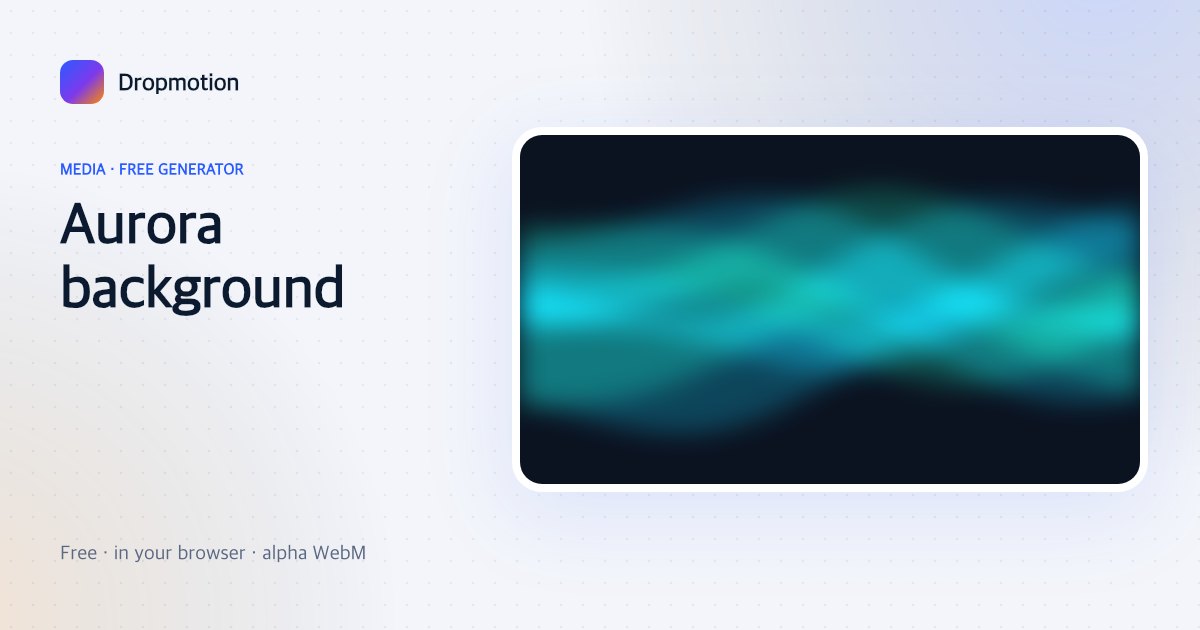
Aurora background
Soft northern-lights ribbons sway and blend behind optional text — calm backgrounds for sleep, ambient, wellness and lo-fi videos.
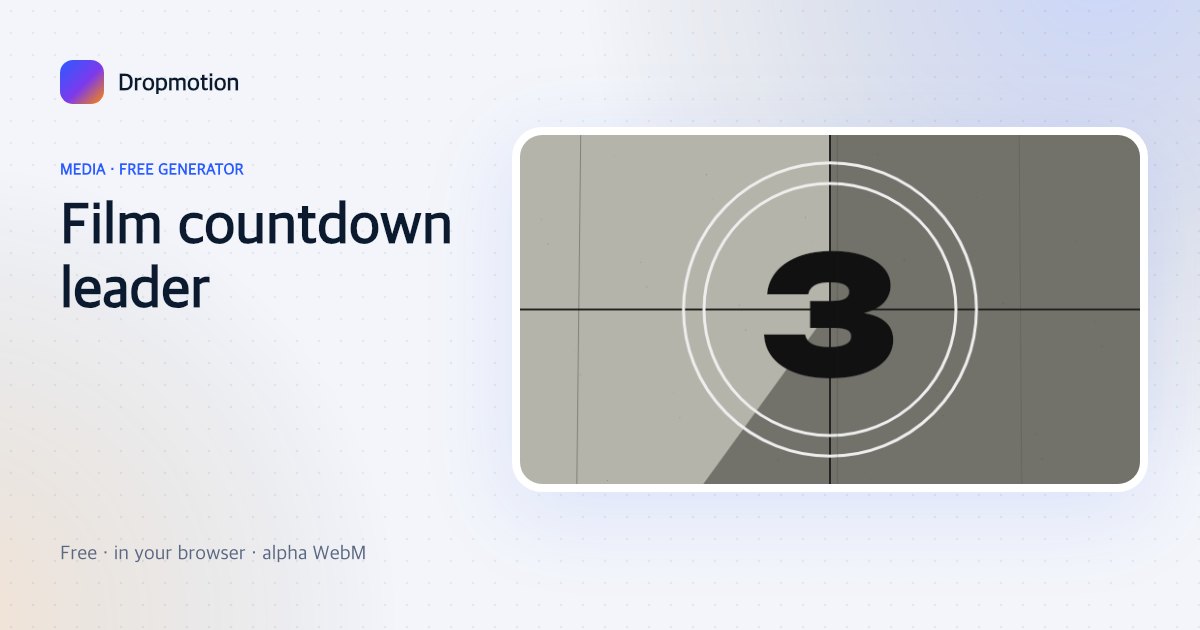
Film countdown leader
The classic cinema countdown: a sweeping hand, crosshairs, flicker and scratches counting down 5-4-3-2-1 before your video starts.
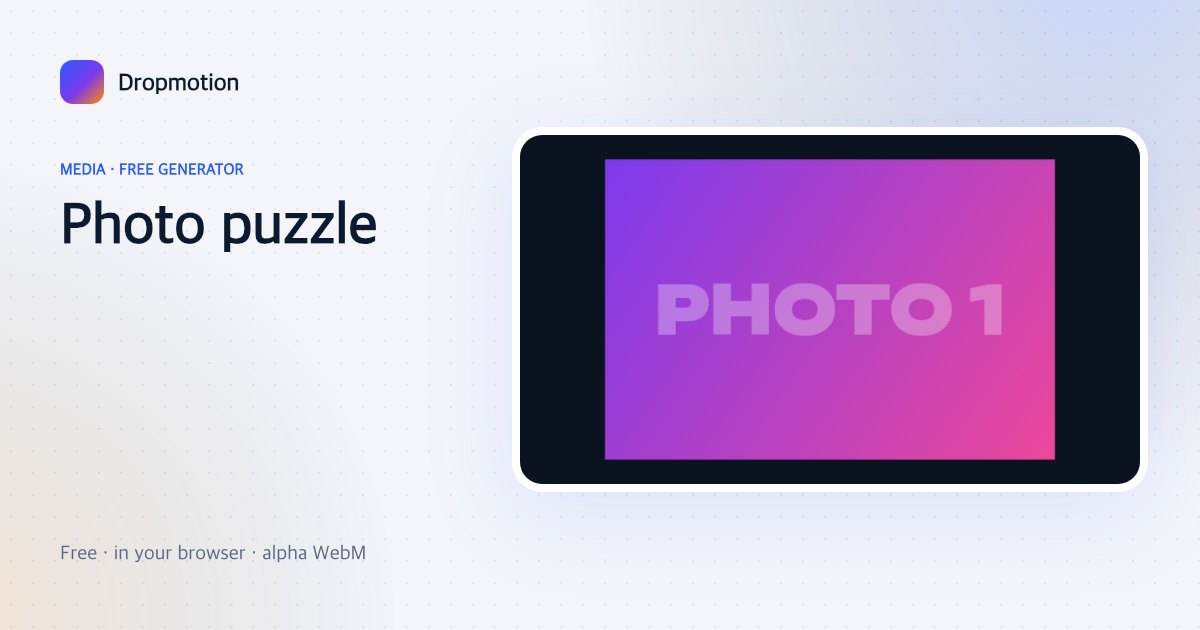
Photo puzzle
Your photo breaks into tiles that fly in from all sides, spin into place and lock together into the full picture — reveals, memories, “the full picture” moments.
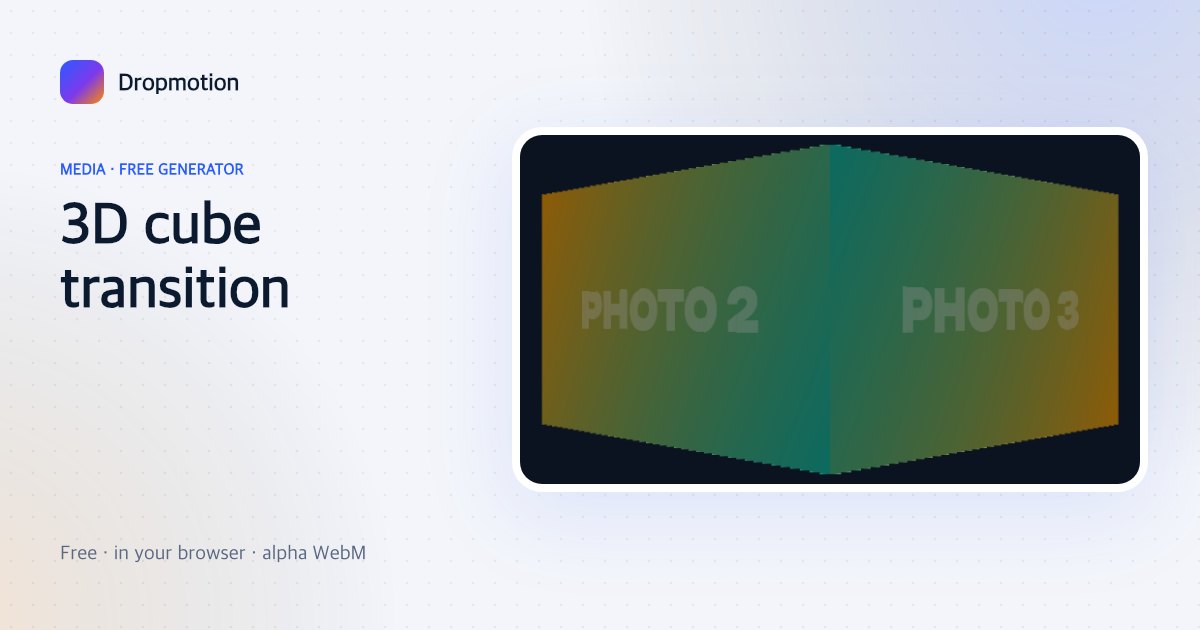
3D cube transition
Your photos sit on the faces of a 3D cube that turns in perspective to show the next one — montages, before/after pairs and scene changes.
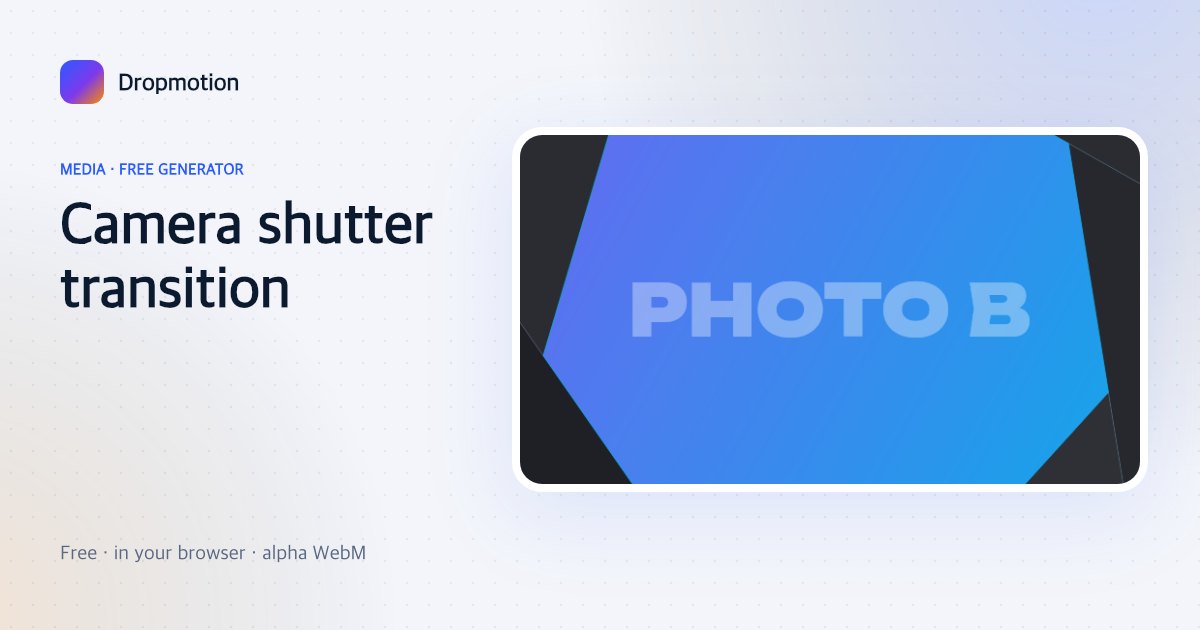
Camera shutter transition
Aperture blades snap shut over photo A, a white flash fires and the shutter opens on photo B — photo dumps, “say cheese” moments and photography reels.
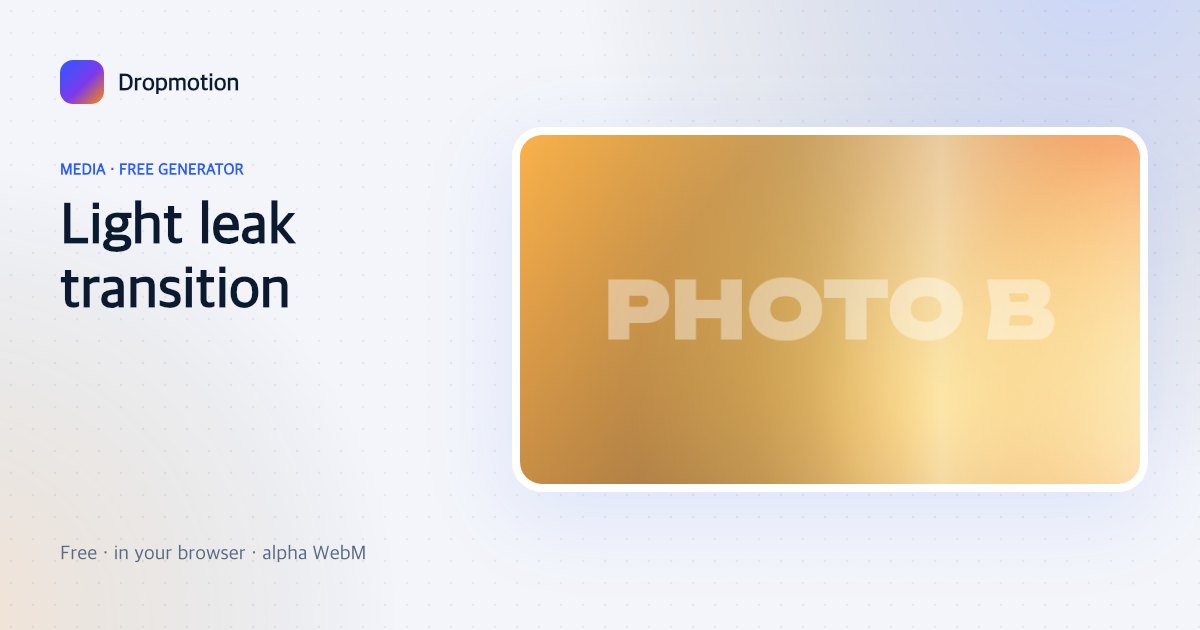
Light leak transition
Warm light leaks roll across photo A, flare to a bright wash and drift off over photo B — the film-camera transition for wedding films, travel montages, vlogs and music edits.
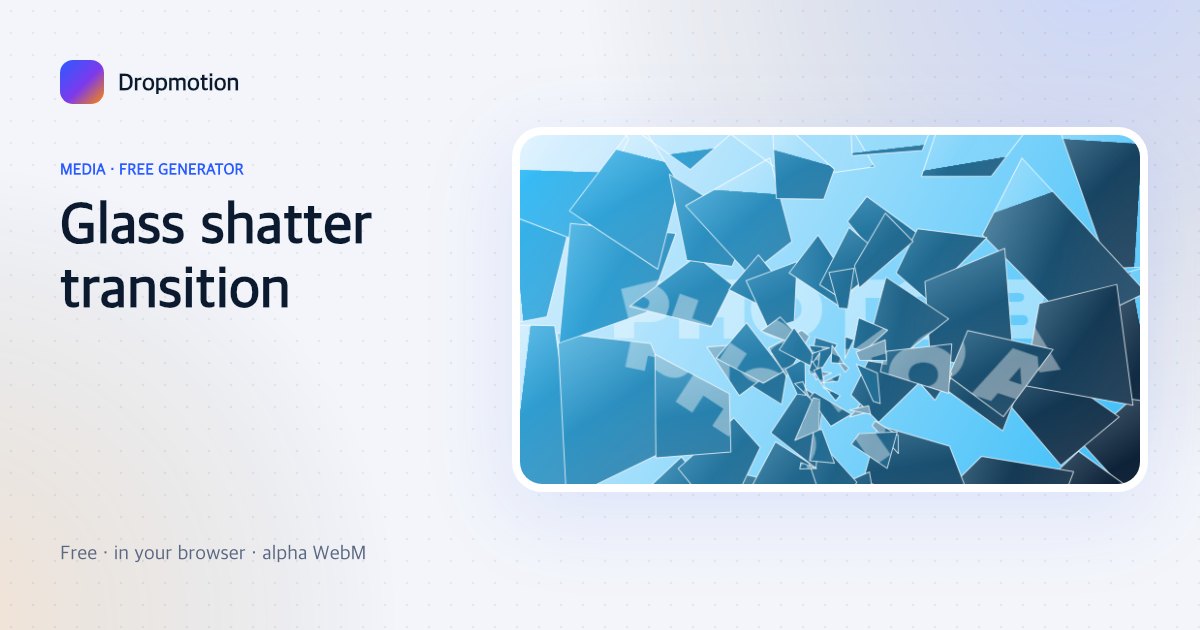
Glass shatter transition
Photo A cracks from an impact point, then breaks into glass shards that fall away or burst towards you to reveal photo B — hard cuts, reveals, gaming and sports edits.
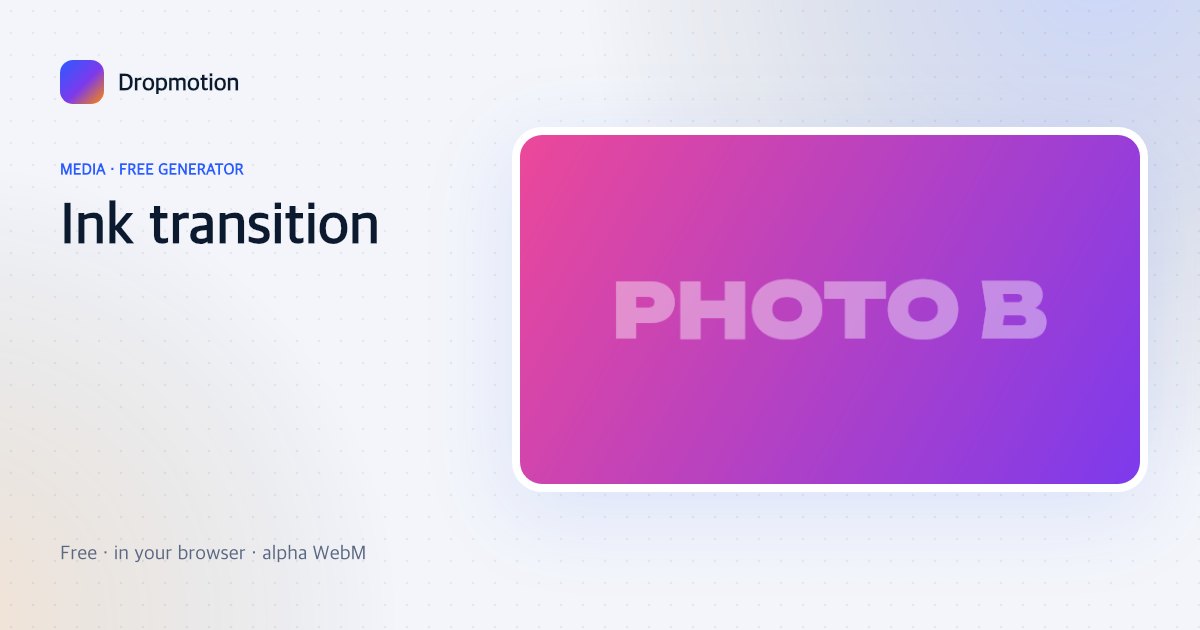
Ink transition
Ink drops land on photo A and bloom into spreading blots with an ink rim and splatter until photo B fills the frame — art edits, fashion reels, calm intros and scene changes.
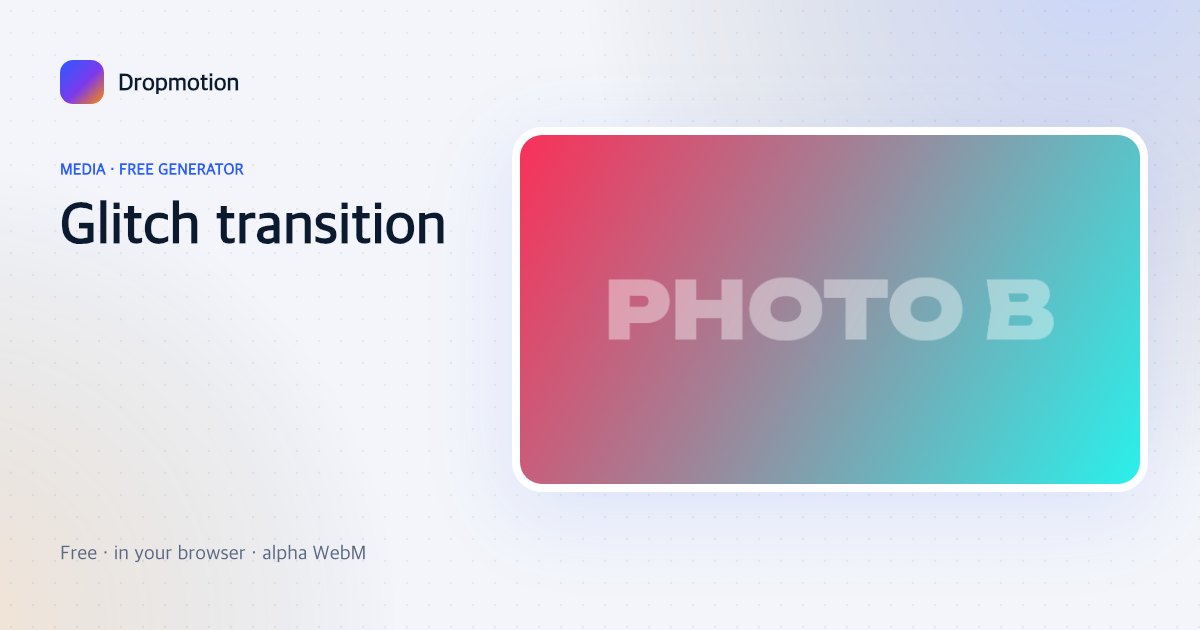
Glitch transition
Photo A tears into shifted slices, RGB colour fringes and digital blocks, then snaps to photo B — gaming edits, tech intros, music videos and hard cuts with energy.
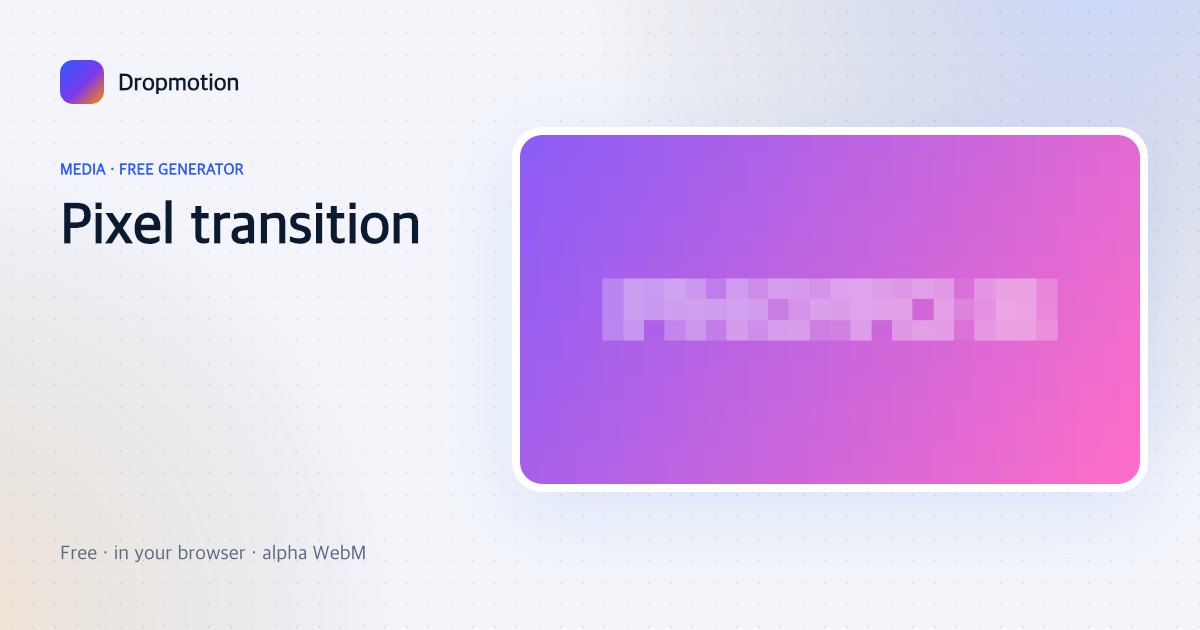
Pixel transition
Photo A breaks down into ever-bigger pixel blocks, turns into photo B at its blockiest and sharpens back up — retro game edits, scene changes and mosaic reveals.
Photo animation questions
How do I make a photo animation online for free?
Open any Media generator on Dropmotion, drop in your photo, pick colours and a size, and press “Download video”. It runs in your browser with nothing to install; downloads are free, up to 10 a day with no account (a 1080p MP4 with a small dropmotion.io mark under the animation and a “Made with dropmotion.io” banner along the bottom, plus a 2-second end card), and a $3 day pass gives clean HD files for 24 hours. Free PNG stills carry the same mark and count toward the 10 a day. The newest releases are for day pass and Unlimited members until the next release.
How do I get a VHS or old film effect without After Effects?
Open VHS overlay or Old film look and upload a photo or a still frame from your clip. The tracking lines, noise, date stamp, grain, flicker and dust are drawn over it in your browser, so you need no After Effects, plugin or overlay pack. For a camcorder look over moving footage, use Camera REC overlay with no photo and lay it on top of your clip.
How do I make the 2.5D parallax effect for CapCut?
Open 2.5D photo parallax, drop in one photo, choose Push in, Pull out or Pan, and switch the light leak and floating dust on or off. Download the video and import it into CapCut as a normal clip; it fills the frame, so there is nothing to key out.
Do the photo effects have a transparent background?
Most Media effects fill the frame with your photos. For overlays such as Camera REC overlay, free downloads keep a transparent background (WebM in Chrome or Edge; other browsers get green to key out), and so do clean HD downloads with a $3 day pass or Unlimited; PNG stills always keep transparency.
Which photo effect works best for Shorts, Reels and TikTok?
Blur backdrop fit puts a wide photo into a tall frame without cropping it, and Photo slideshow and 2.5D photo parallax work well as vertical posts. Set the size to Vertical 9:16 before you download so the layout is made for a phone screen.
Are my photos uploaded anywhere?
No. Your photos are opened by your browser and the video is rendered on your own device, so they are not uploaded to Dropmotion's servers.